5 Best AI Tools to Turn Meeting Recordings Into Content
The best AI tools to turn meeting recordings and transcripts into social media posts in 2026, ranked by the job each one does best. Honest pros, cons, and pricing.


Your best thinking this week probably happened out loud, on a call, and then disappeared.
The sales call where you nailed the objection. The team sync where someone framed the problem better than your homepage does. The customer interview with a line so good you wrote it on a sticky note and lost the sticky note. All of it recorded. None of it published.
That is the strange waste of modern work. We record everything and repurpose almost none of it. The transcript sits in a folder while you open a blank document and try to think of something to post, as if the good stuff had not already been said.
Turning a meeting recording into content means taking the transcript of a call you already had and reshaping it into posts, threads, carousels, and clips, instead of writing from scratch. The recording is the raw material. The tool's job is to do the reshaping.
This guide ranks the five AI tools I would actually reach for, and it does one thing most "best tools" lists skip: it tells you which of these tools generate content and which just hand you a transcript and wish you luck. Those are very different products, and buying the wrong one is why a lot of people conclude "AI meeting tools don't really make content." The good ones do. Here they are.
What counts as a "meeting to content" tool?
Two categories wear the same label, and conflating them is the whole problem.
Transcribers (the AI note-takers) join your call, record it, and give you an accurate transcript plus a summary and action items. Otter, Fireflies, and Fathom live here. They are genuinely good at what they do. But their output is a transcript, not a post. You still have to write the content.
Content tools start where the transcriber stops. You give them the recording or the transcript, and they draft the actual posts: a LinkedIn text post, an X thread, a carousel, a short video clip. Some record the call too, some do not. What defines them is that the thing you get back is publishable, or close to it.
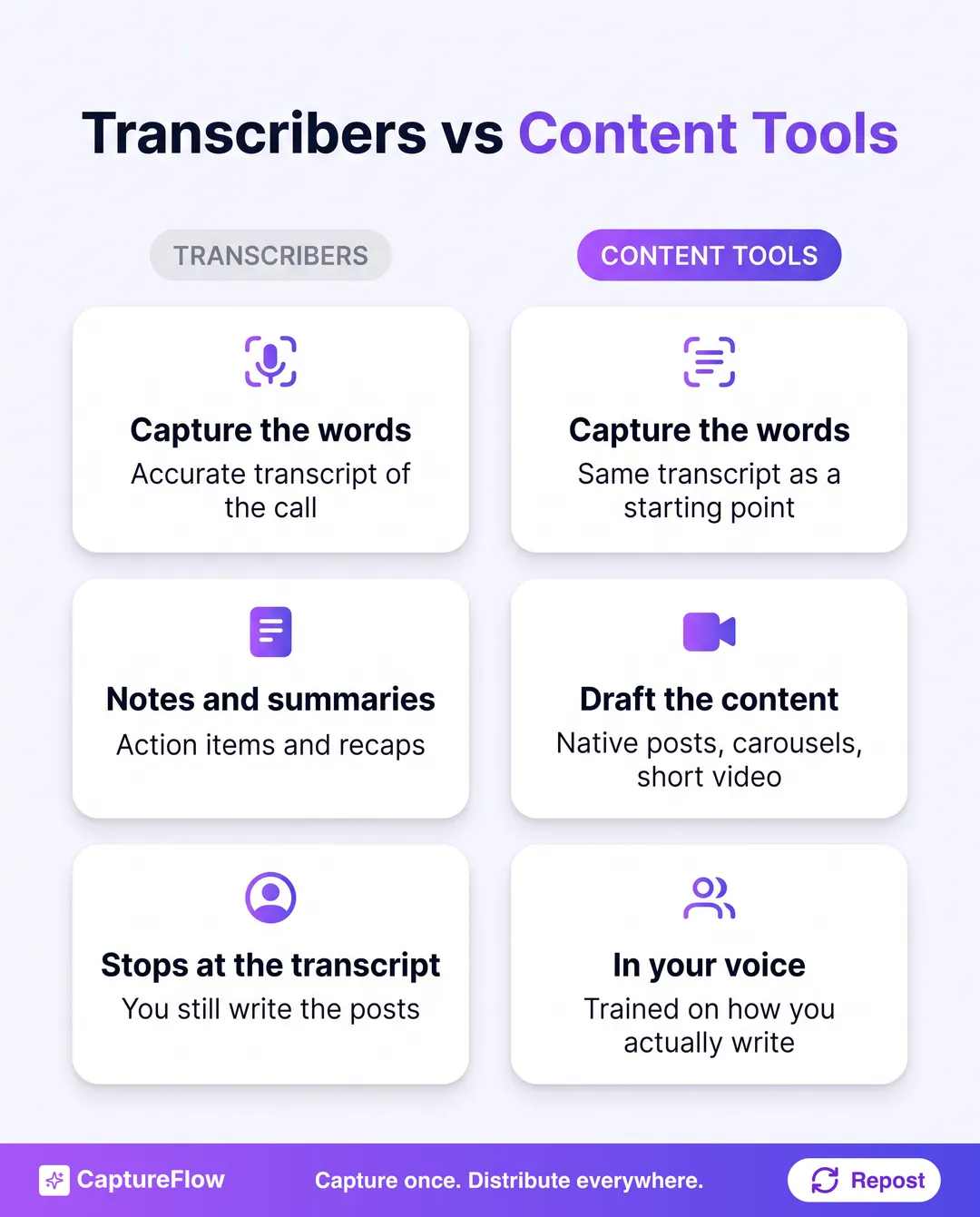 Transcribers hand you the words. Content tools hand you the posts. Most people need one of each.
Keep that split in your head as you read. Three of the five tools below generate content. Two record and clip. And at the end I will tell you honestly where the pure note-takers fit, because they do fit, just not where their marketing implies.
The 5 best AI tools to turn meeting recordings into content
| Tool | Best for | What you get back | Starts at (approx, Aug 2026) |
|---|---|---|---|
| CaptureFlow | One call into native posts everywhere | LinkedIn post, X thread, carousel, short video, quote image, in your voice | Free to start |
| Castmagic | Fast text content from any call | Posts, threads, summaries, show notes | ~$34/mo |
| Descript | Editing the recording and cutting clips | Edited video/audio, transcript, clips | Free tier, ~$24/mo |
| OpusClip | Auto-clipping meeting video into shorts | Vertical short clips with captions | Free tier, ~$15/mo |
| Riverside | Recording high-quality calls to repurpose | HD recording, transcript, AI clips | Free tier, ~$19/mo |
Pricing changes constantly. Treat these as a starting point and check each tool's own pricing page before you buy.
1. CaptureFlow: best for turning one meeting into content for every platform
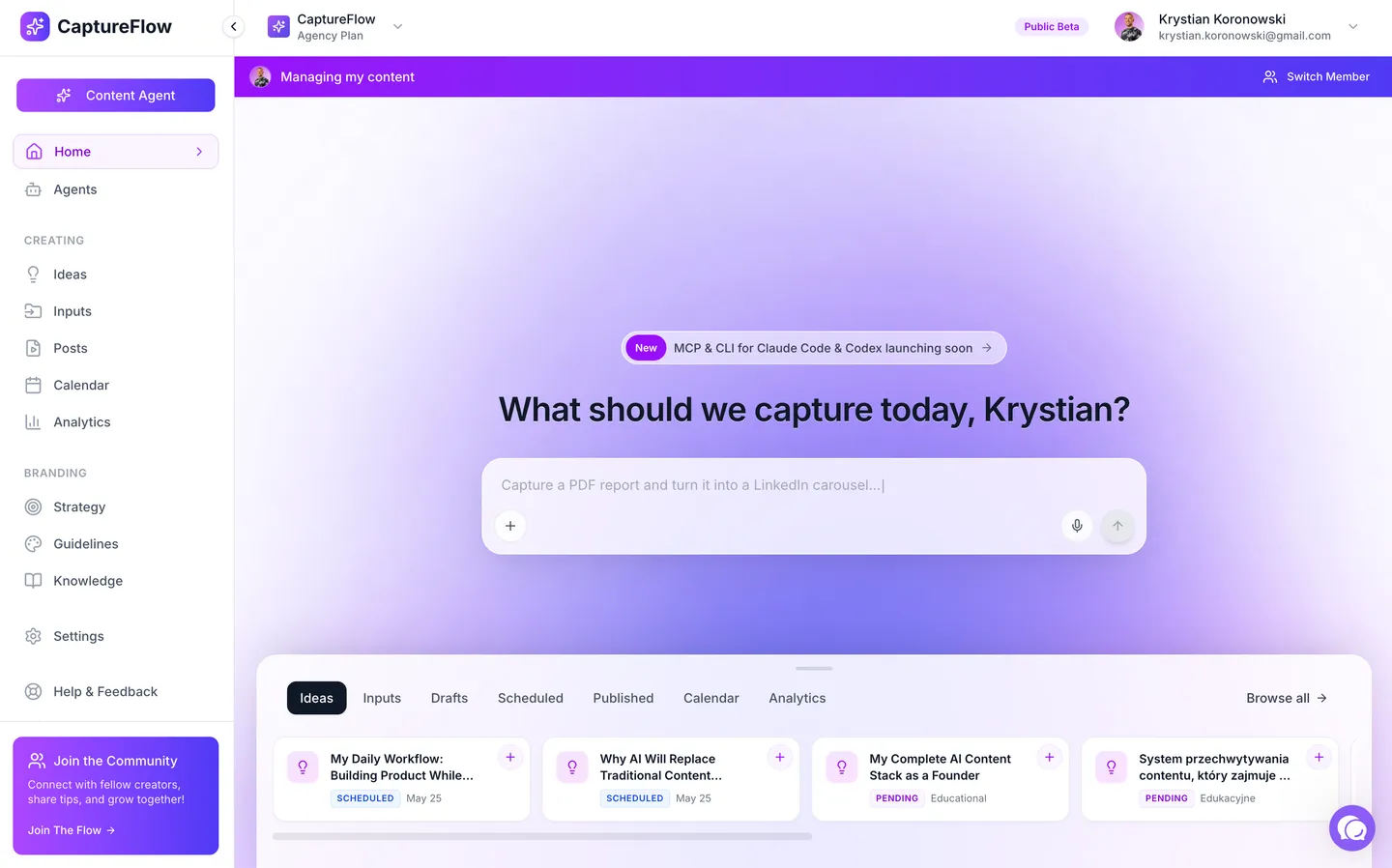 CaptureFlow. Source: captureflow.ai
Most tools on this list do one slice of the job well. CaptureFlow is built to do the whole arc, from the recording to the posted content, without you touching a blank page in between.
CaptureFlow is an AI content agent that turns your expertise into weeks of on-brand content for every platform. You feed it the meeting, a Zoom recording, a transcript, even a voice note you left yourself after the call, and it drafts native content for each channel: a LinkedIn post, an X thread, a carousel, a short video, a quote image. Not a generic summary. Posts written the way you write, because it is trained on your voice and your past posts. You review, tweak, approve, and it distributes them. The capture takes about 5 minutes. The rewrite you used to dread does not happen, because it already wrote the draft.
That is the difference between a summary and content. A summary tells you what was said. Content is ready for the feed.
- Best for: founders and lean teams who want the meeting to become posts across platforms, not just a tidy transcript.
- Where it wins: breadth and voice. One capture fans out into every format, and each one sounds like you, so you are approving, not ghost-editing a robot.
- Where it does not: if all you want is a raw transcript for your records, this is more than you need. Grab a free note-taker.
- Pricing: free to start, see pricing. More on how the capture works on the multimodal capture and content agent pages.
The fastest win here is not a formal meeting at all. Right after a good call, record a 60-second voice note of the one thing that mattered. That single capture, in your own words, becomes a better post than the polished 45-minute transcript, because you already did the editing in your head.
2. Castmagic: best for fast text content from a call
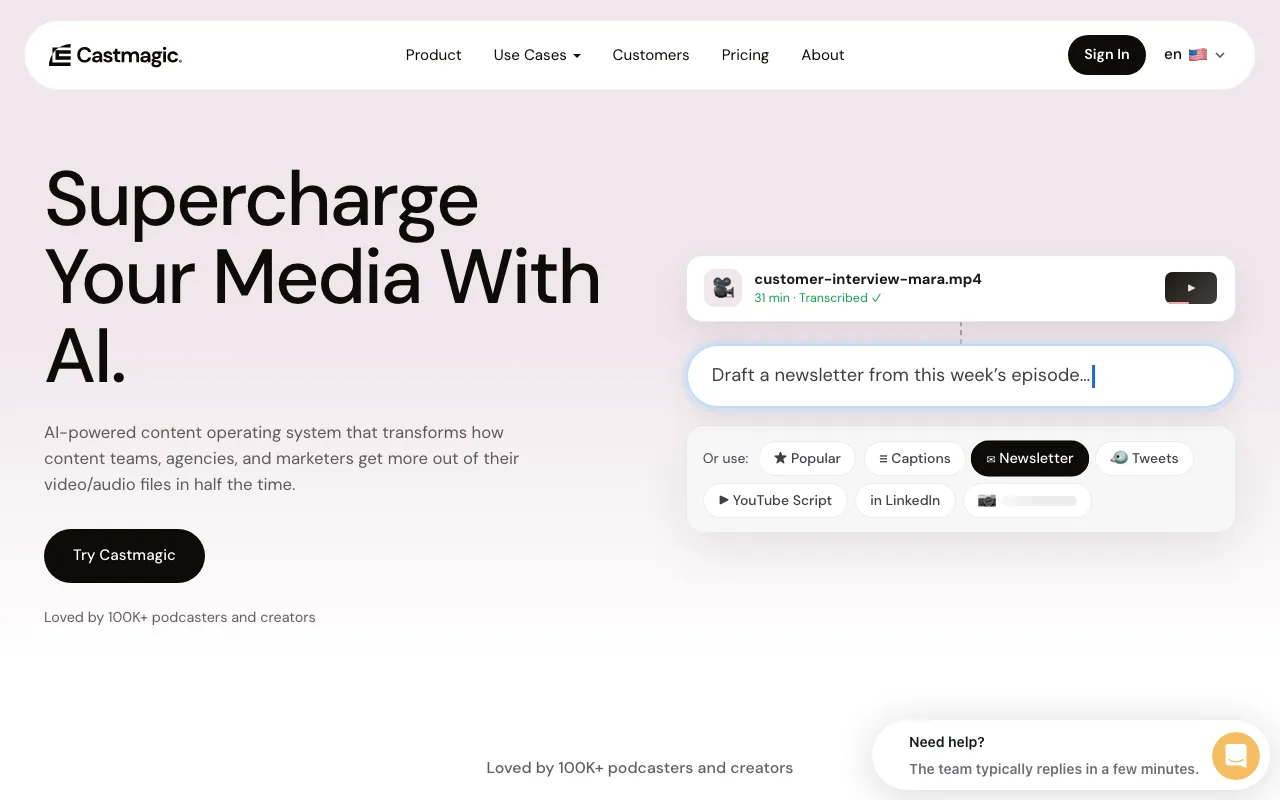 Castmagic. Source: castmagic.io
Castmagic earns real credit here. Drop in a call recording or a podcast episode and it spits out a stack of text assets fast: summaries, show notes, social posts, email drafts. If your goal is "get words out of this audio quickly," it is one of the smoothest options going.
Where it stops short is voice and distribution. The drafts are competent but generic out of the box, so you spend time making them sound like a person rather than a template, and you still have to take those drafts elsewhere to post them.
- Best for: getting a pile of usable text out of one recording in a hurry.
- Where it wins: speed and volume of text formats from audio.
- Where it does not: it does not distribute, and the default voice needs work. See the full breakdown on our CaptureFlow vs Castmagic page.
3. Descript: best for editing the recording and cutting clips
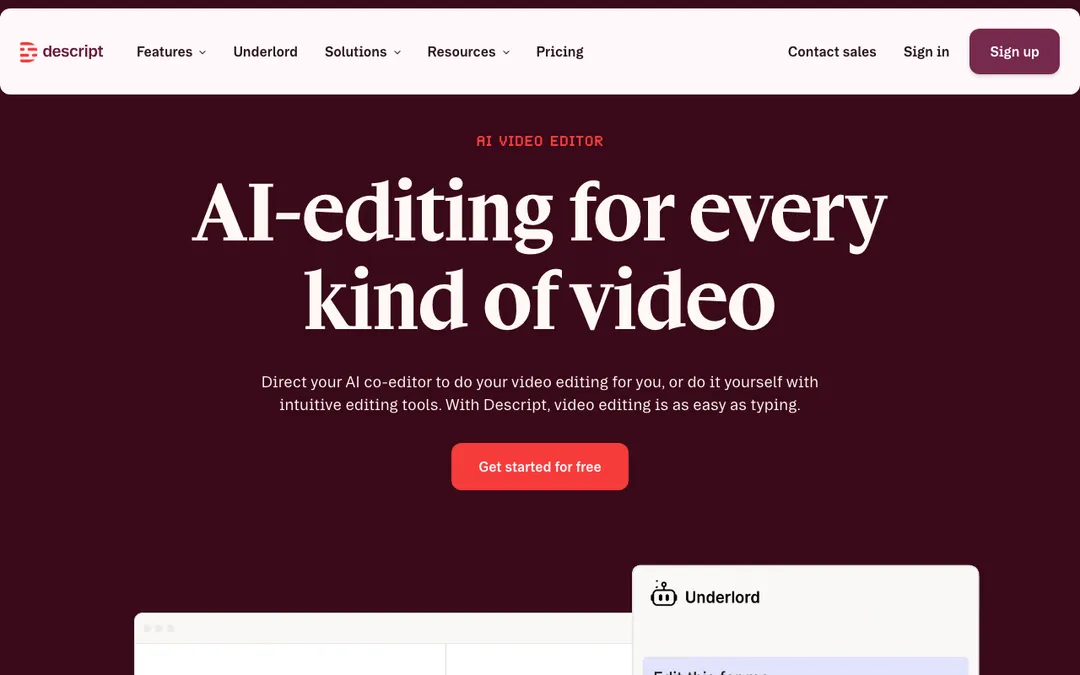 Descript. Source: descript.com
Descript is the tool to reach for when the recording itself is the content. It edits video and audio by editing the transcript, which sounds like a gimmick until you use it and never go back. Cut a filler word, delete a tangent, pull a 40-second clip, all by editing text.
For meetings, that makes it excellent at turning a long call into a tight clip you can actually post. It is less about generating written posts and more about producing a clean piece of media. Different job, done well.
- Best for: teams comfortable with a real editor who want polished clips from a recording.
- Where it wins: transcript-based editing is genuinely a better way to cut video.
- Where it does not: it will not write your LinkedIn post for you, and there is a learning curve. Browse alternatives on the comparison hub.
4. OpusClip: best for auto-clipping meeting video into shorts
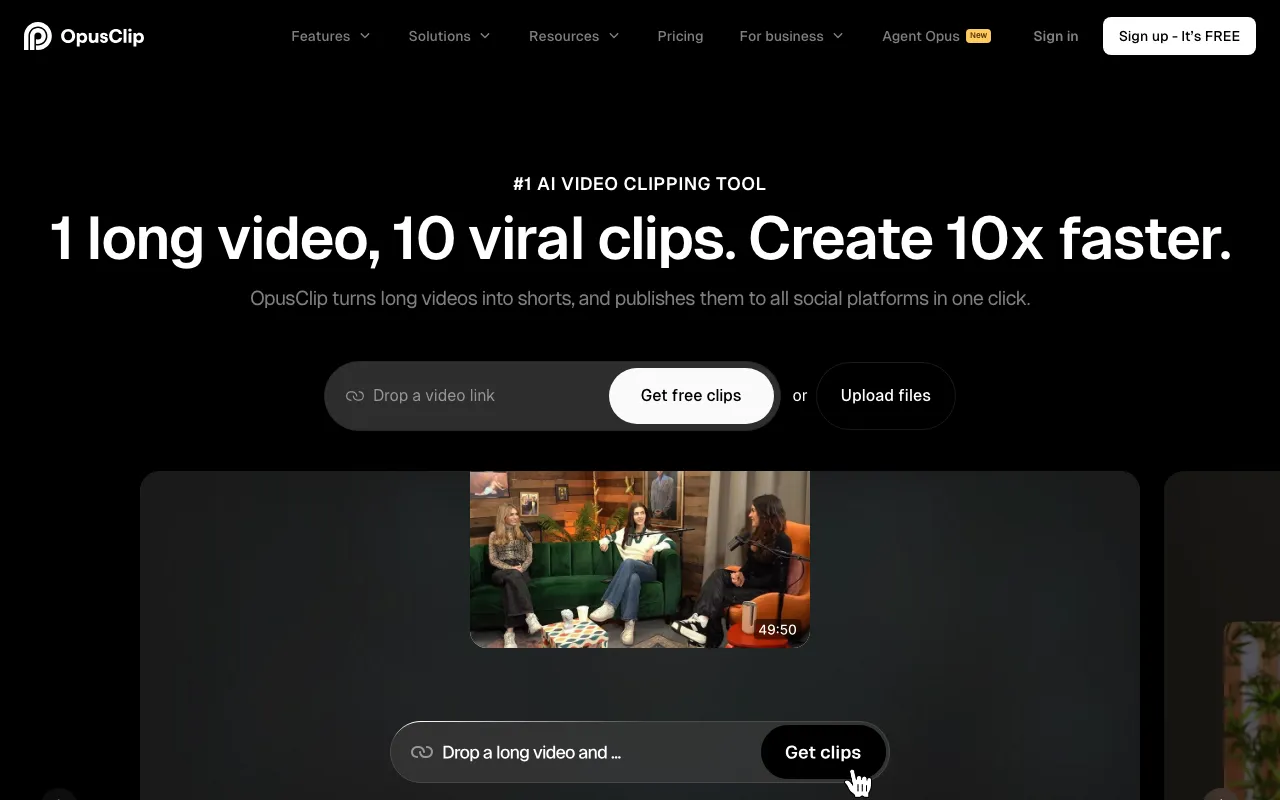 OpusClip. Source: opus.pro
If your meetings are on video, a webinar, a recorded panel, a long customer call, and you want vertical shorts for Reels, TikTok, and Shorts, OpusClip is purpose-built for exactly that. It scans the recording, finds the moments it thinks will perform, and cuts captioned vertical clips with almost no effort from you.
The tradeoff is that "moments it thinks will perform" is a guess, and the guess is only okay. You will re-pick clips. And it is video-only, so a text-heavy strategy gets nothing from it.
- Best for: turning long meeting video into a batch of short clips fast.
- Where it wins: hands-off clipping at volume.
- Where it does not: clip selection needs a human pass, and it does nothing for text. Compare it on our CaptureFlow vs OpusClip page, and see the wider workflow in how to turn one video into content for every platform.
5. Riverside: best for recording high-quality calls to repurpose
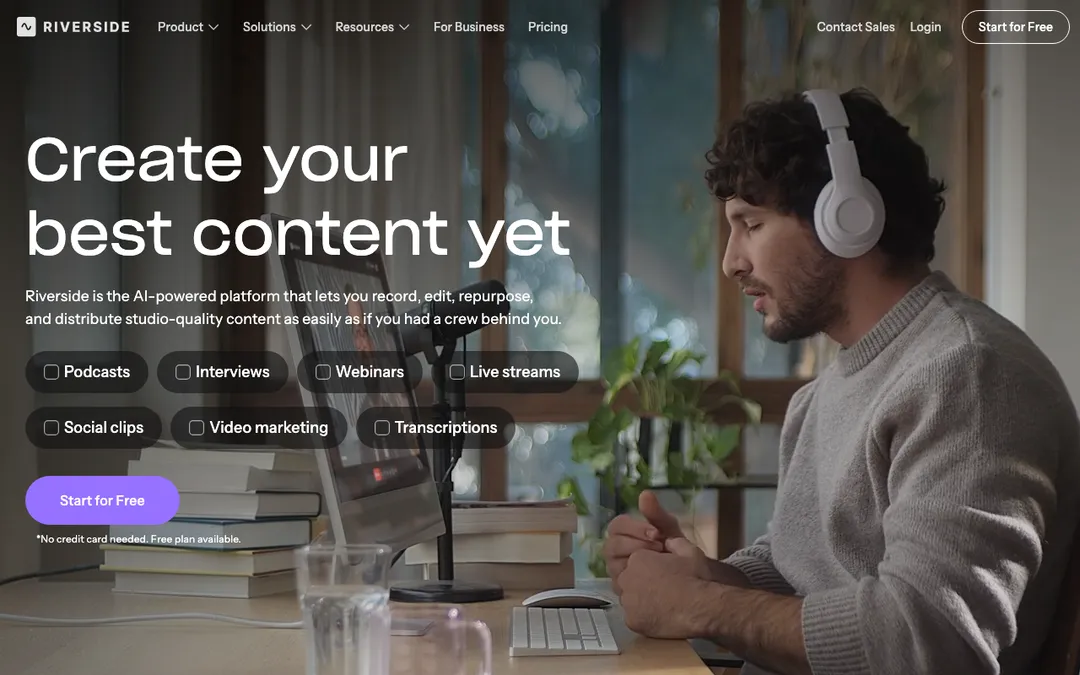 Riverside. Source: riverside.fm
Riverside solves the problem upstream. If the raw recording looks and sounds bad, everything you make from it looks and sounds bad. Riverside records each participant locally in high quality, so an interview or customer call comes out clean enough to actually publish, and it now adds AI transcripts and clip suggestions on top.
It is the right pick when the meeting is really a piece of content in disguise, a recorded interview, an expert Q&A, a founder conversation. For an internal standup, it is overkill.
- Best for: planned, publishable conversations you want in studio quality.
- Where it wins: recording quality that holds up when you clip and post it.
- Where it does not: it records and clips, it does not draft written posts, and it is aimed at intentional content, not everyday meetings. See more on the comparison hub.
The honest summaryNote-takers give you the words. Editors and clippers give you the media. Only a content agent gives you the finished post. Pick for the output you actually need.
What about Otter, Fireflies, and Fathom?
You noticed they are not ranked, and that is on purpose, not an oversight.
Otter, Fireflies, and Fathom are excellent meeting note-takers. They join the call, transcribe it accurately, summarize it, and pull action items. If what you need is a searchable record of every meeting, they are worth the money. Otter even calls itself a knowledge tool, and it is a good one.
But they are transcribers, not content tools. Their output is a transcript and a summary. That is the raw material, the thing you feed into a content tool, not the finished content. Treating a meeting summary as a social post is why so many "AI-written" posts read like meeting minutes, because that is literally what they are.
So the honest setup is a pair: let a note-taker capture the call, then hand the transcript to a content tool that drafts posts in your voice. Or use one tool that does both ends, which is the case CaptureFlow is built for. Either way, do not expect a note-taker to make you content. It was never trying to.
One meeting is a week of content
Here is the mindset shift that makes any of these tools pay off. A single good call is not one asset. It is a week of them.
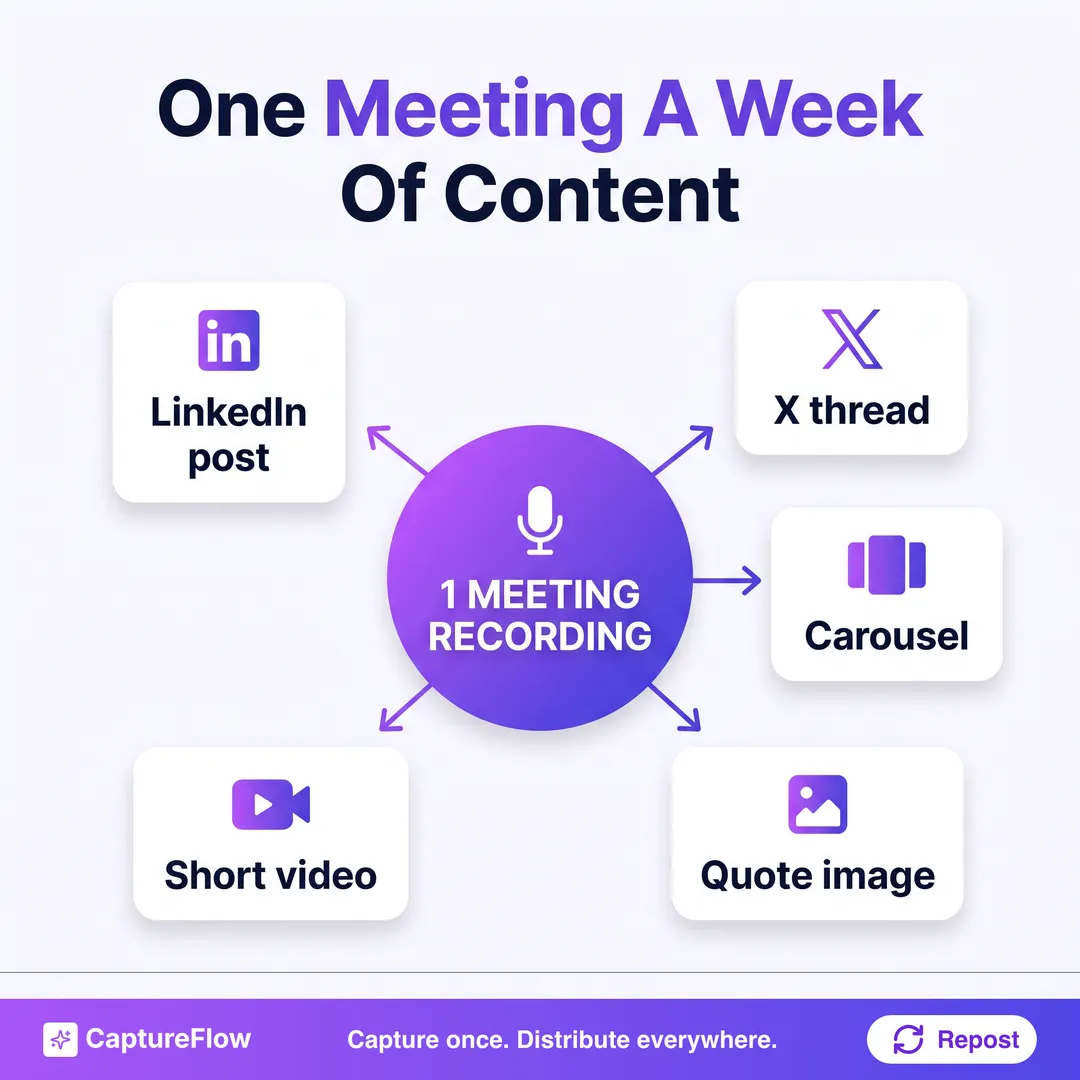 One recording, reshaped into every format your audience lives in.
The customer objection you answered becomes a LinkedIn post. The framework someone sketched on the call becomes a carousel. The 40-second riff where you got fired up becomes a short video. The one great sentence becomes a quote image. That is five pieces of content from a call you were going to have anyway.
And the format matters, because the reshaped clip usually outperforms the effort you put into it. Short video keeps winning: in Wyzowl's 2026 video survey, 82 percent of marketers say video gives them good ROI, and short-form is the format they rank highest. Buyers feel the same, with a majority saying they would rather learn about something from a short video than read about it. The clip hiding in your last call is the exact content they want.
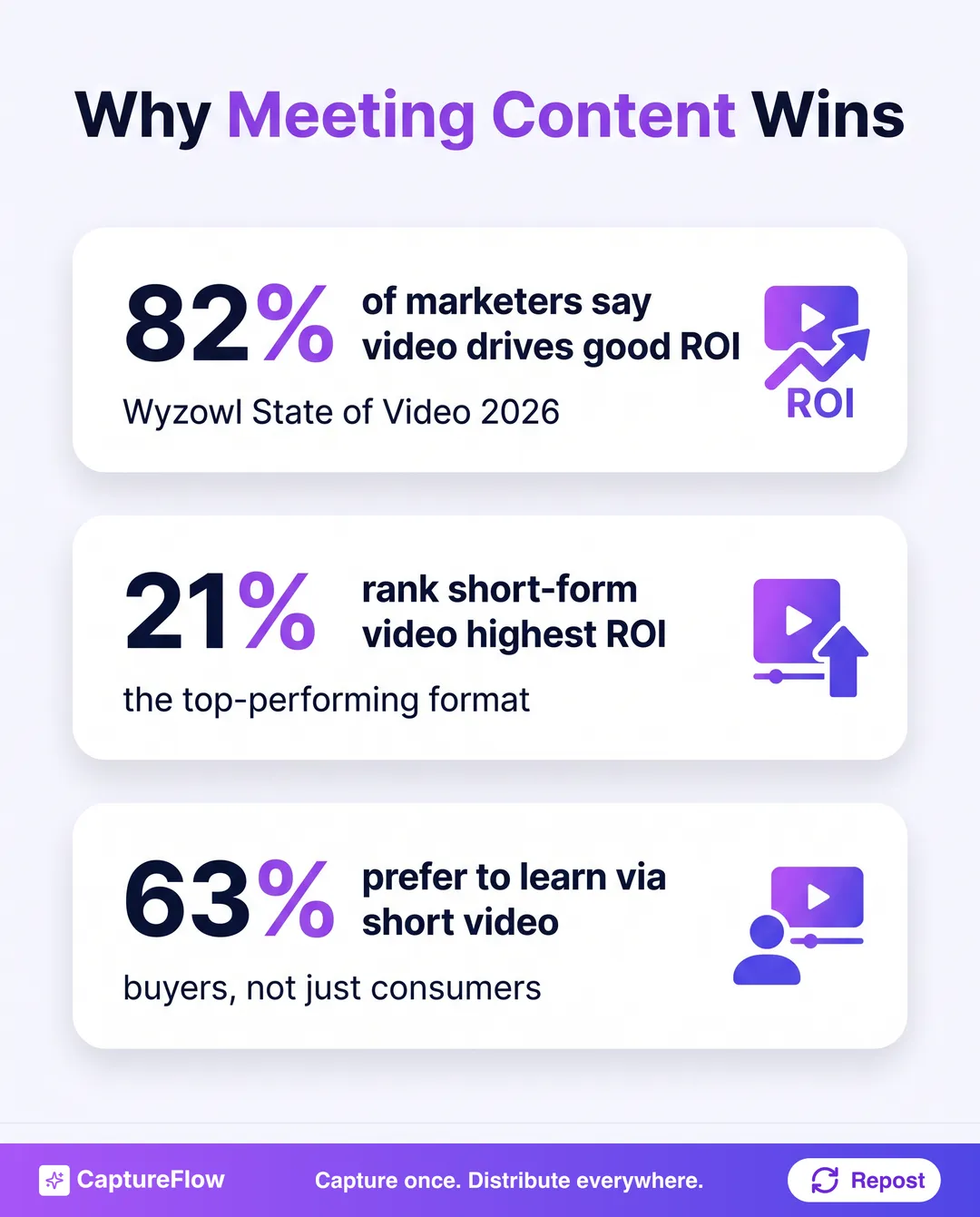 Sources: Wyzowl State of Video 2026 and HubSpot State of Marketing.
None of this works if the tool sits unopened. The full system, capture on Monday, review and approve, distribute through the week, is laid out in how to turn meeting recordings into content. And meetings are only one input, the same approach applies to podcasts and the wider set of content repurposing tools covered in our repurposing strategy guide.
The final take
Buy for the output you actually want, not the demo that looked cool.
If you want a searchable record of meetings, get a note-taker (Otter, Fireflies, Fathom) and stop there. If you want polished video clips from a recording, Descript to edit or OpusClip to auto-clip, and Riverside if the recording quality has to be high. If you want text posts fast from a call, Castmagic will get you a stack quickly.
And if you want the whole arc, one meeting reshaped into native posts across every platform, in your voice, without opening a blank page, that is the specific job CaptureFlow was built for. You capture the call, you review the drafts, it distributes them. The recording was already yours. Now it works for you more than once.
Whichever you pick, the tool is the easy part. Recording one call a week and actually reshaping it is the habit that compounds. Start with the call you had yesterday.
Sources
- Wyzowl, Video Marketing Statistics 2026 (82 percent report good ROI from video; short-form ranked highest; majority of buyers prefer short video).
- HubSpot, State of Marketing report (short-form video as the top-performing format by ROI).
Frequently asked questions
What tools can convert meeting transcripts into social media posts?+
CaptureFlow and Castmagic are the two built specifically to turn a call transcript into finished posts, threads, and carousels. Descript, OpusClip, and Riverside focus on cutting the recording into video clips. Meeting note-takers like Otter, Fireflies, and Fathom give you the transcript but stop there, so they pair with a content tool rather than replace one.
Can I turn a Zoom or Teams recording into LinkedIn posts automatically?+
Yes. Upload the recording or its transcript to a content tool and it drafts posts you review. With CaptureFlow you capture the call, and 5 minutes later you have a LinkedIn post, an X thread, a carousel, and a short video in your voice, ready to approve.
Are meeting note-takers like Otter and Fireflies enough on their own?+
For notes and searchable transcripts, yes. For content, no. They are transcribers, not content tools. They hand you accurate words, but you still have to shape those words into something worth posting, which is the job the tools ranked here actually do.
Chris is the founder and CEO of CaptureFlow, which he builds so founders can turn their expertise into content without hiring a team. After 10+ years building products and growing audiences from scratch, he writes about founder-led content, AI, and distribution from inside the problem he is solving: distributing consistent, on-brand content as a team of one.
Founder & CEO of CaptureFlow · 10+ years building products and audiences
One playbook a week from founders who actually create and distribute lots of content. No spam, unsubscribe anytime.
Keep reading
Content Atomization: Turn One Idea Into Many Posts
Most people make one post from one idea, then go hunt for the next idea. Content atomization is the opposite: one idea becomes a week of native posts.
7 Best Repurpose.io Alternatives in 2026 (Ranked by Use Case)
Repurpose.io moves your video between platforms, but it does not create anything. Here are 7 alternatives that do, ranked by the job you actually need done.
How to Turn a Voice Note Into a Week of Content
You already said the idea out loud. Here is how to turn a single voice note into a full week of on-brand content, without writing from a blank page.