7 Best Repurpose.io Alternatives in 2026 (Ranked by Use Case)
The best Repurpose.io alternatives in 2026, tested and ranked by what they actually do best, from clipping to full multimodal repurposing.

Repurpose.io does one thing well: it takes a video you already made and pushes it to every platform automatically. Post a TikTok, and it lands on Reels, Shorts, and LinkedIn without you lifting a finger.
That is genuinely useful. It is also where Repurpose.io stops. It is a conveyor belt, not a kitchen. It moves the meal around, but it never cooks anything.
A content repurposing tool takes one piece of source material and turns it into multiple new pieces of content for different platforms. By that definition, Repurpose.io is really a distribution tool, and the moment you want something to actually clip, caption, write, or reshape your content, you have outgrown it.
This guide ranks the 7 best Repurpose.io alternatives in 2026 by the job you actually need done, not by who has the biggest ad budget. Every pick is here for a specific reason, and I will tell you where each one is weak, because that is how you choose well.
Why look for a Repurpose.io alternative?
Repurpose.io's free plan gives you 10 published videos, and its entry Content Marketer plan runs $35 a month for automated cross-posting across nine-plus platforms. If your only problem is "I make videos and I want them everywhere automatically," it is a fine tool and you can stop reading.
Most founders have a different problem. They do not have a finished video sitting ready to distribute. They have a raw recording, a podcast episode, a webinar, a meeting recording, or a voice note, and they need it turned into something publishable first. That is a creation job, and it is the gap every tool below fills in its own way.
The category splits into three real jobs:
- Clip makers turn one long video into many short vertical clips (OpusClip, Vizard, Klap).
- Audio-to-content tools turn a recording into text assets like transcripts and posts (Castmagic).
- All-in-one agents and editors take one input and produce many formats, or let you edit the source directly (CaptureFlow, Descript, Munch).
Knowing which job you are hiring for is the whole decision.
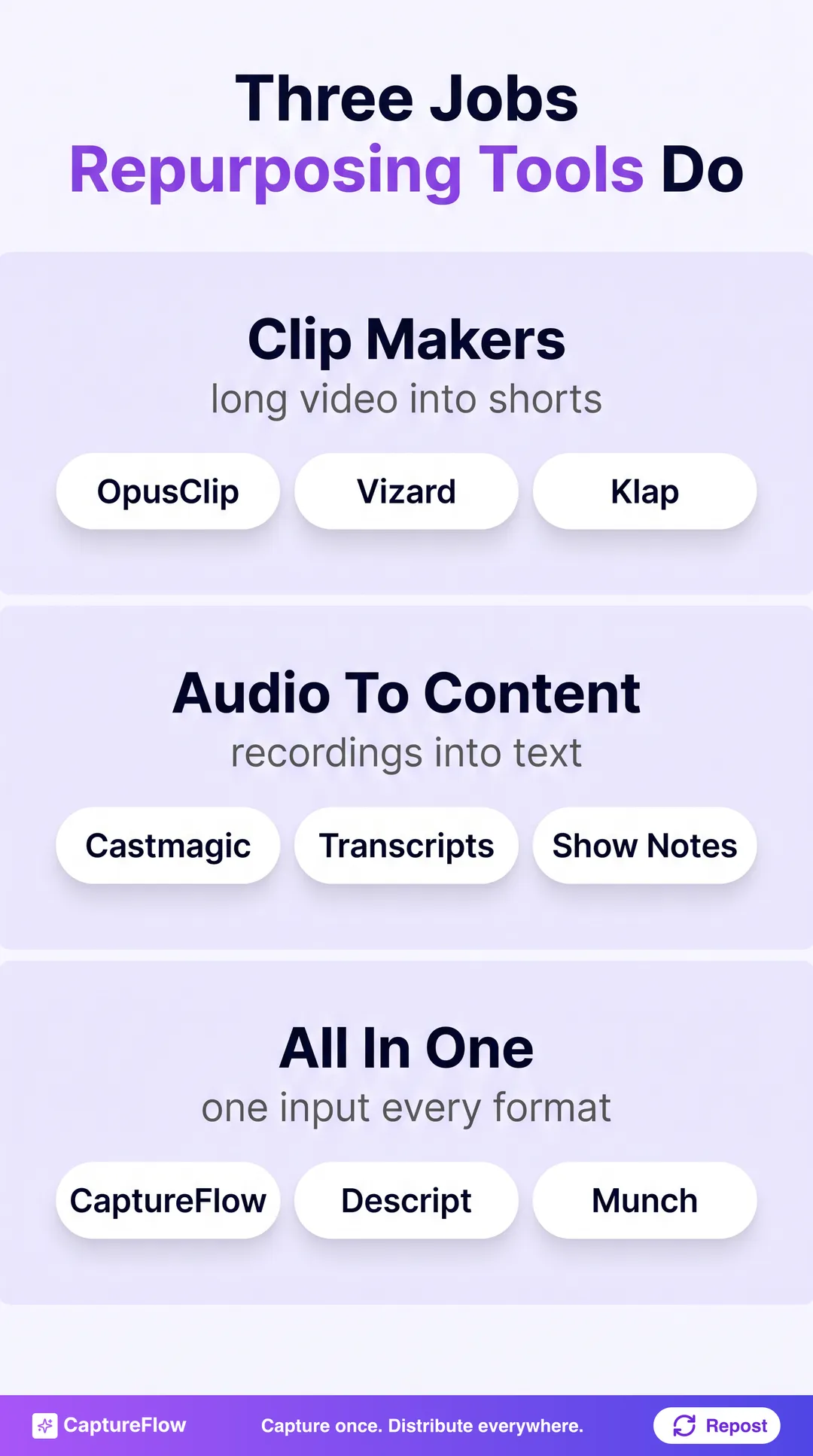 The three jobs repurposing tools actually do. Match the tool to yours.
The 7 best Repurpose.io alternatives at a glance
| Tool | Best for | Free tier | Starts at |
|---|---|---|---|
| CaptureFlow | All-in-one, multimodal repurposing | Yes | $30/mo |
| OpusClip | Long video into short clips | Yes (watermark) | $15/mo |
| Descript | Editing video and podcasts | Yes (1 hr/mo) | $16/mo |
| Castmagic | Podcasters, audio into text | No | $21/mo |
| Munch | Clipping plus content generation | Trial only | $38/mo |
| Vizard | Budget clipping with scheduling | Yes (limited) | ~$15/mo |
| Klap | Simple YouTube to Shorts | Trial only | $29/mo |
Prices are entry paid tiers as of 2026, verified on each tool's own site; they shift often, so confirm before you buy.
1. CaptureFlow: best all-in-one, multimodal repurposing
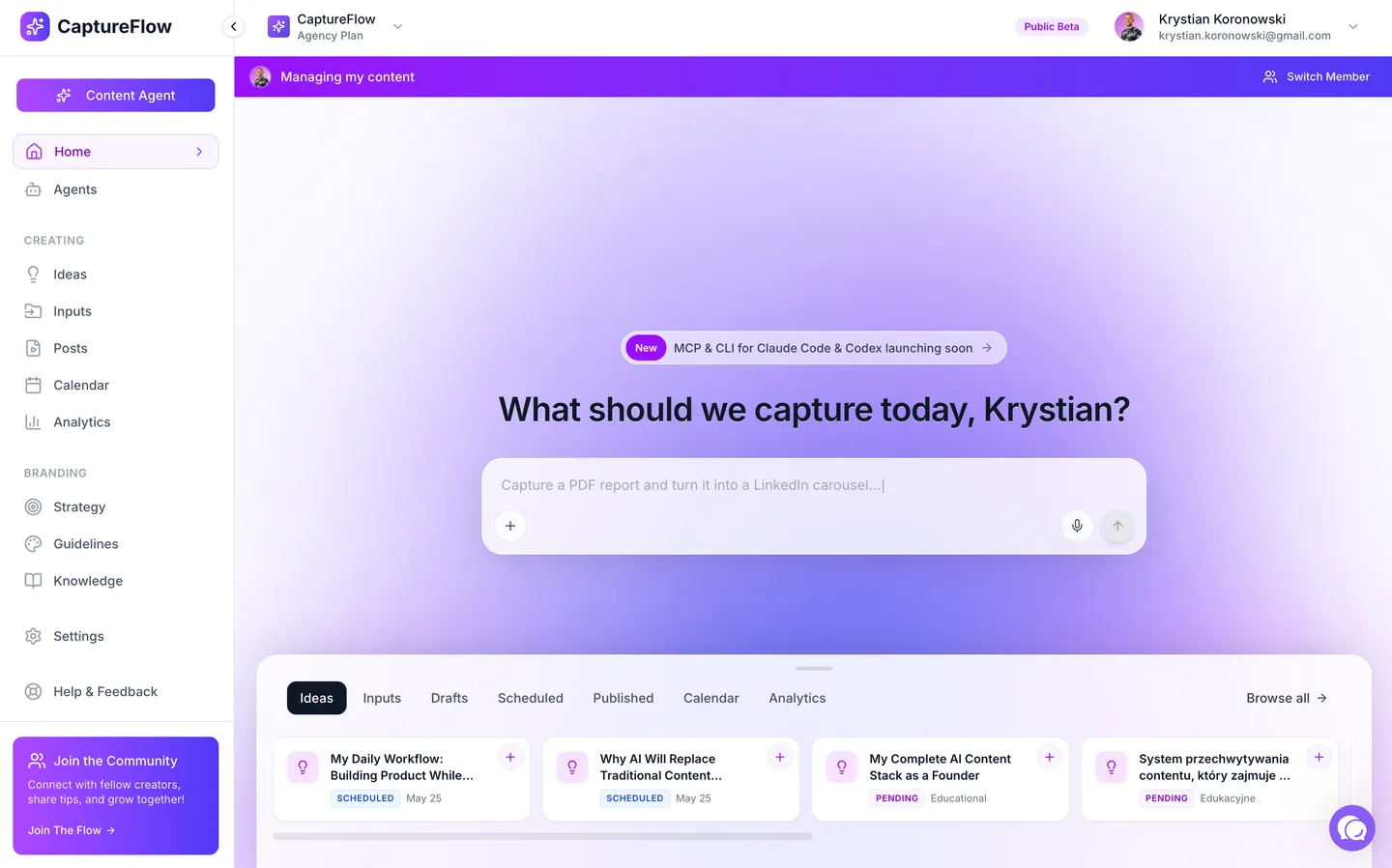 CaptureFlow. Source: captureflow.ai
Every other tool on this list takes one kind of input and produces one kind of output. Clip tools want video and give you clips. Castmagic wants audio and gives you text. That is the ceiling of a single-modality tool.
CaptureFlow is built the other way around. CaptureFlow is an AI content agent that turns your expertise into weeks of on-brand content for every platform. You capture one idea in minutes, a voice note, a video, a file, or a link, and it, trained on your voice and past posts, reshapes that single input into native content for each channel: a LinkedIn post, an X thread, a carousel, a quote image, a short video, and an infographic.
That is the difference between repurposing one format and repurposing an idea. Repurpose.io moves a finished video; CaptureFlow takes something you have not published yet and produces the whole week from it. If you want the mechanics, the content repurposing strategy guide walks through the full capture-to-publish loop, and you can see the feature set or turn a single voice note into a week of content as a starting point.
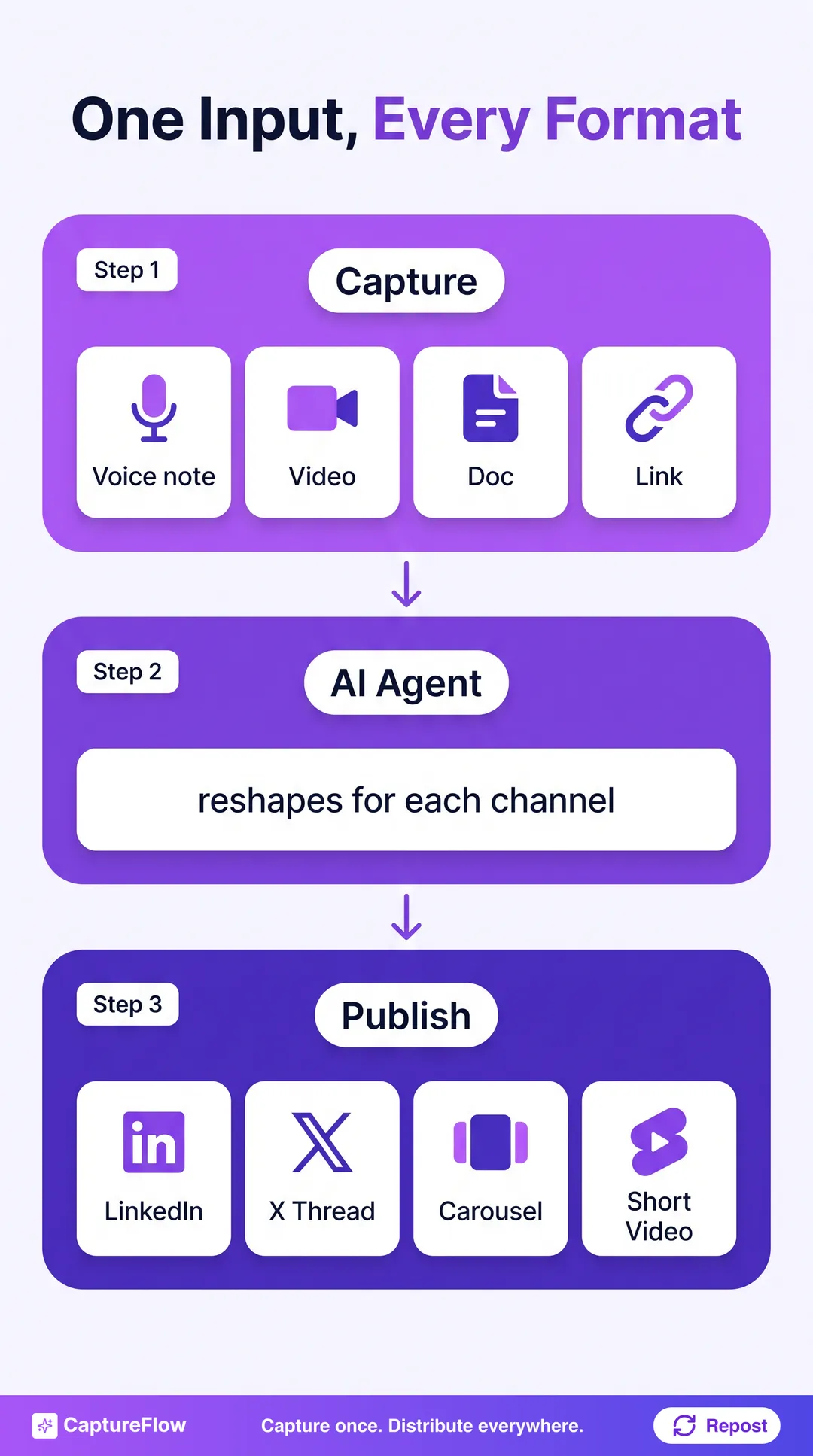 One input, reshaped natively for every channel, not copy-pasted across them.
- Best for: founders and small teams who want one capture to become a full week of content everywhere, not just clips.
- Pricing: free to start, with open-beta plans from $30 a month.
- Strength: the only multimodal option here, video, audio, images, docs, and links in, many native formats out.
- Limitation: it is a content agent, not a hands-on video editor; if your job is frame-level editing, pair it with a tool like Descript.
2. OpusClip: best for turning long video into clips
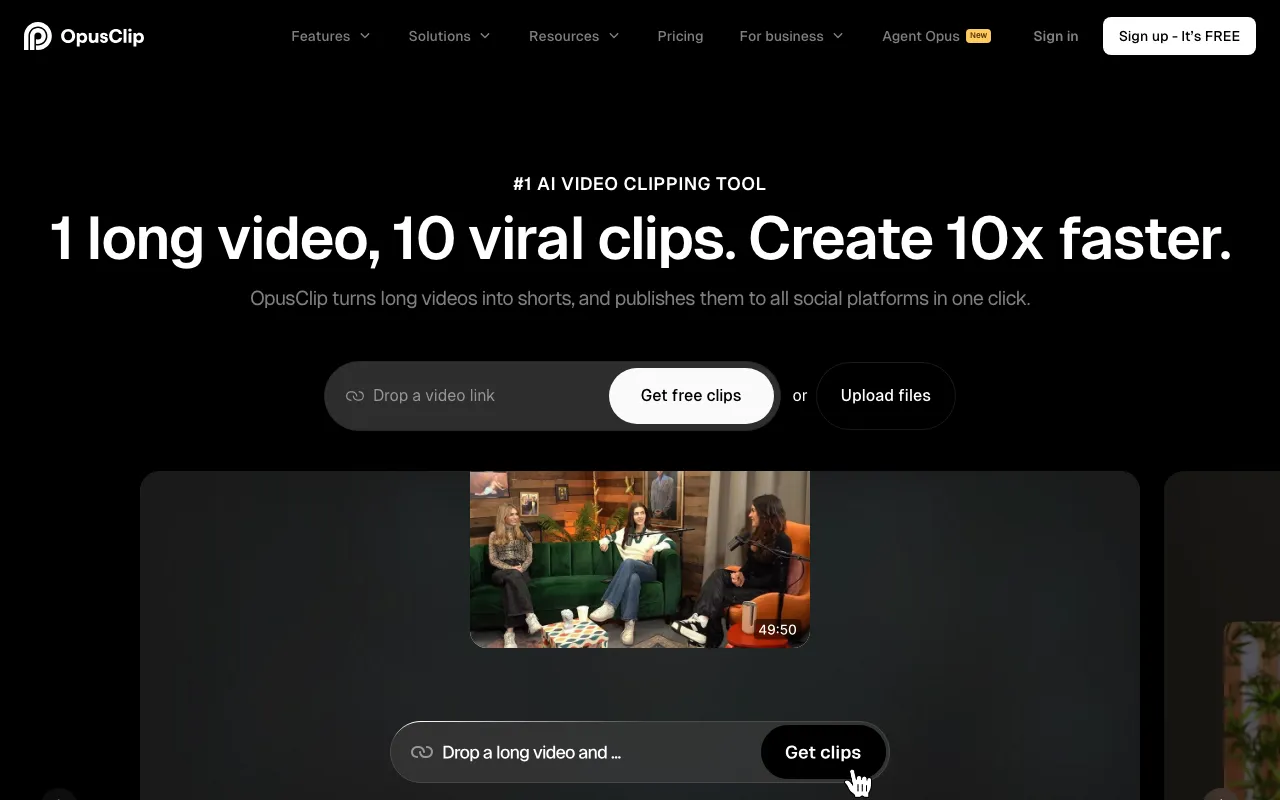 OpusClip. Source: opus.pro
OpusClip is the best-known clip generator for a reason: it reliably turns a long video into short vertical clips with captions, auto-reframing, and a virality score, and its free tier actually clips (with a watermark). Paid starts at $15 a month, the cheapest real entry point in this roundup.
Credit where due: if your single job is "podcast or webinar into a stack of Shorts," OpusClip does it as well as anything. Its limitation is scope. It is a clip generator and nothing else, no text posts, no carousels, no cross-platform publishing. You still need somewhere for those clips to go and something to write around them. See the full OpusClip comparison for how that plays out against an all-in-one agent, or the best OpusClip alternatives if clipping is your whole focus.
- Best for: high-volume short-form clipping from long video, at the lowest entry price.
- Strength: polished, fast clipping with virality scoring and broad import sources.
- Limitation: narrow, clips only, with no written formats or publishing automation.
3. Descript: best for actually editing video and podcasts
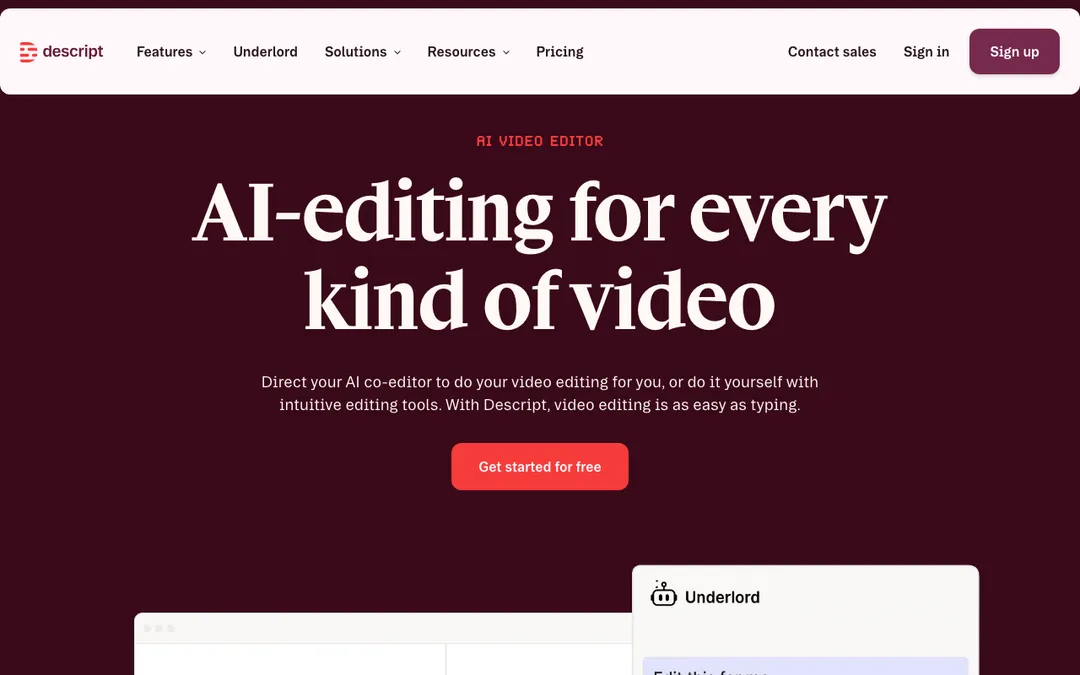 Descript. Source: descript.com
Descript is the odd one out here, and the most powerful at what it does. It is a full video and audio editor where you edit media by editing the transcript like a document. Recording, Studio Sound, voice cloning, and screen capture all live in one place. The free tier gives you an hour of processing a month, and Hobbyist runs $16 a month.
If your bottleneck is production, actually cutting the podcast or polishing the video, Descript is the most capable tool on this list. The honest caveat is that it is an editor, not a repurposing engine. It will not auto cross-post, and it will not turn one input into ten native formats. It is the tool you use to make the source, then hand the source to something else to fan out.
- Best for: hands-on editing of video and podcasts with a gentle learning curve.
- Strength: the most capable creation and editing suite in this roundup.
- Limitation: no auto distribution and no one-to-many format generation; it makes the asset, it does not multiply it.
4. Castmagic: best for podcasters turning audio into text
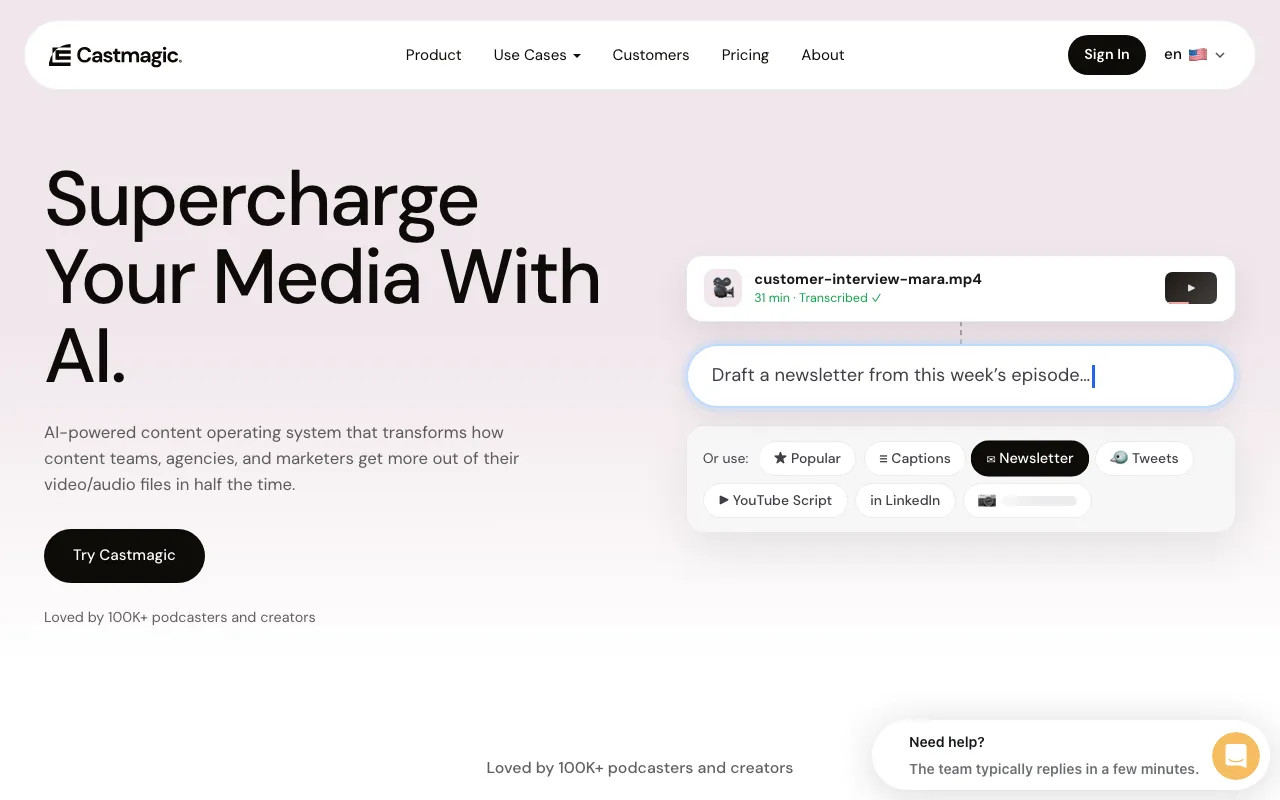 Castmagic. Source: castmagic.io
Castmagic is purpose-built for one input: audio. Drop in a podcast episode and it produces transcripts, show notes, and social posts, squeezing a lot of text assets out of one recording. Its entry Hobby plan is $21 a month billed annually for five transcription hours, with generous team seats.
For podcasters who live in audio, it is excellent and focused. Where it stops is video and breadth: it is weak at producing finished clips, and heavy users hit the monthly transcription-hour caps quickly. If you want the same episode turned into short video and native posts for every platform, that is a wider fan-out than Castmagic aims for, which is exactly the Castmagic vs CaptureFlow tradeoff. Our guide on how to repurpose a podcast covers the full workflow either way.
- Best for: podcasters who want show notes and social posts from every episode.
- Strength: deep audio-to-text extraction with generous seats.
- Limitation: audio-first, weak on finished video, with monthly hour caps on entry.
5. Munch: best for clipping plus light content generation
 Munch. Source: munchstudio.com
Munch has repositioned toward an end-to-end "Munch Studio" that clips long video and generates on-brand social content in one place (note that getmunch.com now redirects to munchstudio.com, so older reviews are stale). It sits between a pure clip tool and an all-in-one, with an Essential plan around $38 a month after a 7-day trial.
The appeal is breadth in one tool: clipping plus generation plus publishing. The catch is the entry-plan caps, roughly 10 generated videos and five scripts a week, which throttle you fast if content is your main channel. See how Munch compares when you need volume.
- Best for: creators who want clipping and light generation bundled together.
- Strength: broader than a pure clip tool, with generation and scheduling built in.
- Limitation: low hard caps on the entry plan, and a recent rebrand means shifting features.
6. Vizard: best budget clipping with scheduling
 Vizard. Source: vizard.ai
Vizard is the value pick among clip tools. It clips long video into captioned, reframed shorts and adds built-in scheduling and a public API, with a Creator plan around $14.50 a month billed annually (about $29 monthly). It also has a limited free tier.
If you want cheap, capable clipping with a little automation on top, Vizard delivers. Like every clip tool here, it is bounded by its credit and upload-minute system, and its free tier is heavily limited (720p, watermark, short exports). It is a clip engine with a scheduler, not a content system.
- Best for: budget-conscious clipping with scheduling and API access.
- Strength: aggressive annual pricing plus scheduling and an API.
- Limitation: credit-capped volume and a restrictive free tier.
7. Klap: best for simple YouTube to Shorts
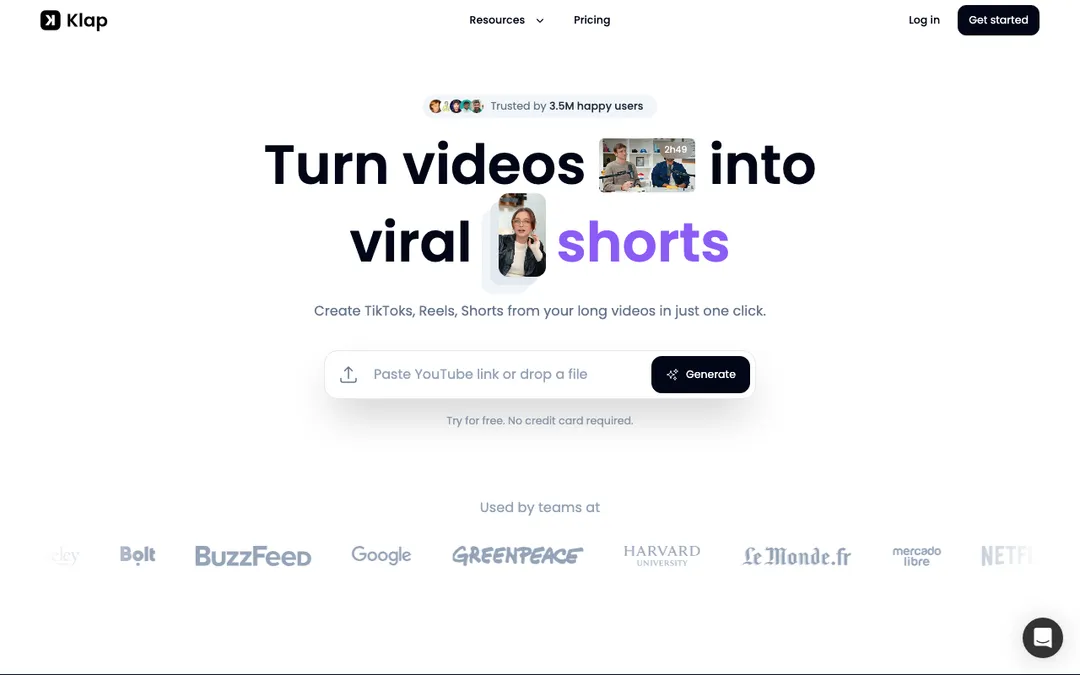 Klap. Source: klap.app
Klap keeps it simple: point it at a YouTube video and it produces short viral clips with captions and reframing, with 4K and multilingual AI dubbing on higher tiers. There is no lasting free tier, and the Standard plan is $29 a month for around 10 uploads.
For creators who just want a clean YouTube-to-Shorts pipeline, Klap is straightforward and does the job. It is the narrowest tool here, though, no cross-platform publishing and no written formats, and the lack of a permanent free tier makes it harder to try before you commit.
- Best for: straightforward YouTube-to-Shorts clipping.
- Strength: simple, focused, with 4K and AI dubbing on higher plans.
- Limitation: no lasting free tier and the narrowest scope of the group.
How to choose in 30 seconds
Match the tool to the input you already have and the output you actually need.
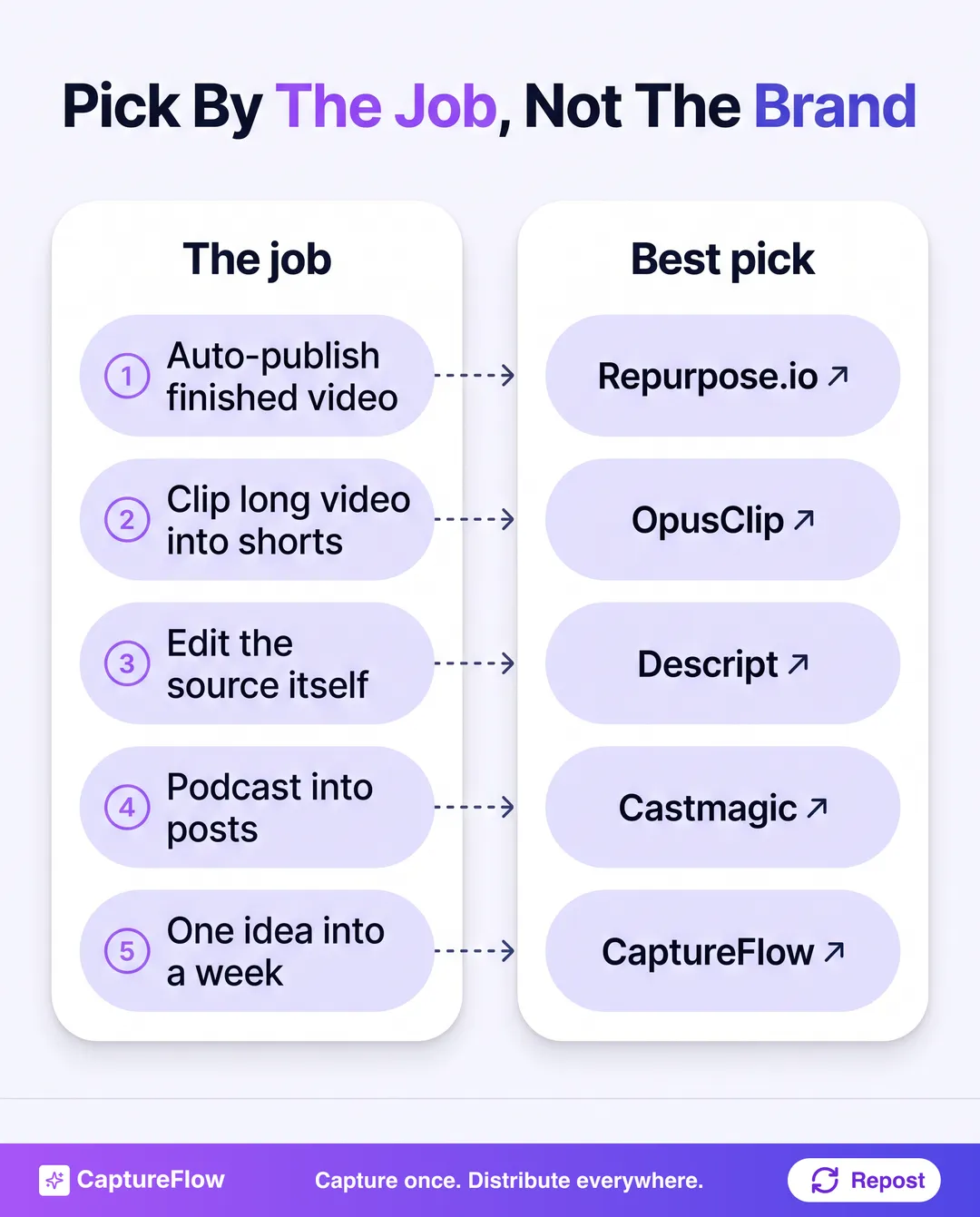 The fastest way to choose: start from the job, not the brand.
- You only need to auto-publish finished video across platforms: stay on Repurpose.io.
- You need to clip long video into shorts: OpusClip, or Vizard and Klap on a budget.
- You need to edit the source itself: Descript.
- You live in audio and podcasts: Castmagic.
- You want one idea turned into a week of content for every platform: CaptureFlow.
The final take
Repurpose.io is a distribution tool that people keep trying to use as a creation tool, which is why so many of them end up looking for an alternative. Once you know which of the three jobs you are hiring for, the choice gets easy.
If your job is narrow, a specialist wins: OpusClip for clips, Descript for editing, Castmagic for podcasts. If your job is the one most founders actually have, turning a single idea into on-brand content for every platform without a team, that is what CaptureFlow is built for, and it is why it tops this list. It is not just another clip tool with a bigger promise; it is a different shape of tool, one that starts from your idea and ends with your whole week scheduled.
Still comparing? Browse every CaptureFlow comparison, or read the best AI content repurposing tools for the wider category.
Frequently asked questions
What is the main limitation of Repurpose.io?+
Repurpose.io automates publishing, it does not create. It cross-posts and reformats video you already made, but it will not clip, caption, write, or turn one input into new formats. If you want a tool that produces content, not just moves it, you need one of the alternatives below.
What is the best free Repurpose.io alternative?+
OpusClip and Descript both have genuine free tiers (OpusClip clips with a watermark, Descript gives you an hour of processing a month). For a free multimodal option that turns one capture into many formats rather than just clips, CaptureFlow is worth a look.
Which Repurpose.io alternative is best for podcasters?+
Castmagic is built for turning a podcast episode into transcripts, show notes, and social posts. If you also want short video clips and native posts for every platform from that same episode, CaptureFlow covers the wider fan-out.
Chris is the founder and CEO of CaptureFlow, which he builds so founders can turn their expertise into content without hiring a team. After 10+ years building products and growing audiences from scratch, he writes about founder-led content, AI, and distribution from inside the problem he is solving: distributing consistent, on-brand content as a team of one.
Founder & CEO of CaptureFlow · 10+ years building products and audiences
One playbook a week from founders who actually create and distribute lots of content. No spam, unsubscribe anytime.
Keep reading
Content Atomization: Turn One Idea Into Many Posts
Most people make one post from one idea, then go hunt for the next idea. Content atomization is the opposite: one idea becomes a week of native posts.

How to Turn a Voice Note Into a Week of Content
You already said the idea out loud. Here is how to turn a single voice note into a full week of on-brand content, without writing from a blank page.

How to Use AI Content Tools (Without Sounding Like a Bot)
Most people disappointed with AI content tools started with the tool instead of the problem. Here is the workflow that actually works: find the gap, match the tool, train it on your voice, and ship.