7 Best AI Content Repurposing Tools in 2026: Honestly Ranked
The 7 best AI content repurposing tools in 2026, ranked for founders. What each one turns into what, roughly what it costs, and where each falls short.

You do not have a content problem. You have a repurposing problem.
You already recorded the podcast, gave the talk, wrote the long reply in a customer thread, and shipped the video. The insight is done. The work is done. It just lives in one format, in one place, seen once. Repurposing is mining what you already made, not making more.
So the honest question this guide answers: what is the best tool to repurpose content across platforms, the one that turns something you already made into everything it could be, without becoming a second job? Some tools cut clips. Some transcribe audio. Some auto-post what you have. Very few take one idea and reshape it into native content for every platform at once.
I run CaptureFlow, so I have a stake here. CaptureFlow is an AI content agent that turns your expertise into weeks of on-brand content for every platform. I have also used most of these tools, and I will be straight about where each one wins, including where they beat us. This ranks by the input you actually have and the output you actually want.
What is an AI content repurposing tool?
A repurposing tool takes content you already have and turns it into more content, in a different shape or for a different platform. In practice they cluster into three jobs, and most tools are great at exactly one of them.
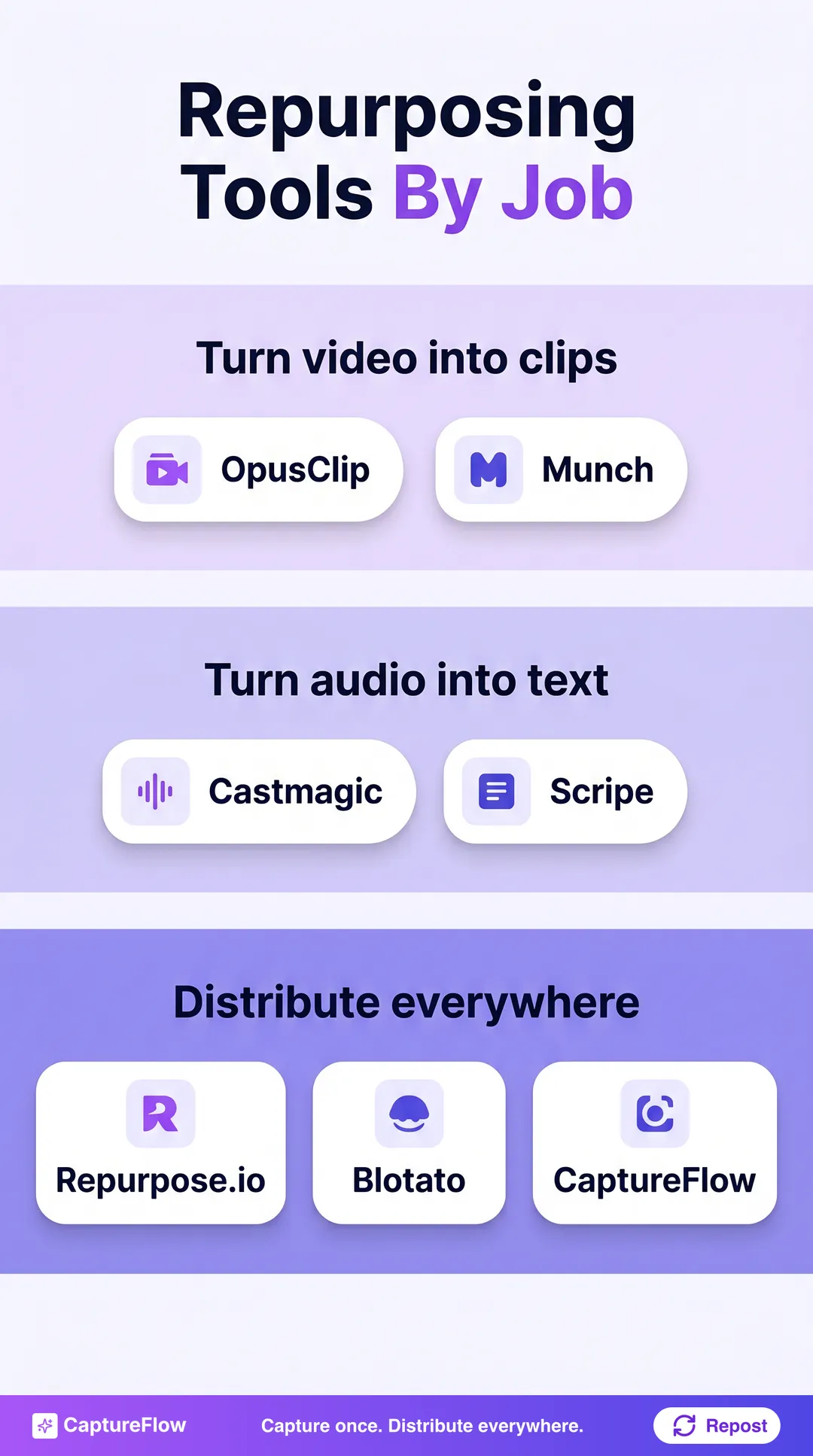 Repurposing tools group into three jobs. Most nail one. The leverage is doing all three from one input.
- Turn video into clips. Long video in, short vertical clips out. This is the loudest category because short-form is hungry.
- Turn audio into text. A podcast or call in, show notes, posts, and summaries out.
- Distribute everywhere. Take a finished piece and auto-publish or reformat it across platforms.
The tools people keep are the ones that fit their actual raw material. If your input is calls and docs, a video-clip tool sits unused. If your input is long videos, an audio-to-text tool is the wrong shape. Match the tool to what you already produce.
Repurposing has a quality ceiling most people miss. A tool that reformats mechanically gives you technically-correct posts that sound like nobody. The tools worth paying for keep your phrasing, because they start from your words and, ideally, are trained on your voice.
How AI content repurposing actually works
Under the hood, almost every tool here runs the same pipeline. Understanding it tells you where each tool is strong and where it quietly drops your voice.
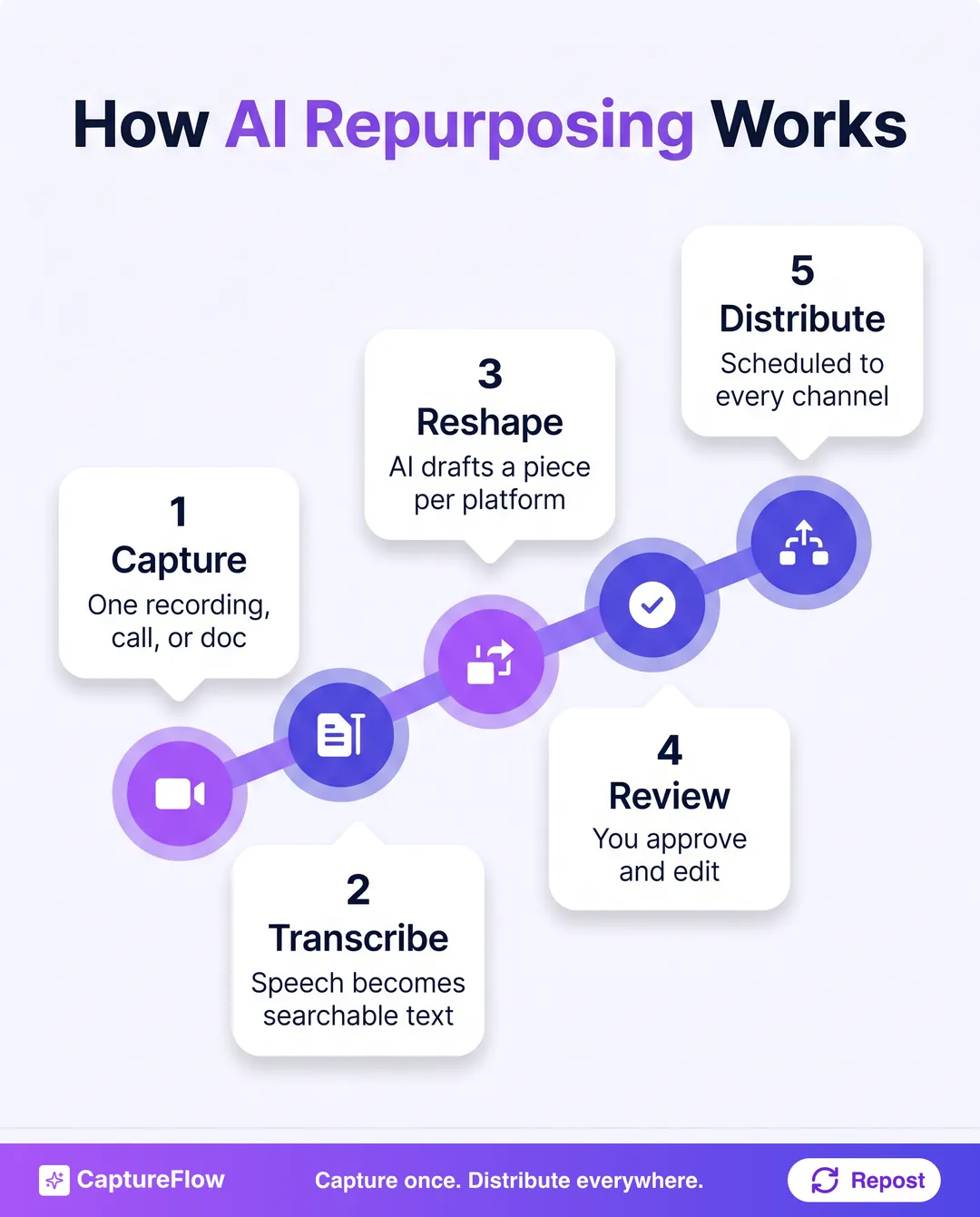 The repurposing pipeline. The tools differ most at step three, where your voice is either kept or averaged away.
The difference between tools is almost entirely at step three. A mechanical tool reshapes to a template. A content agent grounded in your voice and knowledge base reshapes to sound like you. Same input, very different output.
The 7 best AI content repurposing tools in 2026 at a glance
Here is the field, ranked by how well each fits a specific input and output. Not "which is best overall," but "which is the best pick for the raw material you have."
| # | Tool | Best for | Input | Starts around |
|---|---|---|---|---|
| 1 | CaptureFlow | One capture into native content for every platform | Video, audio, docs, links | $49/mo |
| 2 | OpusClip | Turning long videos into short clips | Long video | Free to $15/mo |
| 3 | Repurpose.io | Auto-distributing existing content everywhere | Existing posts and video | $35/mo |
| 4 | Castmagic | Turning podcasts and calls into text | Audio | $39/mo |
| 5 | Munch | Clip extraction with trend and SEO insight | Long video | $38/mo |
| 6 | Scripe | Turning recordings into LinkedIn posts | Video and audio | ~$75/mo |
| 7 | Blotato | AI repurposing plus multi-platform posting | Text and links | $29/mo |
Prices checked July 2026 and rounded to a single-user starting plan. They move often, so confirm the current plan before you buy.
1. CaptureFlow: best for one capture into content for every platform
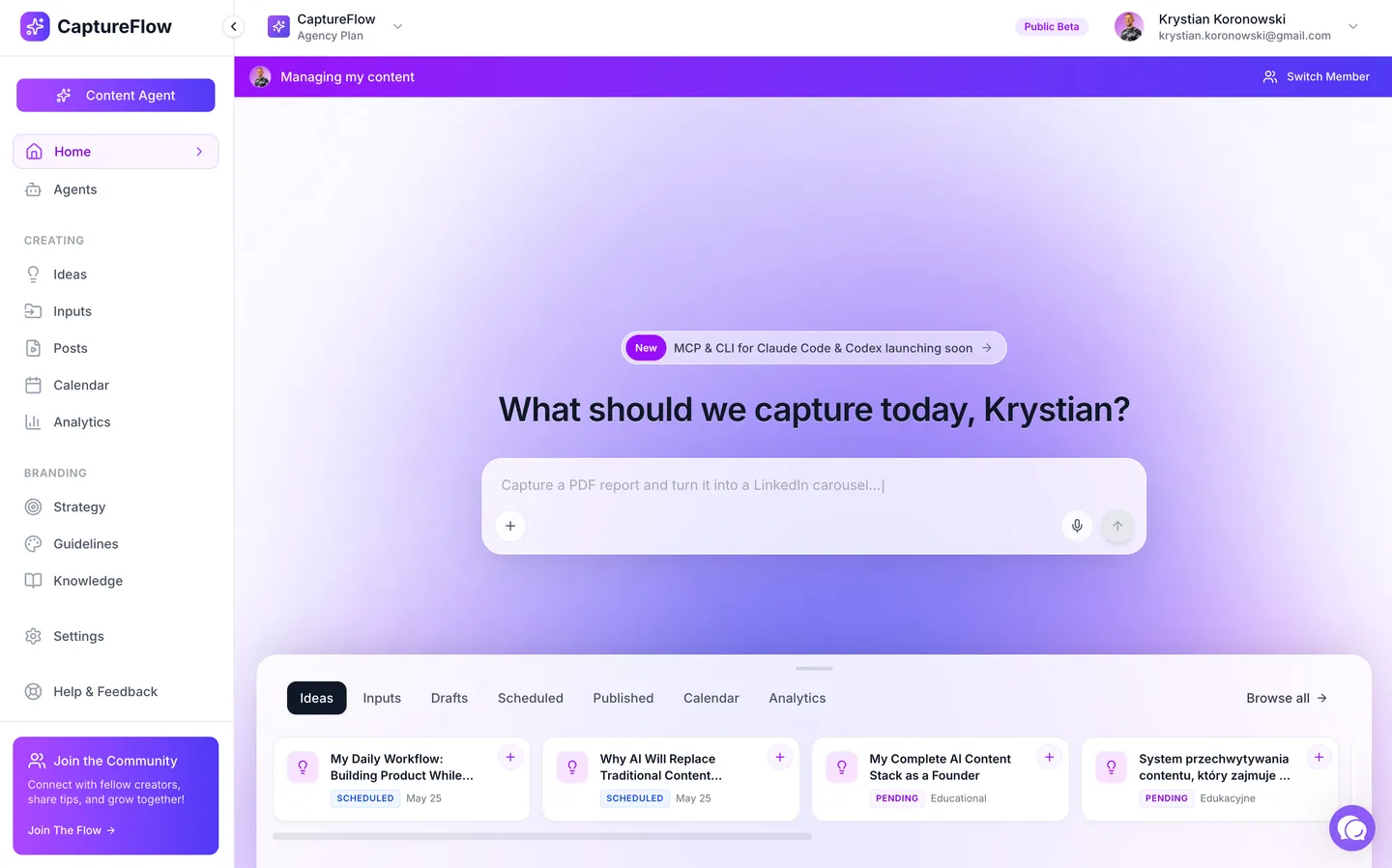 CaptureFlow: describe what to capture and the agent turns it into content for every platform.
The honest caveat first. If your only job is cutting long videos into vertical clips, a dedicated tool like OpusClip is more focused than we are. CaptureFlow is not a single-purpose clipper. If OpusClip is the tool you are weighing, we ranked the best OpusClip alternatives separately.
What CaptureFlow does that a point tool does not is take one input and reshape it into every format at once. You record a 5-minute voice note, upload a call, or drop a link, and a content agent trained on your voice turns it into a LinkedIn post, an X thread, a carousel, a short video, and an infographic, each native to its platform.
That is the difference between repurposing one input into one output and turning one idea into a week of content. Because it is built capture-first, the raw material is something you already said, so the output sounds like you instead of a template, and cross-platform publishing schedules the whole set.
- Best for: founders who want one capture reshaped into content for every platform.
- Where it wins: one input becomes native content in every format, in your voice.
- Where it does not: it is not a single-purpose video clipper or a raw transcription tool.
- Price: $49/mo, or $34 on the founding plan.
The core differenceMost repurposing tools turn one input into one new output. The leverage is turning one idea into every format at once, without rewriting it five times.
2. OpusClip: best for turning long videos into short clips
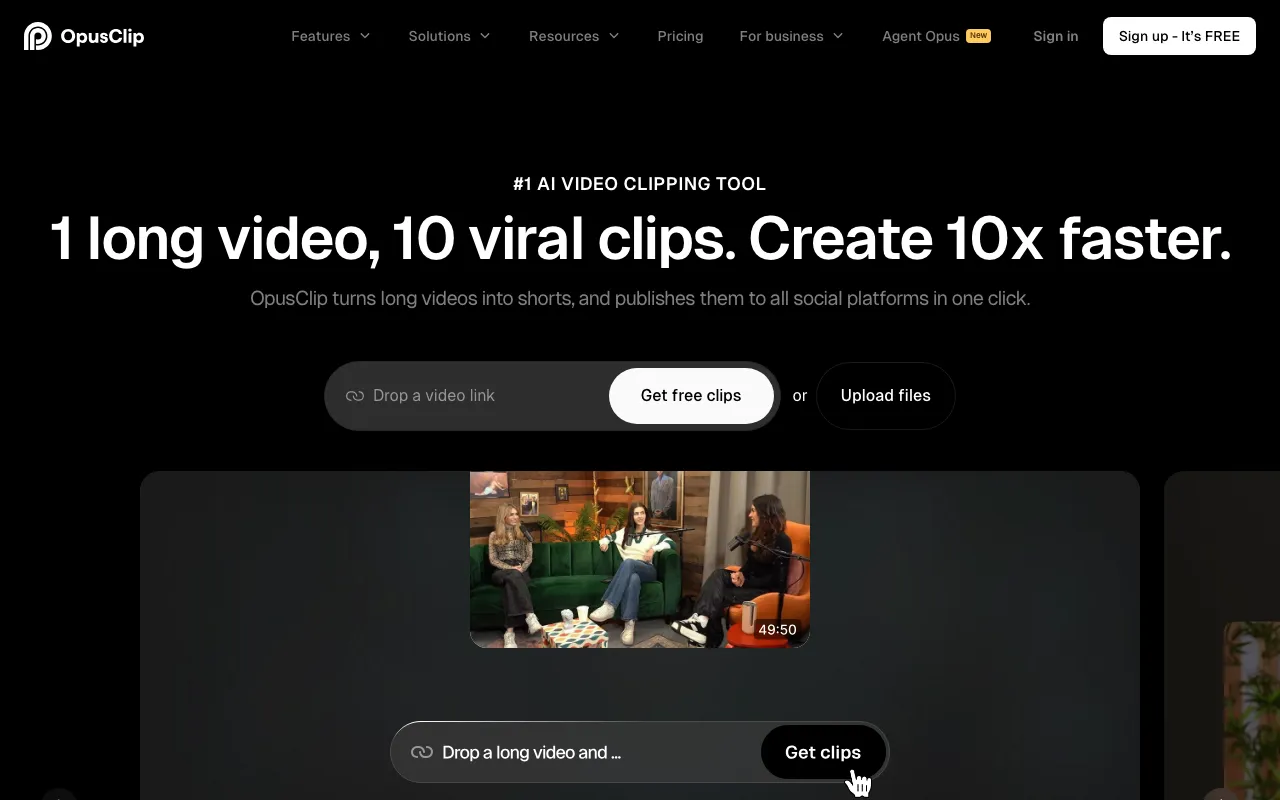 OpusClip. Source: opus.pro
Credit where it is due. OpusClip is the best dedicated long-to-short clip tool on this list. Feed it a long video and it finds the moments, cuts vertical clips, adds captions, and scores them for virality. If short-form video is your channel, it is excellent.
The trade-off is scope. It does clips, and clips only. It will not turn that same video into a thread, a quote image, or a carousel in your voice, so you still need other tools for everything that is not a clip.
- Best for: creators whose main output is short-form video clips.
- Where it wins: the best automated long-to-short clipping.
- Where it does not: anything beyond clips, no full multi-format spread.
- Price: free tier to around $15/mo on the Starter plan. See the CaptureFlow vs OpusClip breakdown.
3. Repurpose.io: best for auto-distributing existing content
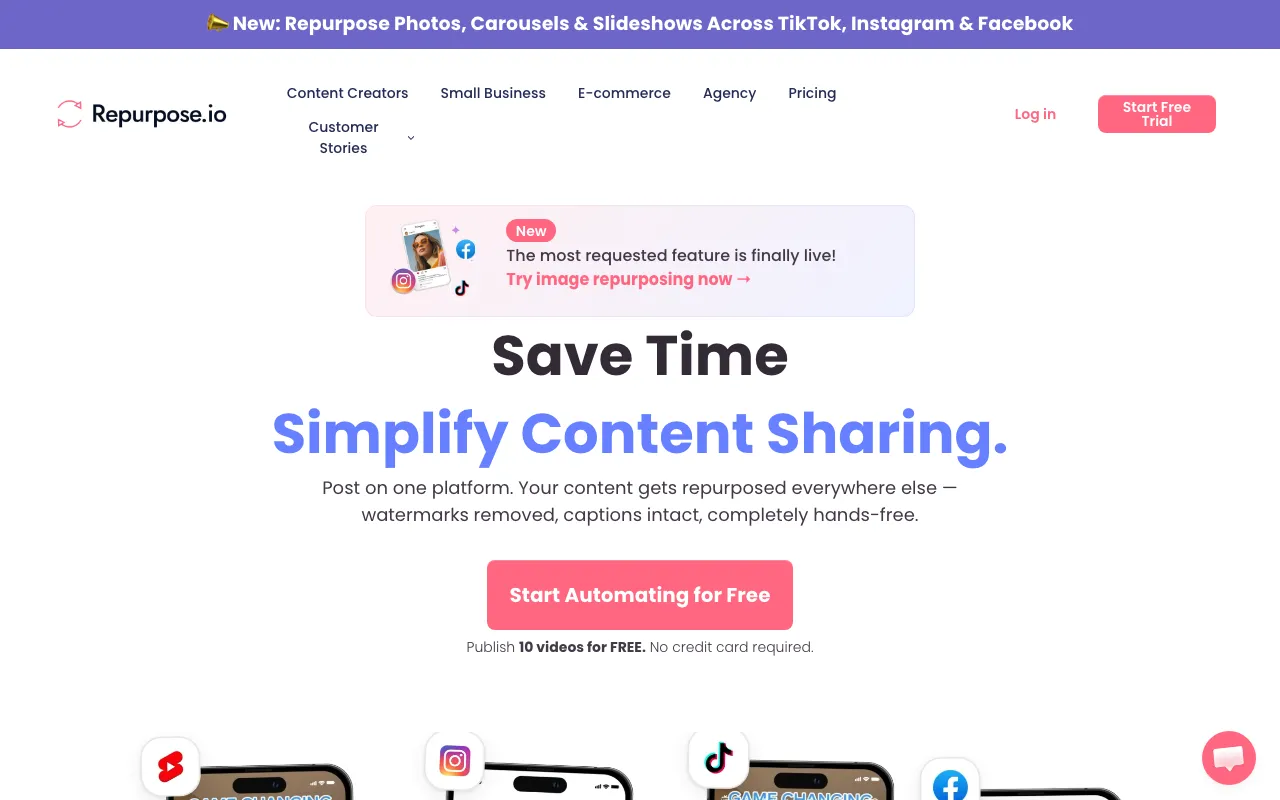 Repurpose.io. Source: repurpose.io
Repurpose.io is plumbing, in the best sense. It automatically moves and reformats content you already have across platforms, for example pulling your TikToks and reposting them to Reels, Shorts, and more without watermarks, on autopilot.
The honest framing is that it distributes and reformats existing content rather than creating new native pieces from an idea. It is a powerful conveyor belt, not a writer. If you already produce finished content and just want it everywhere, it is superb.
- Best for: creators who want existing content auto-published everywhere.
- Where it wins: hands-off cross-platform distribution automations.
- Where it does not: it moves content, it does not create new formats from your ideas.
- Price: around $35/mo. Compare it in the CaptureFlow vs Repurpose.io breakdown, or see the 7 best Repurpose.io alternatives ranked by use case.
4. Castmagic: best for turning podcasts and calls into text
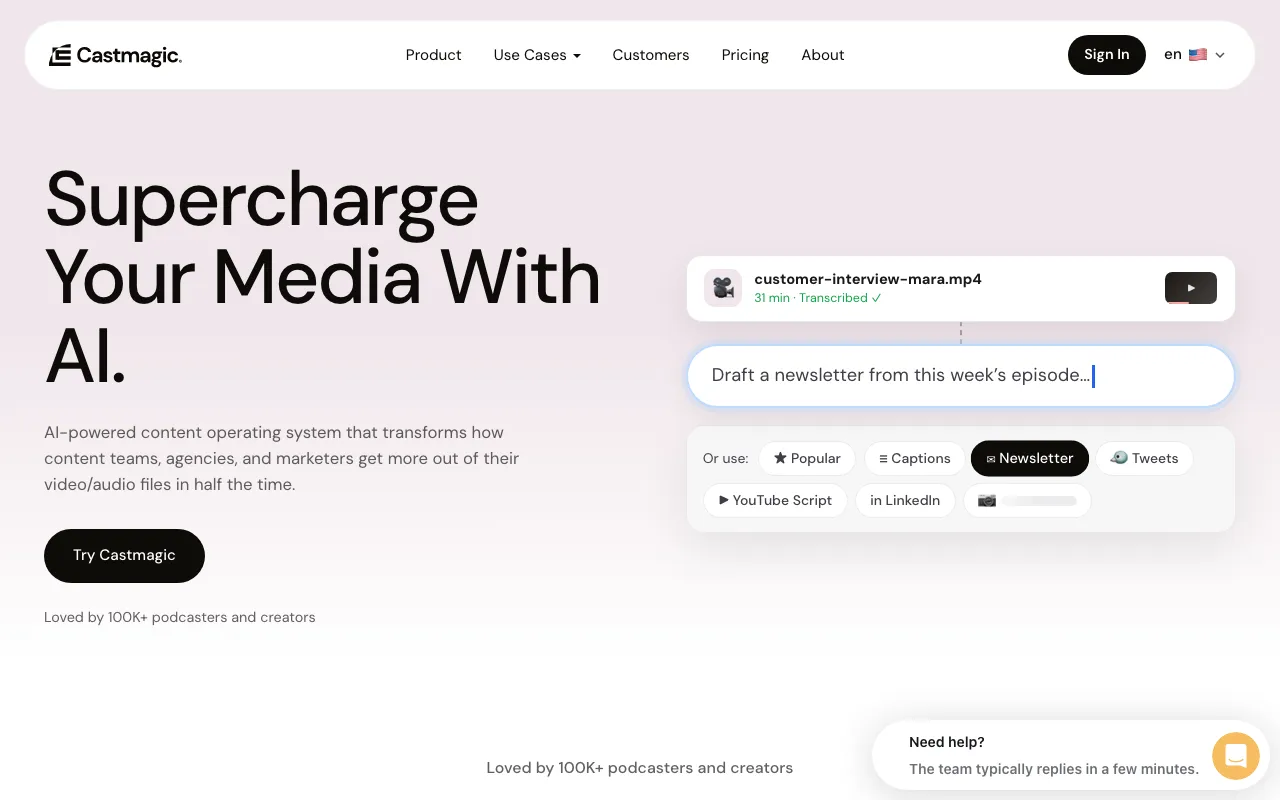 Castmagic. Source: castmagic.io
Castmagic is built for people who talk for a living. Point it at a podcast, a webinar, or a sales call and it produces show notes, summaries, posts, and quotes in minutes. For audio-first creators, it is a genuine time saver.
The trade-off is that its input is audio and its output is mostly raw text assets you then shape. It is the strongest audio-to-text tool here, but the last mile of making those assets sound like you and scheduling them still lands on you or another tool. If your input is a podcast, our guide on how to repurpose a podcast into 30 posts is the system for that last mile.
- Best for: podcasters and founders with lots of recorded audio.
- Where it wins: the best audio-to-text repurposing.
- Where it does not: video-first workflows, final voice and scheduling.
- Price: around $39/mo ($21 billed annually). See the CaptureFlow vs Castmagic breakdown.
5. Munch: best for clip extraction with trend and SEO insight
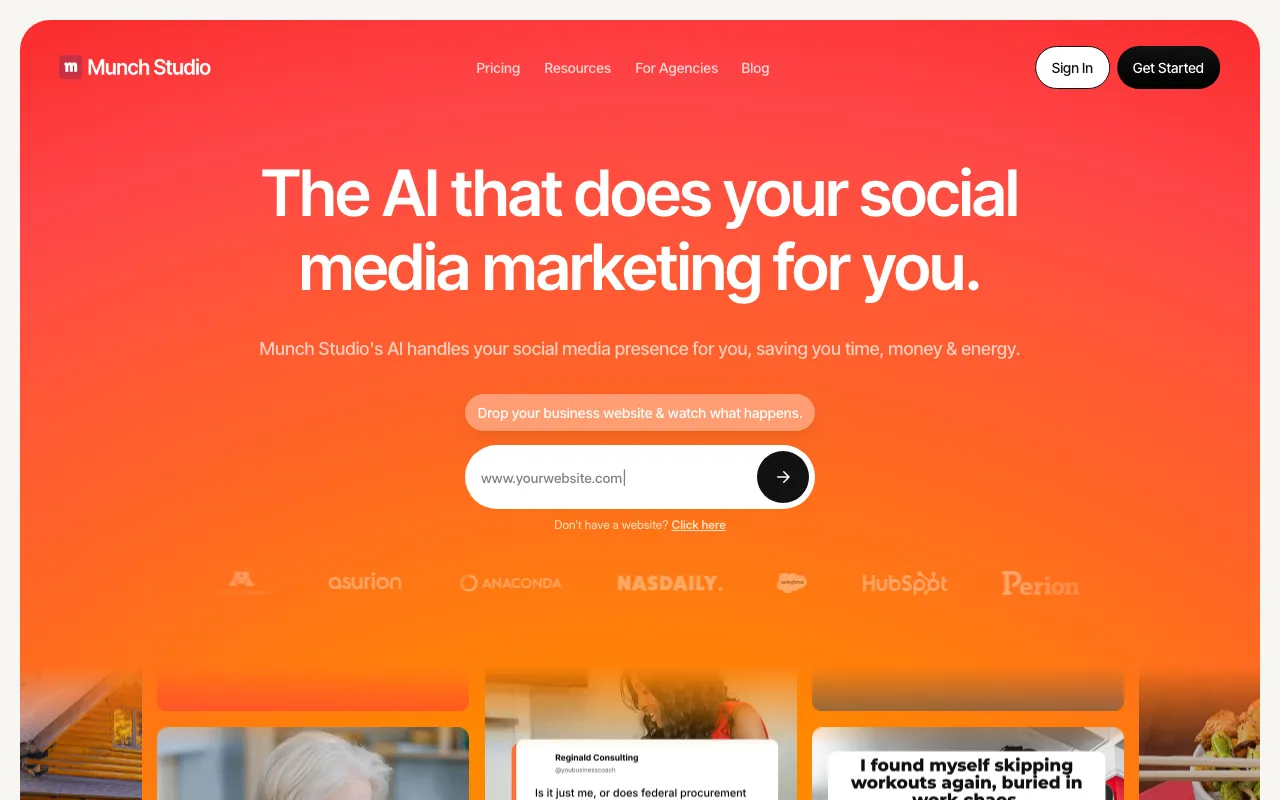 Munch. Source: getmunch.com
Munch is OpusClip's more analytical cousin. It cuts clips from long video, but leans on trend and SEO data to pick the moments most likely to land. If you want clip selection driven by what is trending, it is a smart choice.
The trade-offs mirror OpusClip: it is video-clip focused, so it will not produce your written formats, and it sits at the pricier end of this list.
- Best for: video creators who want data-driven clip selection.
- Where it wins: trend and SEO-aware clip extraction.
- Where it does not: non-video formats, budget plans.
- Price: around $38/mo. Compare it in the CaptureFlow vs Munch breakdown.
6. Scripe: best for turning recordings into LinkedIn posts
 Scripe. Source: scripe.io
Scripe takes recordings and turns them into LinkedIn posts with AI. If your input is video or audio and your target is LinkedIn, it is a clean, focused fit, and it is a genuine repurposing tool in the sense that it starts from something you already said.
The trade-off is the same narrowness that makes it good: it is LinkedIn-first, so one recording becomes a LinkedIn post, not a clip, a thread, and a carousel at the same time.
- Best for: creators repurposing recordings specifically into LinkedIn posts.
- Where it wins: recordings to clean LinkedIn content.
- Where it does not: true multi-platform, multi-format output.
- Price: around $75/mo, priced in euros (€69). See the CaptureFlow vs Scripe breakdown. It also appears in our best AI LinkedIn content tools guide.
7. Blotato: best for AI repurposing plus multi-platform posting
 Blotato. Source: blotato.com
Blotato bundles AI content creation with posting to many platforms at once. For someone who wants to repurpose a link or a note and blast it across channels from one place, it is a capable all-rounder.
The honest note is that being an all-rounder is also the trade-off. It is newer and less specialized than the category leaders, so it is a jack-of-all-trades rather than the best at any single repurposing job.
- Best for: creators who want AI repurposing and multi-platform posting together.
- Where it wins: breadth, content plus distribution in one tool.
- Where it does not: the depth of a specialist, it is younger and less mature.
- Price: around $29/mo. Compare it in the CaptureFlow vs Blotato breakdown.
How to choose the right one for you
Repurposing tools do not really compete with each other. They compete for different inputs. The fastest way to waste money is to buy for an input you do not have. Ask three questions.
- What is my raw material? Long video points to OpusClip or Munch. Audio points to Castmagic or Scripe. Finished posts point to Repurpose.io. A mix of everything points to a content engine.
- What do I actually need out? One output type, like clips or LinkedIn posts, favors a specialist. Every format from one input favors a tool built to do that.
- Will it keep my voice? A tool that reshapes mechanically saves time but costs you sounding like yourself. One grounded in your material and voice does both.
For the two ends of that spread: if your input is video, here is how to turn one video into 10 LinkedIn posts step by step, and once the content exists, the best social media scheduling tools get it published on time. If you are equipping a whole team, the best AI content tools for marketing teams roundup ranks the wider stack.
If your honest answer to question two is "I want the whole spread, clips and posts and a thread and a carousel, from one thing I recorded," you have outgrown single-purpose tools. Stitching five specialists together costs more than one engine and leaves your voice inconsistent across all of them.
Which tool is best for repurposing video and audio into LinkedIn and Instagram content?
This is the question B2B marketers ask most, because video and audio are the two inputs founders and teams already produce in bulk, and LinkedIn and Instagram are where that audience actually is. The honest answer is that it depends on the input, and the two platforms want different shapes of the same idea.
The best tool to repurpose video and audio into LinkedIn and Instagram content is one that reads the transcript and the footage together, then produces the native format each platform rewards. LinkedIn rewards text posts and carousels that teach. Instagram rewards short vertical clips, quote images, and branded graphics. One recording can feed all of it at once.
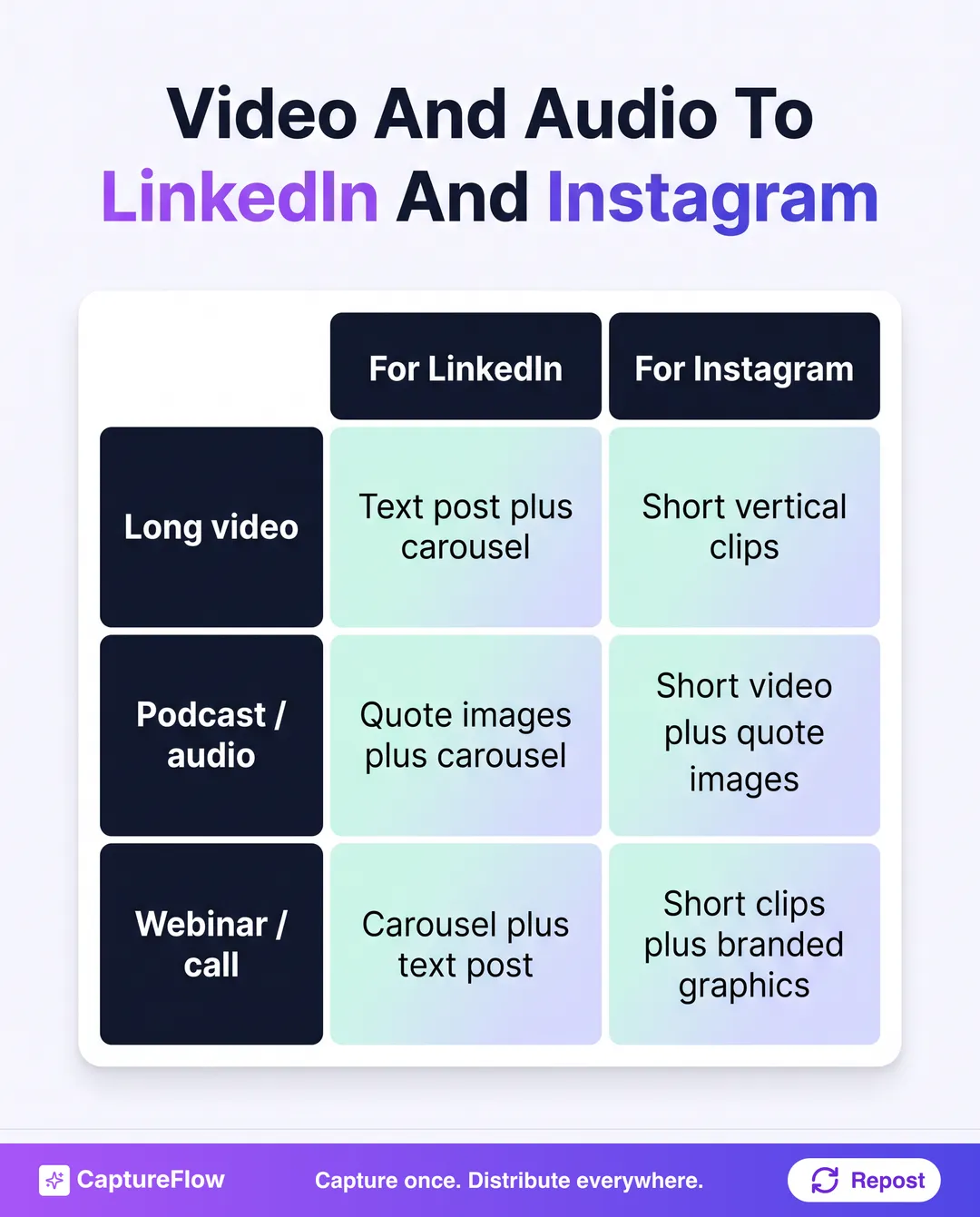 One capture, two platforms, native formats for each. This is the spread a single-lane tool cannot produce on its own.
If you buy single-lane, you end up stitching tools together: a clipper for the Instagram clips, an audio-to-text tool for the LinkedIn drafts, a design tool for the quote images, then a scheduler to distribute it all. That stack works, but it is four subscriptions and four places your voice can drift. When people search for the top AI repurposing software in 2026, what they usually want is the one tool that collapses that stack: video and audio in, native LinkedIn and Instagram content out, in one pass. For podcasts specifically, our walkthrough on how to turn one podcast into carousels and short videos shows the exact spread, and for video, how to turn one video into content for every platform does the same. If you are a founder weighing the wider stack, the best AI content tools for founders roundup ranks it by use case. And if your raw material is calls and meetings, the best AI tools to turn meeting recordings into content ranks the options for that specifically.
What is the best tool to repurpose content across platforms?
The best tool to repurpose content across platforms is one that takes a single input and produces native content for every channel at once, not one that only reformats a single asset for a single destination. That distinction is the whole decision.
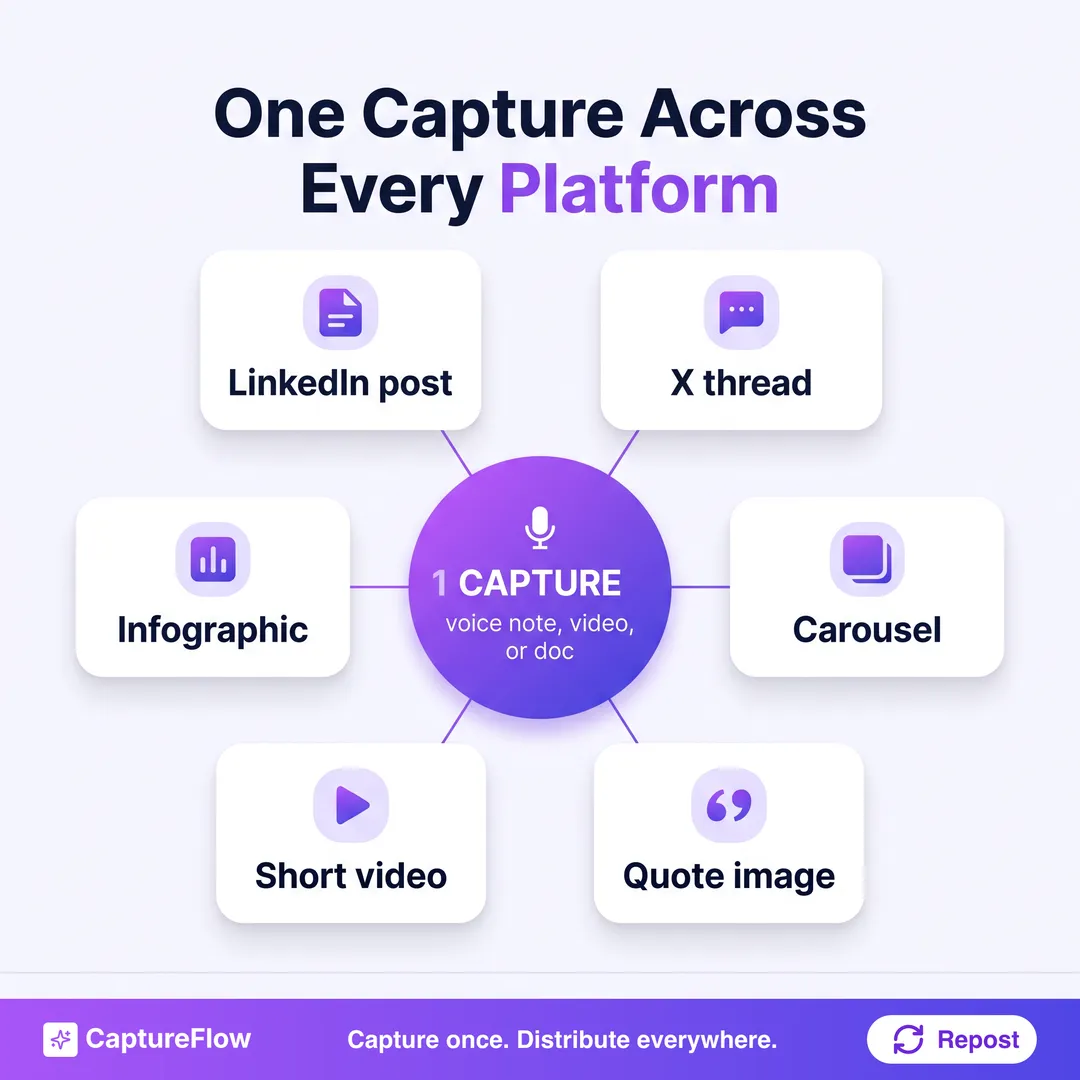 One capture in, native content for every platform out. That is repurposing across platforms, not reposting the same file to each.
Most tools on this list are single-lane: OpusClip makes clips, Castmagic makes text, Repurpose.io moves finished video between platforms. They repurpose within a lane. Repurposing across platforms, LinkedIn, X, Instagram, TikTok, YouTube, and more, from one capture, is a different job, because each platform needs content shaped for it, not the same file pushed everywhere.
For that cross-platform job, an AI content agent fits best: one idea becomes a LinkedIn post, an X thread, a carousel, a quote image, and a short video, each native to its platform and in your voice, then cross-platform publishing schedules the whole set. This is the one-to-many move known as content atomization, and it is what separates repurposing across platforms from simply reposting to them.
When people shop for content repurposing software in 2026, this is the capability that actually matters. Not more clips. One idea, turned native for every channel. For the full method behind it, our content repurposing strategy guide breaks down the workflow step by step.
The honest final take
If you have one input and one output in mind, buy the specialist: OpusClip or Munch for clips, Castmagic for audio to text, Repurpose.io for distribution, Scripe for LinkedIn. Each is excellent at its one job, and I would rather you pick the right specialist than a worse generalist.
But most founders do not have one input and one output. They have a recording, an idea, and a week to fill on five platforms. That is where a point tool stops and a content engine starts.
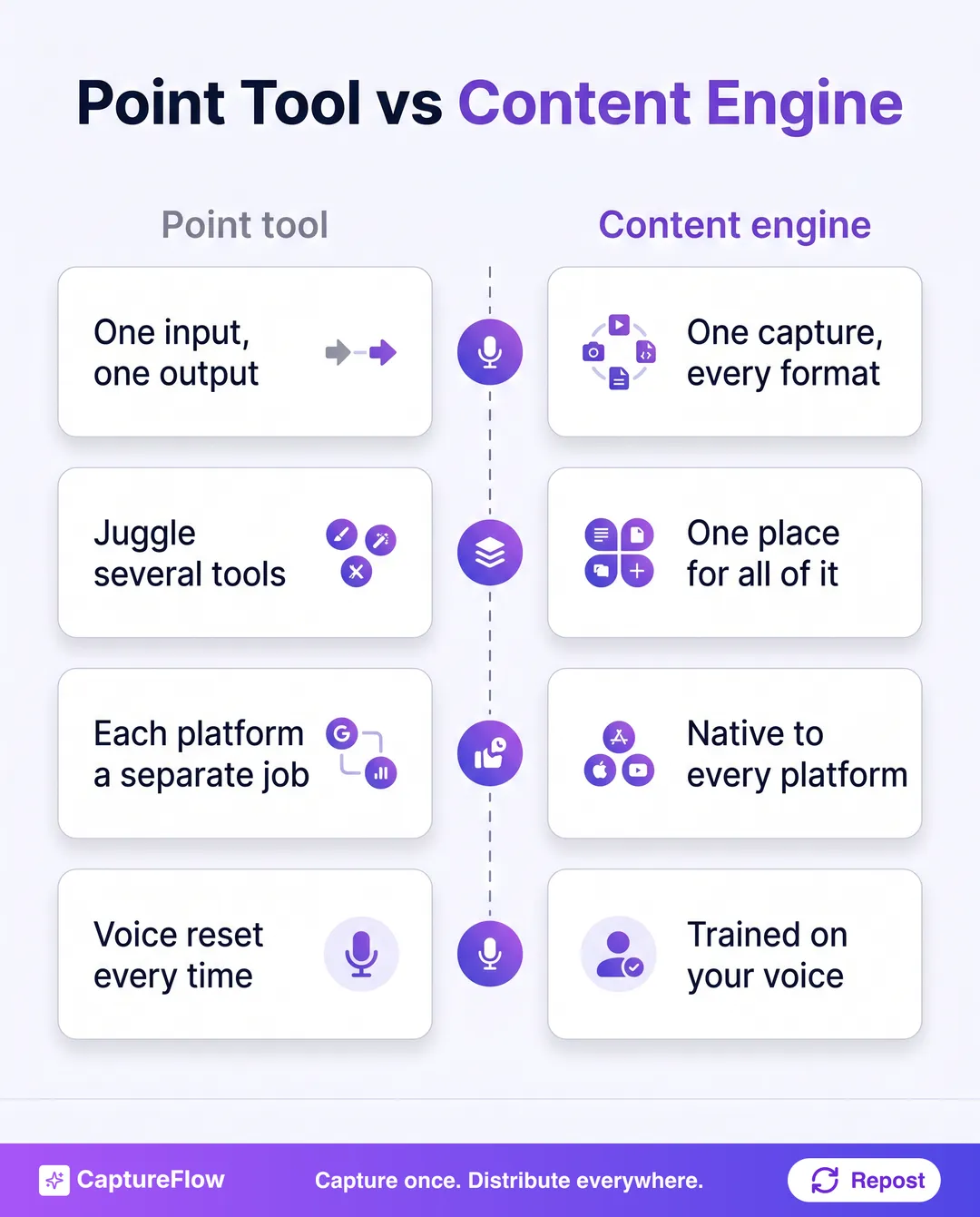 A point tool repurposes one input into one output. A content engine turns one capture into everything, in your voice.
The reframe is simple. A repurposing tool asks "what do you want to turn this into?" A content engine turns one capture into all of it at once, in every format, because the raw material is your own words. That is capture once, distribute everywhere, and it is why the LinkedIn post, the clip, and the carousel stop being three separate jobs.
That is what CaptureFlow is built to do. See how the content engine works, or start a free trial and turn your next recording into a week of content for every platform.
Frequently asked questions
What is the best AI content repurposing tool in 2026?+
It depends on your input. OpusClip is best for turning long videos into short clips. Castmagic is best for turning audio into text assets. CaptureFlow is best if you want one capture reshaped into native content for every platform, not just one output type.
What is the best tool to repurpose content across platforms?+
The best tool to repurpose content across platforms takes one input and produces native content for every channel at once, rather than reformatting a single asset for a single destination. Most tools work within one lane (clips, or text, or moving finished video between platforms). For true cross-platform repurposing, an AI content agent like CaptureFlow turns one capture into a post, a thread, a carousel, a quote image, and a short video, each native to its platform and in your voice.
Can AI really repurpose content without it sounding generic?+
Yes, if the tool is grounded in your own material and trained on your voice. Repurposing starts from something you already said, so the substance is real. The risk is tools that reformat mechanically without keeping your phrasing.
What is the difference between a repurposing tool and a scheduler?+
A scheduler queues content you already made. A repurposing tool creates new pieces from existing material, for example turning one video into clips, posts, and a carousel. Some tools do both, most do one.
How much do AI content repurposing tools cost?+
Most sit between roughly $15 and $75 per month for a single user in 2026, billed month to month. Clip tools often have a free tier, audio-to-text and LinkedIn-focused tools run higher, annual billing usually knocks off 20 to 30 percent, and prices change often, so check the current plan before you buy.
Chris is the founder and CEO of CaptureFlow, which he builds so founders can turn their expertise into content without hiring a team. After 10+ years building products and growing audiences from scratch, he writes about founder-led content, AI, and distribution from inside the problem he is solving: distributing consistent, on-brand content as a team of one.
Founder & CEO of CaptureFlow · 10+ years building products and audiences
One playbook a week from founders who actually create and distribute lots of content. No spam, unsubscribe anytime.
Keep reading

7 Best Taplio Alternatives in 2026 (Ranked)
Taplio popularized the all-in-one LinkedIn growth tool. But it is LinkedIn-only and priced for power users. Here are the 7 best Taplio alternatives in 2026, ranked honestly.

9 Best AI LinkedIn Content Tools in 2026: Honestly Ranked
Most AI LinkedIn tools help you post more. A few help you actually sound like yourself. Here are the 9 best in 2026, ranked honestly for founders.

5 Best AI Tools to Turn Meeting Recordings Into Content
Your best ideas are already on a call recording somewhere. Here are the AI tools that turn that recording into posts, ranked by what each does best.