9 Best AI LinkedIn Content Tools in 2026: Honestly Ranked
The 9 best AI LinkedIn content tools in 2026, ranked for founders. What each one does best, roughly what it costs, and where each falls short.


Open LinkedIn and it feels like a crowded room where everyone is talking at once. The temptation is to grab the tool that lets you talk louder and more often. But volume was never the problem. Having something worth saying, in your own voice, on a schedule you can actually keep, is the problem. (Knowing the best time to post on LinkedIn helps too, but only once the supply side is solved.)
So here is the honest question this guide answers: which AI LinkedIn tool actually helps a founder sound like themselves, not like everyone else running the same prompt? Most of them help you post more. A few help you post better. Very few help you do it from one place without turning into a second job.
I run CaptureFlow, so I have a horse in this race. CaptureFlow is an AI content agent that turns your expertise into weeks of on-brand content for every platform. I have also used most of these tools, and I am going to be straight about where each one wins, including where they beat us. A listicle that crowns its own product on every axis is worthless. This one ranks by the job you are trying to do.
What counts as an AI LinkedIn content tool?
Strip away the marketing and almost every tool here does one of three jobs:
- Writing. It drafts posts, hooks, and carousels from a prompt or a topic. This is the crowded category, because AI made drafting cheap.
- Distribution. It schedules, queues, and cross-posts so you stay consistent. Older social tools live here and bolted AI on later.
- Analytics. It measures what worked so you can do more of it. Usually a feature, rarely the whole product.
The tools people actually keep tend to cover more than one job. The tools people abandon usually do one job well and force you to stitch the rest together by hand. And the single thing that separates content that gets ignored from content that gets read is not the category at all. It is whether the tool is trained on your voice or just running the same model everyone else is.
A blank prompt returns the average of the internet no matter which logo is on the box. The tools worth paying for are the ones that learn from your past posts, your knowledge, and your point of view, so the output starts from your signal instead of the internet's.
The 9 best AI LinkedIn content tools in 2026 at a glance
Here is the full field, ranked by how well each fits a specific job. The ranking is not "which is best overall," because there is no such thing. It is "which is the best pick for the person it is built for."
| # | Tool | Best for | Starts around | Scope |
|---|---|---|---|---|
| 1 | CaptureFlow | Founders who post everywhere, not just LinkedIn | $49/mo | Every platform |
| 2 | Taplio | All-in-one built for LinkedIn | $39/mo | LinkedIn only |
| 3 | Kleo | Inspiration and writing in the feed | $99/mo | LinkedIn only |
| 4 | Supergrow | Budget AI writing for solo creators | $19/mo | LinkedIn only |
| 5 | AuthoredUp | Formatting and post analytics | $20/mo | LinkedIn only |
| 6 | Scripe | Turning video and audio into posts | ~$75/mo | LinkedIn first |
| 7 | Typefully | Writing and cross-posting to X | $15/mo | X first |
| 8 | Hypefury | X-first creators repurposing to LinkedIn | $29/mo | X first |
| 9 | ChatGPT | Free first drafts | $0 to $20/mo | General |
Prices checked July 2026 and rounded to a single-user starting plan. They move often, so confirm the current plan before you buy.
The clearest way to see the field is to stop thinking in a ranked list and start thinking in two axes: does the tool only touch LinkedIn or every platform, and does it only help you write or run the whole engine?
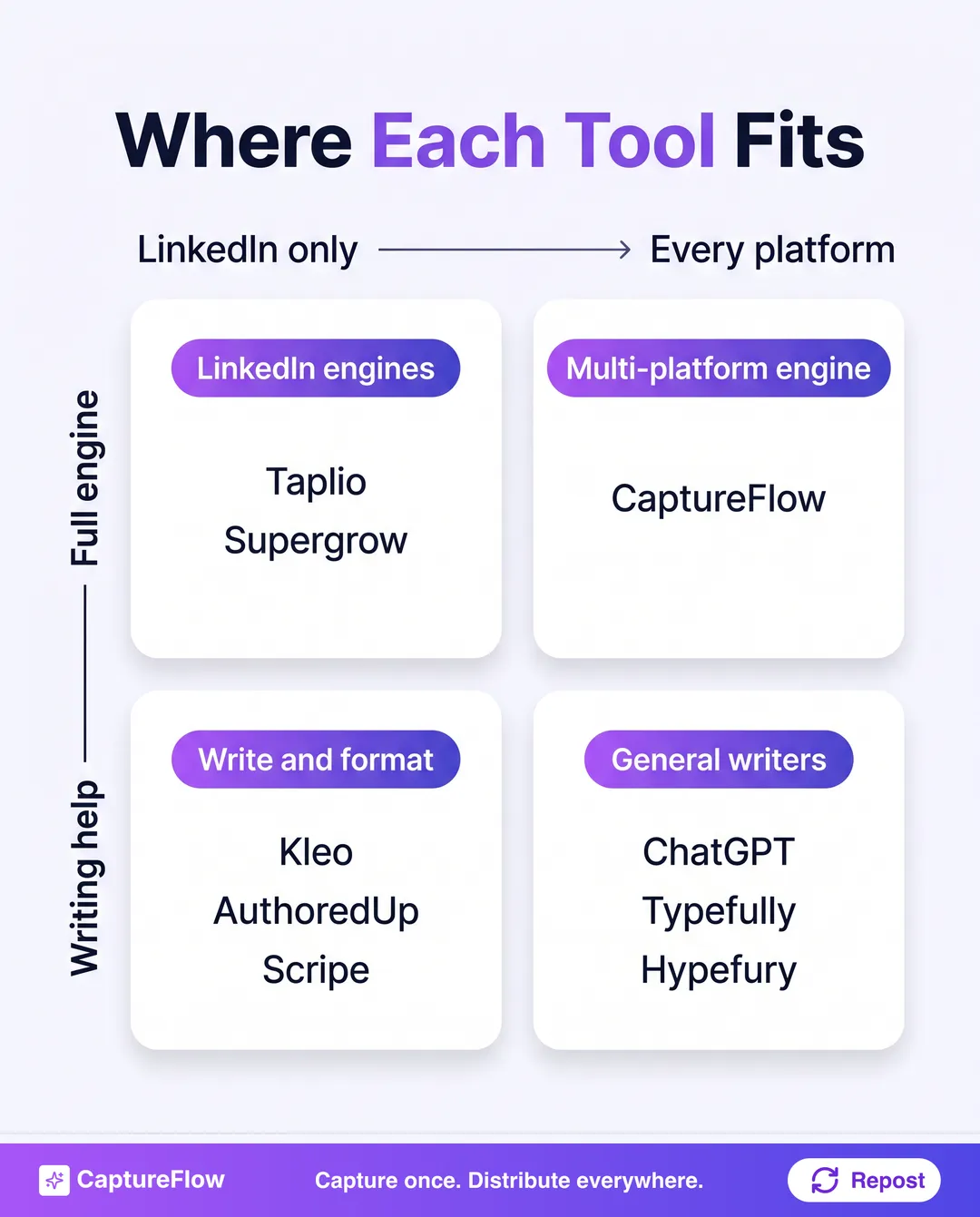 Where each tool sits. Most cluster on the LinkedIn-only side. The gap is a full engine that works across every platform.
1. CaptureFlow: best for founders who post everywhere, not just LinkedIn
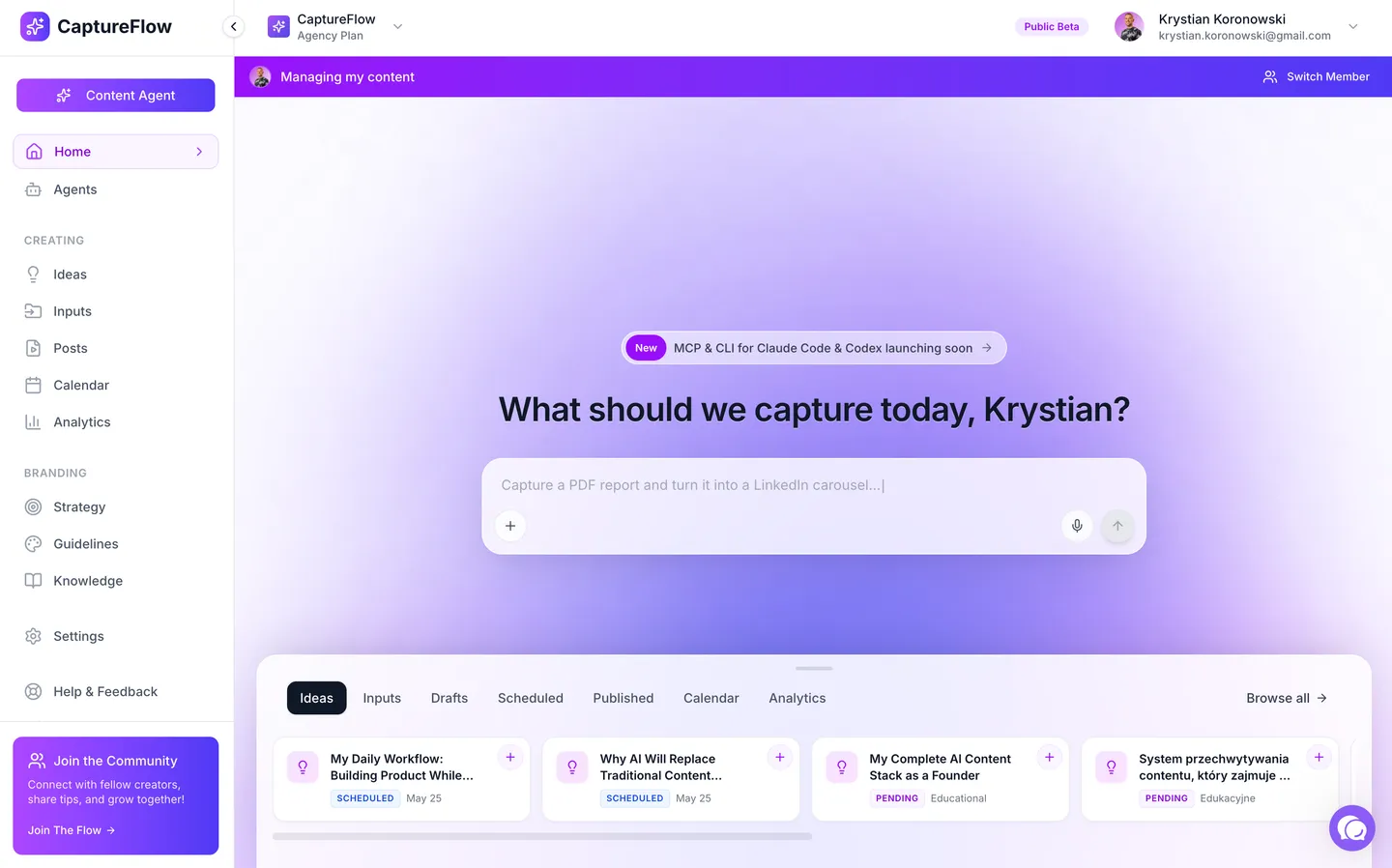 CaptureFlow: describe what you want to capture and the agent turns it into content for every platform.
I will start with the honest caveat, because it sets up everything else. If you only ever post to LinkedIn and you want the deepest LinkedIn-native lead database and viral-post library, a specialist like Taplio is a more focused fit. We are not trying to be the best LinkedIn-only tool.
What CaptureFlow is best at is the job most founders actually have, which is not "post more on LinkedIn." It is "turn my expertise into content for every platform without it eating my week." You record a 5-minute voice note, drop a link, or upload a call, and a content agent trained on your voice reshapes it into native content for each channel: a LinkedIn post, an X thread, a carousel, a short video, an infographic.
Because it is built capture-first, the LinkedIn post is a byproduct of thinking out loud once, not a separate task you sit down to do. It learns from your past posts and knowledge base, so the output sounds like you, and it handles cross-platform publishing so the week is scheduled, not just drafted.
- Best for: founders and creators who want LinkedIn plus X, carousels, and video from one capture.
- Where it wins: one input becomes native content for every platform, trained on your voice.
- Where it does not: it is not a LinkedIn-only power tool with a scraped lead database.
- Price: $49/mo, or $34 on the founding plan.
The core differenceEvery other tool on this list makes you sit down to create for LinkedIn. Capture-first makes the LinkedIn post fall out of a five-minute idea you already had.
2. Taplio: best all-in-one built for LinkedIn
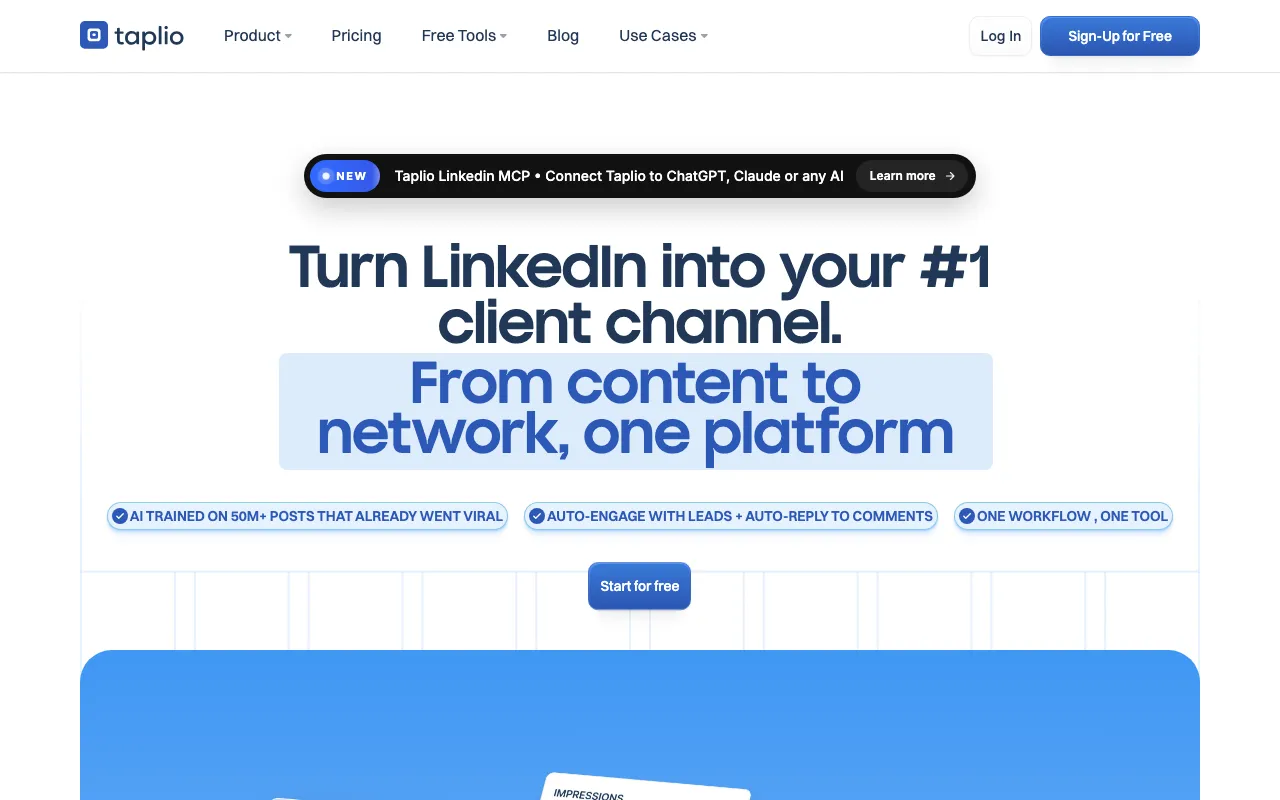 Taplio. Source: taplio.com
Credit where it is due. Taplio is the most complete tool built purely for LinkedIn, and if LinkedIn is your only channel, it is the one to beat. AI post generation, a large database of viral posts to study, scheduling, a content calendar, analytics, and lead-gen features all live under one roof.
The honest trade-offs are two. First, it is LinkedIn-only, so if you also want X, Instagram, or video, you are back to separate tools. Second, like any AI writer, its drafts are only as distinctive as the inputs you give it, so without your voice it drifts toward the same confident LinkedIn cadence everyone else ships. If Taplio is your starting point, our ranked guide to the best Taplio alternatives weighs the cheaper and multi-platform options against it.
- Best for: serious LinkedIn-only creators who want one polished suite.
- Where it wins: the deepest all-in-one LinkedIn feature set on this list.
- Where it does not: nothing beyond LinkedIn, and premium pricing.
- Price: around $39/mo and up. See the full CaptureFlow vs Taplio breakdown.
3. Kleo: best for inspiration and writing in the feed
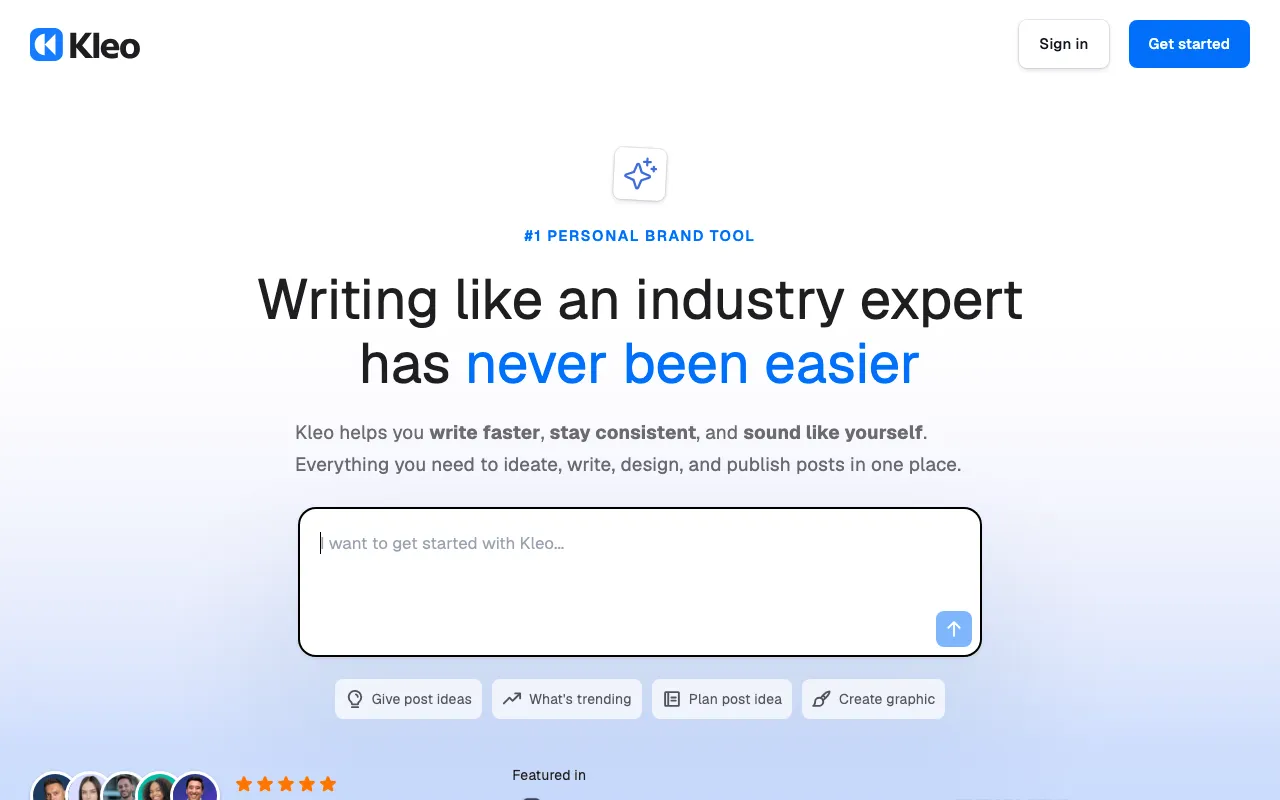 Kleo. Source: kleo.so
Kleo lives where you already are: a Chrome extension right inside LinkedIn. Its real strength is beating the blank page, with swipe files of top-performing posts, a carousel maker, and AI writing that happens in the feed instead of a separate tab.
If your bottleneck is "I do not know what to post," Kleo is genuinely good at unsticking you. The trade-off is that it is lighter on the distribution and analytics side than a full suite, and it is LinkedIn-only.
- Best for: creators who want inspiration and fast drafting inside LinkedIn.
- Where it wins: studying what works and writing in-feed.
- Where it does not: deeper scheduling and analytics, other platforms.
- Price: around $99/mo on its single plan. Compare it in the CaptureFlow vs Kleo breakdown.
4. Supergrow: best budget AI writing for solo creators
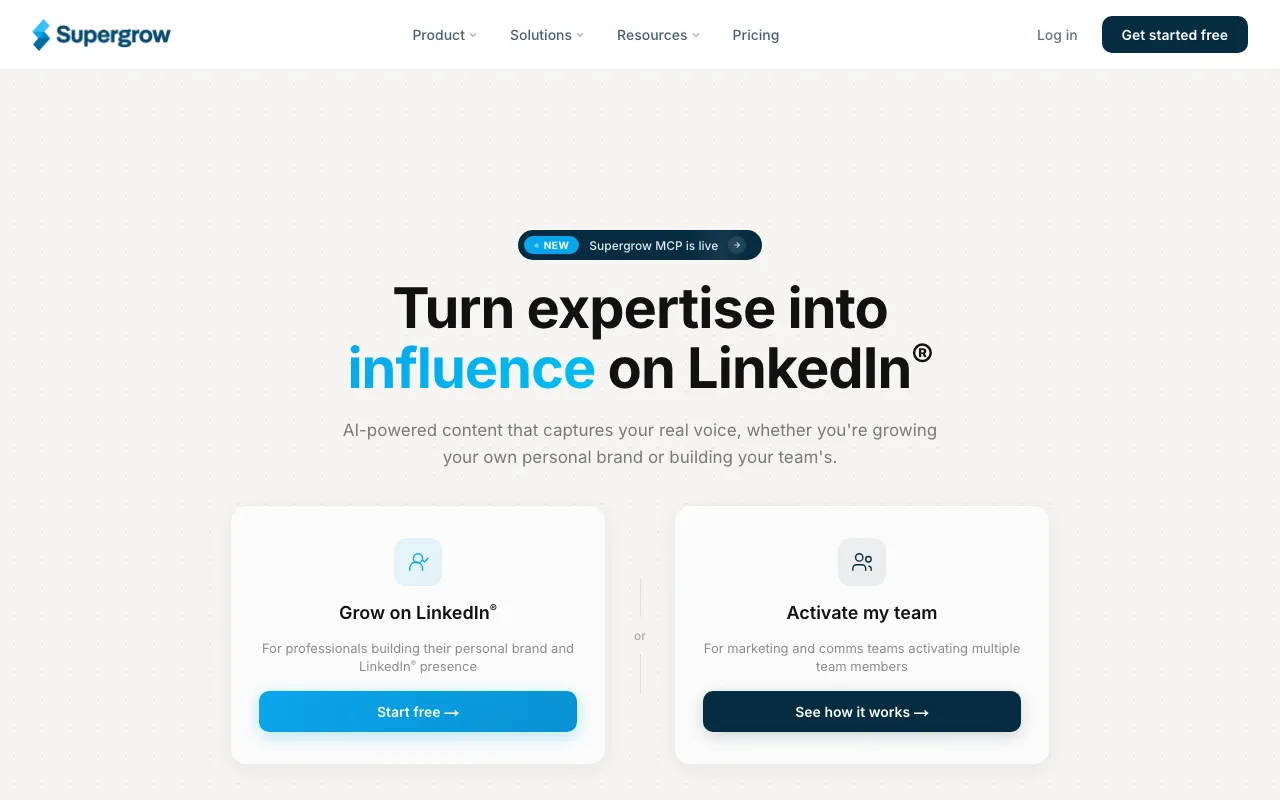 Supergrow. Source: supergrow.ai
Supergrow is the best value pick on this list. It covers the essentials most solo creators need: AI posts, carousels, scheduling, and light analytics, at a price that undercuts the premium suites.
You give up some polish and depth versus Taplio, and it is LinkedIn-only. But if you are a founder who wants a capable LinkedIn writer without a $40-plus subscription, it earns its spot.
- Best for: solo creators who want solid features at a low price.
- Where it wins: the best price-to-feature ratio for LinkedIn.
- Where it does not: enterprise depth, multi-platform.
- Price: around $19/mo. See the CaptureFlow vs Supergrow breakdown.
5. AuthoredUp: best for formatting and post analytics
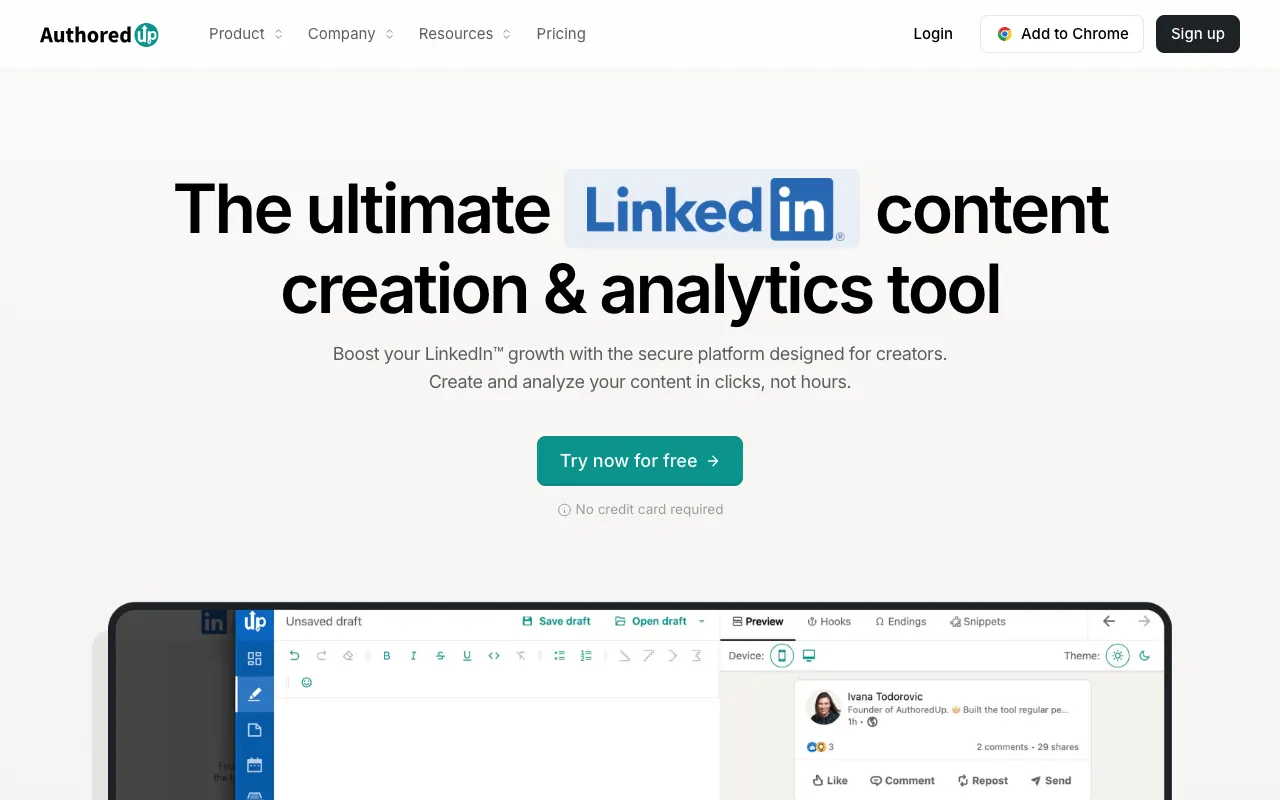 AuthoredUp. Source: authoredup.com
AuthoredUp is a slightly different animal, and honest framing matters here. It is less an AI writer and more a power-user editor for people who already write. Rich formatting, a live preview of how a post will look, reusable snippets, and genuinely strong post analytics.
If you already have the words and want them to land, AuthoredUp's formatting and preview are best-in-class. The trade-off is that it will not generate the ideas or the drafts for you, so it pairs with a writing tool rather than replacing one.
- Best for: writers who want formatting, preview, and analytics.
- Where it wins: the best formatting and analytics experience on LinkedIn.
- Where it does not: it does not create content, and it is LinkedIn-only.
- Price: around $20/mo. Compare in the CaptureFlow vs AuthoredUp breakdown.
6. Scripe: best for turning video and audio into posts
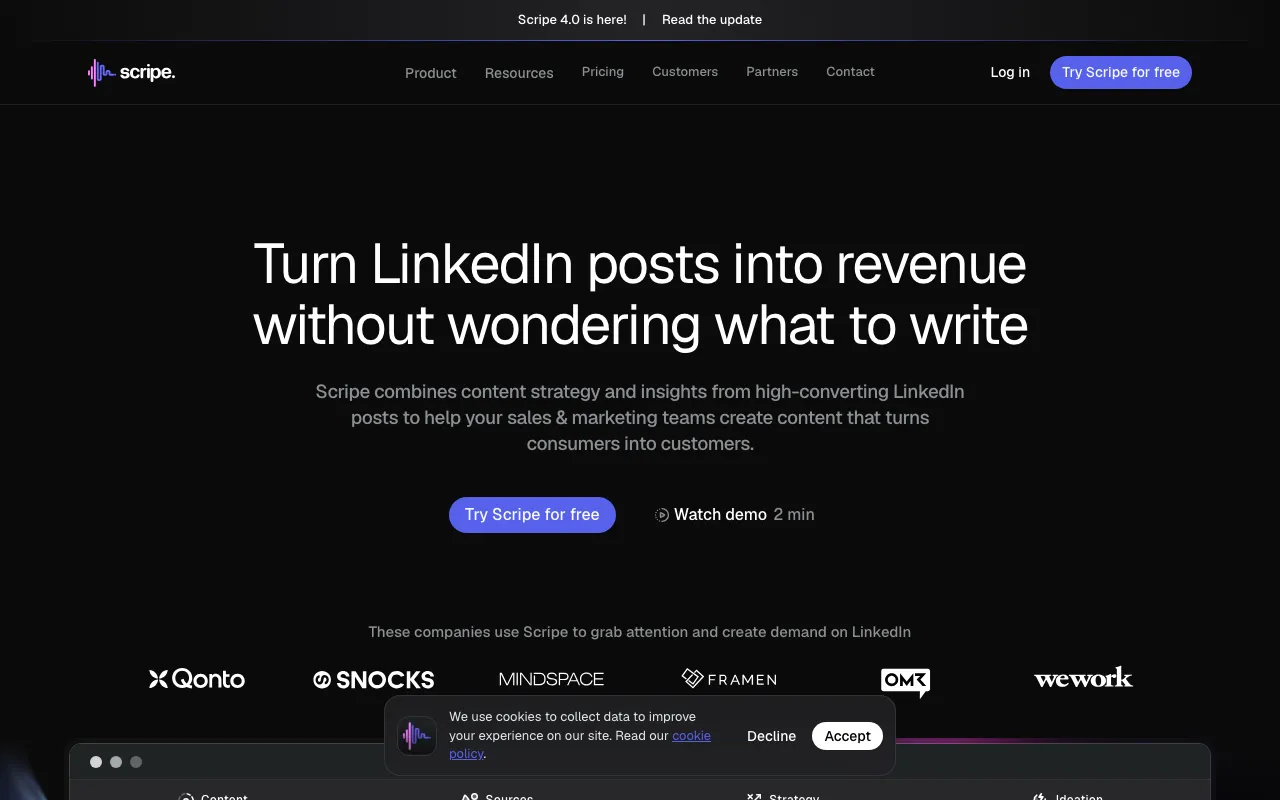 Scripe. Source: scripe.io
Scripe is built on an idea close to my heart: your best content is stuff you already said. It takes videos, podcasts, and calls and turns them into LinkedIn posts with AI.
If you already record regularly, Scripe is a strong way to mine that material for LinkedIn. The trade-off is that the output is LinkedIn-first, so if you want that same recording turned into an X thread, a newsletter, and a short at the same time, you will feel the ceiling.
- Best for: people who already record video or audio and want LinkedIn posts from it.
- Where it wins: clean video and audio to LinkedIn repurposing.
- Where it does not: true multi-format output from one recording.
- Price: around $75/mo, priced in euros (€69). See the CaptureFlow vs Scripe breakdown.
7. Typefully: best for writing and cross-posting to X
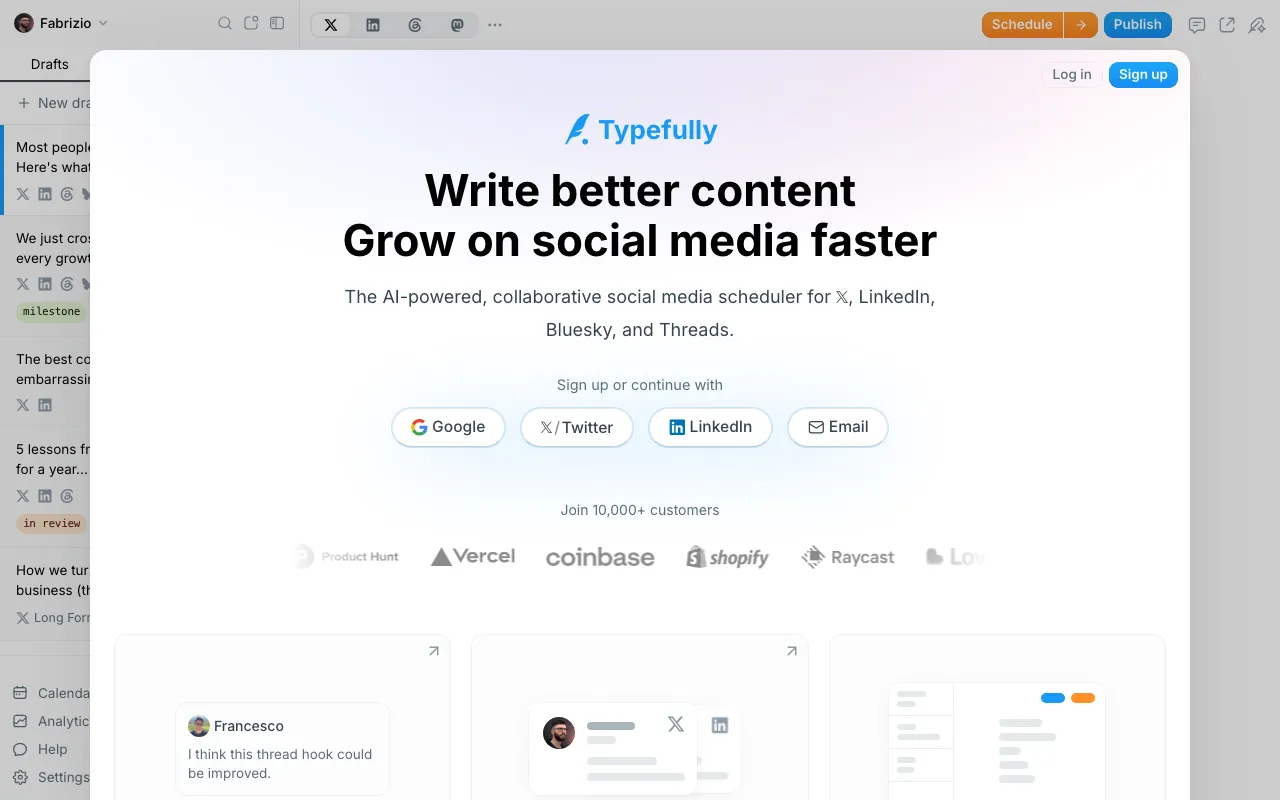 Typefully. Source: typefully.com
Typefully has one of the cleanest writing experiences anywhere, built first for X and now cross-posting to LinkedIn. If you think of yourself as an X-first writer who also wants a LinkedIn presence, it is a joy to use.
The honest note is the mirror image of Taplio's. Typefully is X-native, so LinkedIn is the secondary surface, and the LinkedIn-specific features are lighter than a dedicated LinkedIn suite.
- Best for: X-first writers who want a light LinkedIn cross-post.
- Where it wins: a beautiful writing and threading experience.
- Where it does not: LinkedIn-native depth.
- Price: around $15/mo per social set. Compare in the CaptureFlow vs Typefully breakdown.
8. Hypefury: best for X-first creators repurposing to LinkedIn
 Hypefury. Source: hypefury.com
Hypefury is the automation engine for X growth: evergreen reposts, auto-plugs, and scheduling, with LinkedIn cross-posting attached. For a creator whose center of gravity is X, its automations are genuinely powerful.
The trade-off is that LinkedIn is a bolt-on rather than the main event, so the posts can feel like X posts wearing a LinkedIn coat if you are not careful about adapting them.
- Best for: X-first creators who want automation plus LinkedIn cross-posting.
- Where it wins: X growth automations.
- Where it does not: LinkedIn-native content that does not read like a repurposed tweet.
- Price: around $29/mo. See the CaptureFlow vs Hypefury breakdown.
9. ChatGPT: best free starting point, and its ceiling
 ChatGPT. Source: openai.com
Let us be honest about the tool everyone actually starts with. ChatGPT is a capable first-draft engine and a fine place to begin, especially at free or $20 a month. If you have never used AI for content, start here for a week and learn what you like.
Its ceiling is structural, not about quality. A blank prompt in ChatGPT has no persistent memory of how you sound, no scheduling, and no analytics. So you re-explain your voice every session, then paste the output into another tool to actually publish. It is a writer, not a system, and that is exactly why the rest of this list exists. Our full breakdown of that gap lives in ChatGPT vs a content engine.
- Best for: anyone testing the water, or a founder who wants raw drafts to edit.
- Where it wins: free to cheap, flexible, genuinely capable writing.
- Where it does not: no memory of your voice, no scheduling, no distribution.
- Price: $0 to $20/mo. See ChatGPT vs a content engine.
How to choose the right one for you
The tools do not really compete with each other. They compete for different jobs. Buying the wrong category is the number one reason a tool gets a month of use and then a cancelled subscription. Ask these five questions before you pay for anything.
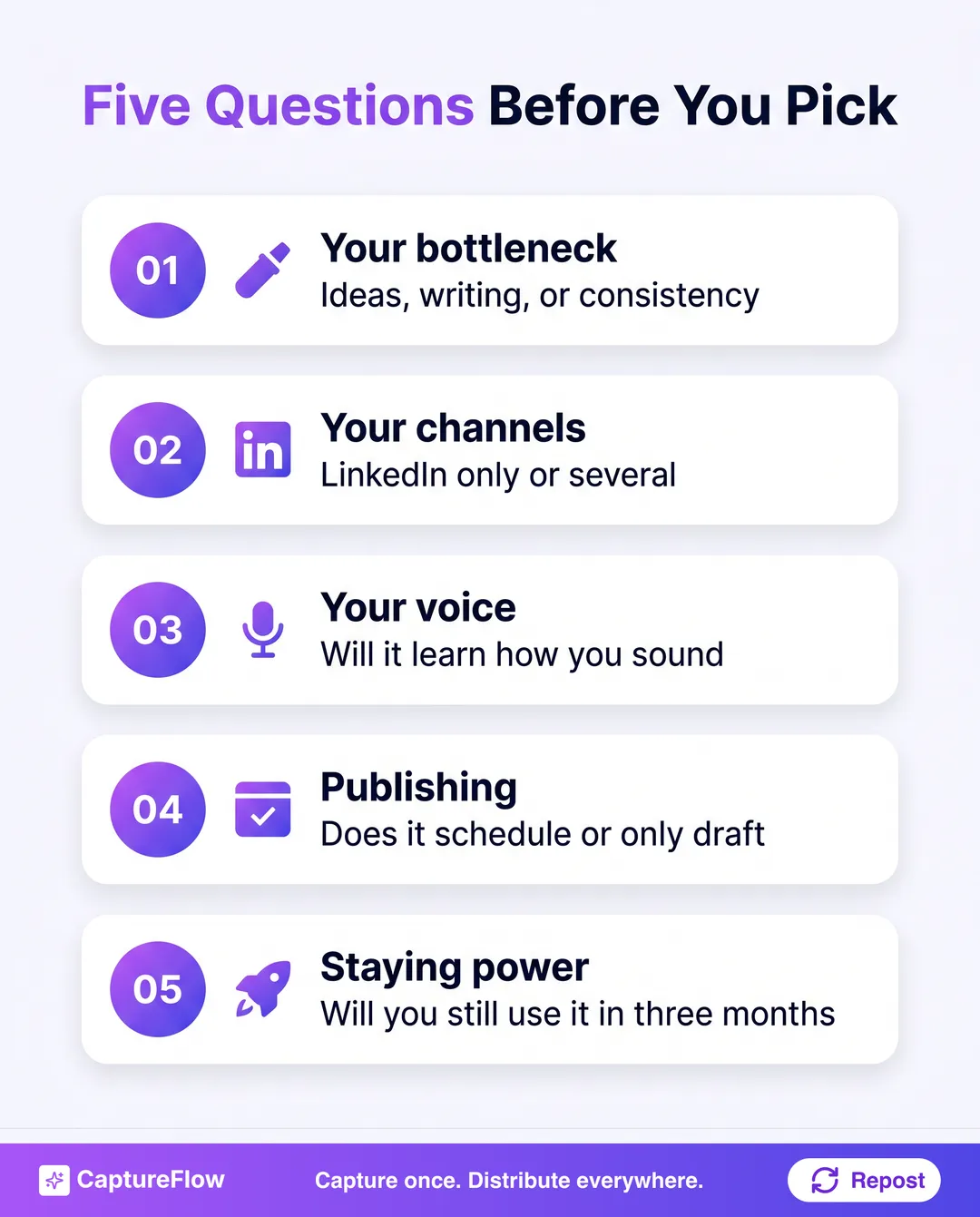 The fastest way to waste money is to buy on features. Buy on the job you actually have.
- What is my real bottleneck? Ideas, writing, or consistency. Buy for the one that actually stops you, not all three.
- Is LinkedIn my only channel? If yes, a LinkedIn specialist wins. If no, a multi-platform engine saves you from a stack of tools.
- Will it learn my voice? A tool that trains on your posts beats a tool with more features and a blank model.
- Does it publish, or only draft? A draft you still have to schedule elsewhere is half a solution.
- What will I still be doing in three months? The best tool is the one whose workflow you will not abandon. Simpler and sustainable beats powerful and exhausting.
If your honest answer to question two is "more than LinkedIn," you can stop comparing LinkedIn-only writers. The math changes: one multi-platform engine usually costs less than a LinkedIn tool plus an X tool plus a newsletter tool, and it keeps your voice consistent across all of them.
The honest final take
If LinkedIn is your entire world, buy the specialist that fits your bottleneck: Taplio for the full suite, Supergrow for value, Kleo for inspiration, AuthoredUp for formatting and analytics. Any of them will serve you well, and I would rather you pick the right specialist than the wrong generalist. If you are weighing this specifically as a time-strapped founder, the best AI tool for a founder to create LinkedIn content runs the four-part test that actually decides it.
But most founders I talk to do not live only on LinkedIn. They want to show up on X, in an inbox, and in video too, and they do not have time to run five tools and rewrite the same idea five ways. That is the exact gap CaptureFlow was built for.
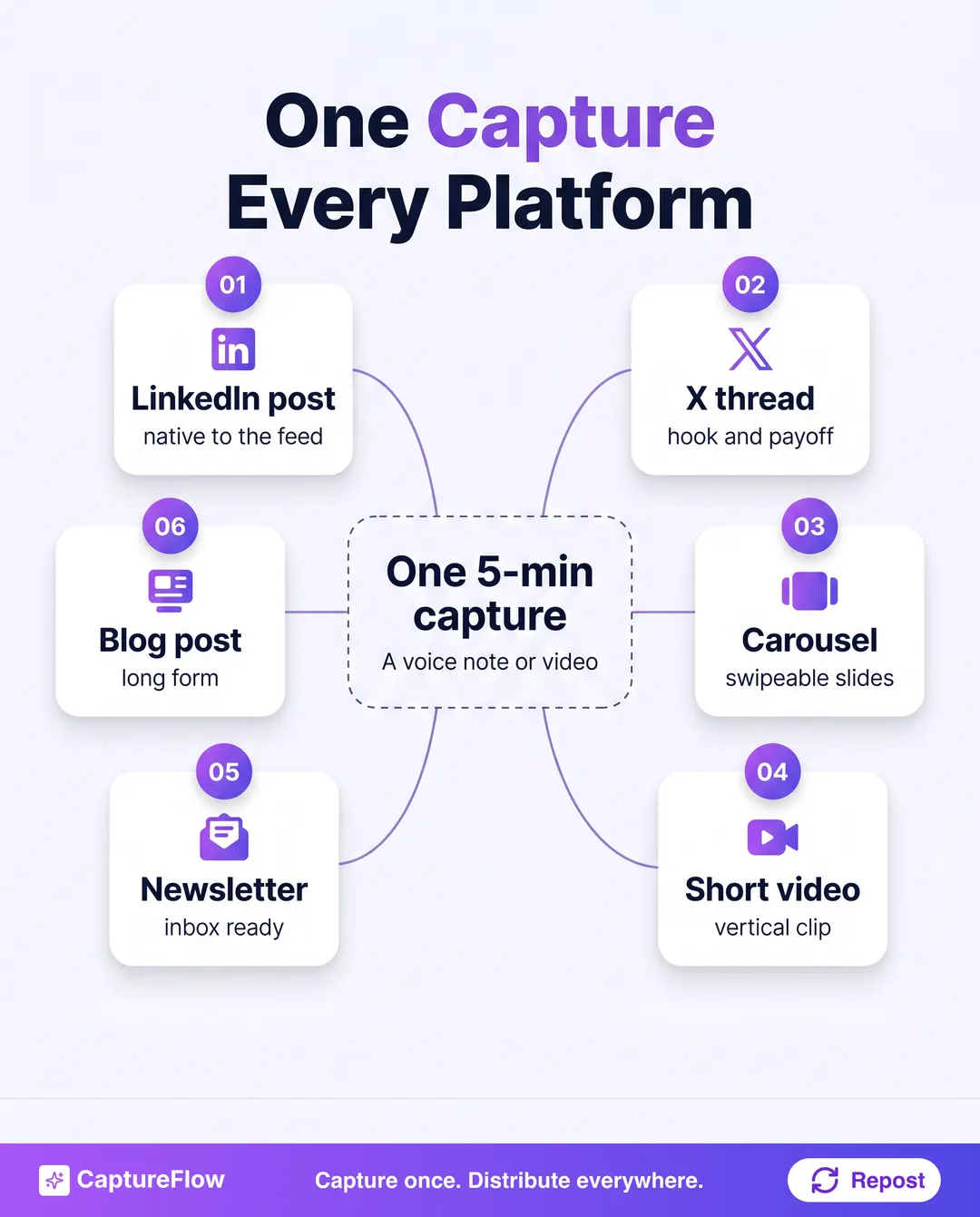 Capture-first: one idea, spoken once, becomes a week of native content for every platform, not just LinkedIn.
The reframe is simple. Every LinkedIn-only tool starts from "sit down and make a LinkedIn post." Capture-first starts from "say the thing once," and the LinkedIn post, and everything else, falls out of it. When one 5-minute capture becomes a week of on-brand content in every format, LinkedIn stops being a chore you schedule and becomes something that just happens.
If your raw material is video, here is exactly how to turn one video into 10 LinkedIn posts, and when getting the week out on time is the part that trips you up, the best social media scheduling tools handle that side.
That is the whole idea behind CaptureFlow. See how the content engine works, or start a free trial and turn your next voice note into a week of posts, on LinkedIn and everywhere else.
Frequently asked questions
What is the best AI tool for LinkedIn content in 2026?+
It depends on the job. Taplio is the strongest all-in-one built purely for LinkedIn. Supergrow is the best value for solo creators. CaptureFlow is the best fit if you post to LinkedIn and other platforms, since one capture becomes native content for each.
Can AI write LinkedIn posts that do not sound generic?+
Only if it is trained on your voice. A blank prompt in any tool returns the average of the internet. The tools that avoid slop are the ones that learn from your past posts, your knowledge, and your point of view.
Do I need a separate tool for scheduling and analytics?+
Not anymore. Most tools on this list bundle scheduling, and several add analytics. The bigger question is whether the tool also creates the content or only queues what you already wrote.
Is ChatGPT enough for LinkedIn content?+
It is a capable first-draft engine and a fine place to start. Its ceiling is that it has no persistent memory of your voice, no scheduling, and no analytics, so you rebuild context every session and paste output somewhere else to publish.
How much do AI LinkedIn tools cost?+
Most sit between roughly $19 and $99 per month for a single user in 2026. Budget writers start near $19, all-in-one LinkedIn suites run $39 and up, and prices change often, so check the current plan before you buy.
Chris is the founder and CEO of CaptureFlow, which he builds so founders can turn their expertise into content without hiring a team. After 10+ years building products and growing audiences from scratch, he writes about founder-led content, AI, and distribution from inside the problem he is solving: distributing consistent, on-brand content as a team of one.
Founder & CEO of CaptureFlow · 10+ years building products and audiences
One playbook a week from founders who actually create and distribute lots of content. No spam, unsubscribe anytime.
Keep reading

7 Best Taplio Alternatives in 2026 (Ranked)
Taplio popularized the all-in-one LinkedIn growth tool. But it is LinkedIn-only and priced for power users. Here are the 7 best Taplio alternatives in 2026, ranked honestly.

9 Best AI Content Tools for Founders in 2026: Honestly Ranked
You do not have a marketing team. You have a company to run and a feed to fill. Here are the 9 best AI content tools for founders in 2026, ranked honestly by the job.
7 Best AI Content Repurposing Tools in 2026: Honestly Ranked
You already made the content. Repurposing tools mine what you have instead of making you start over. Here are the 7 best in 2026, ranked honestly.