7 Best Opus Clip Alternatives in 2026 (Ranked)
Opus Clip is a strong clipper, but not your only option. The 7 best Opus Clip alternatives in 2026, ranked honestly on clip quality, format range, and price.

You recorded one long video. You do not want one long video. You want ten clips, captioned, cropped to 9:16, and ready to post before the moment goes cold.
That is the job Opus Clip made famous, and it does that job well. But an Opus Clip alternative is any AI tool that turns long-form video into short, captioned clips, without the specific limit that sent you looking, whether that is price, editing depth, or the fact that a clip is all you get back. Some alternatives clip better. Some also record. One turns that same capture into a lot more than clips.
I run CaptureFlow, so I have a stake in this ranking, and I will say plainly where the specialists beat us. A listicle that crowns its own product on every line is worthless. This one ranks seven real tools, Opus Clip's genuine competitors plus CaptureFlow, on clip quality, format range, and what you actually pay in 2026.
What is an Opus Clip alternative?
Opus Clip popularized a simple pipeline: upload a long video, let AI find the strong moments, and get back a stack of short, captioned, vertically cropped clips scored for how likely they are to perform. You can see how CaptureFlow stacks up against it directly here.
Every tool below runs a version of that same pipeline. The differences show up in three places.
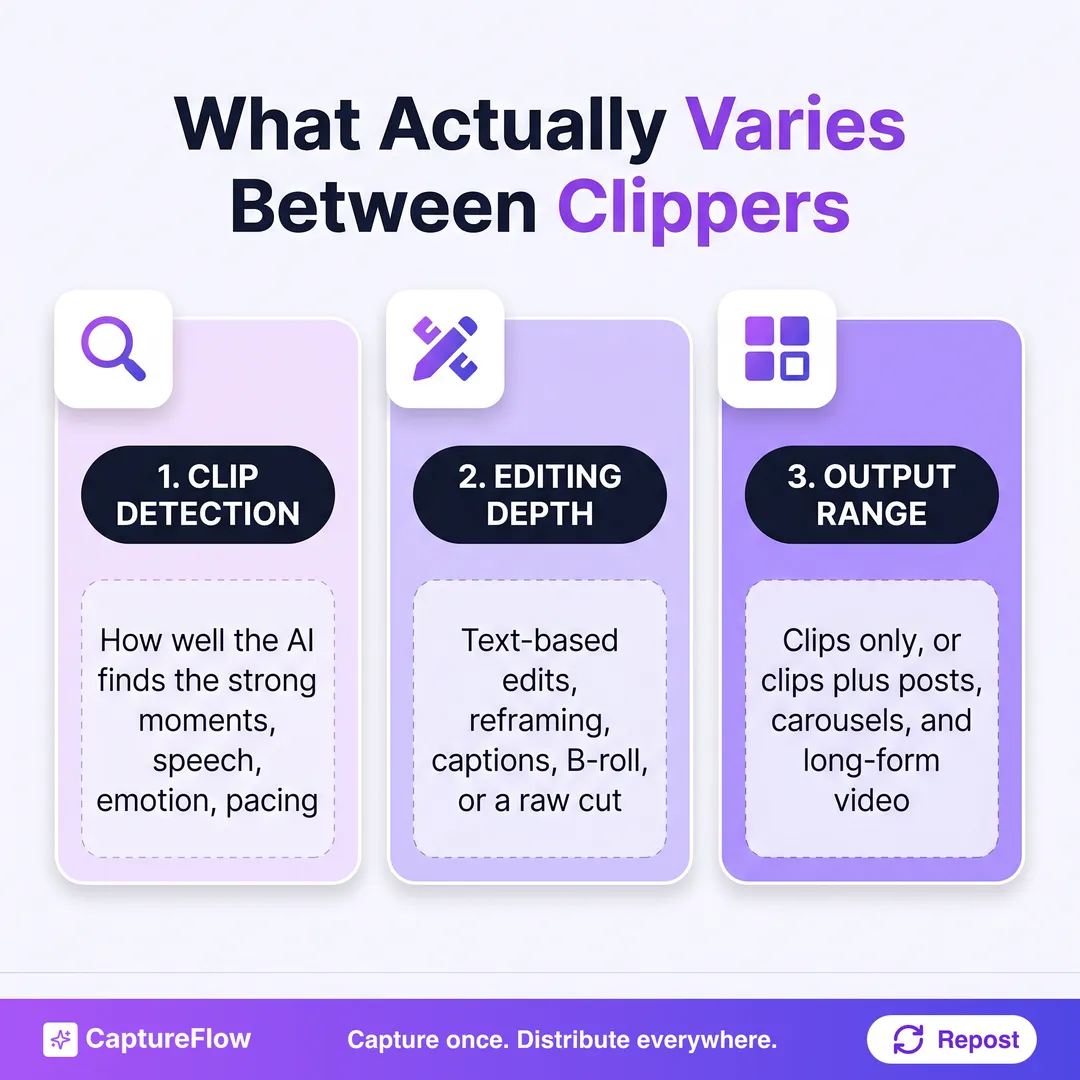 What actually separates one AI clipping tool from another. Detection quality gets the marketing, but output range decides what you can skip doing by hand.
- Clip detection. How well the AI finds the moments worth cutting, by speech, by emotion, by pacing, versus how much you still hunt manually.
- Editing depth. Whether you get real text-based editing, reframing, and B-roll, or a raw cut you finish elsewhere.
- Output range. Whether you get clips and only clips, or the same capture also becomes a LinkedIn post, a carousel, or a long-form video.
Most clip tools stop at output range on purpose. Clipping long video well is already a hard problem, and a focused tool that does it well beats a bloated one that does everything poorly. The trade-off is real: a dedicated clipper is usually the sharper single-purpose choice, and a content agent is the better choice when clips are one of five things you need from the same recording.
The 7 best Opus Clip alternatives in 2026 at a glance
Ranked by the job each tool actually does best, not by feature count. Prices are the single-user starting plan, billed monthly unless noted.
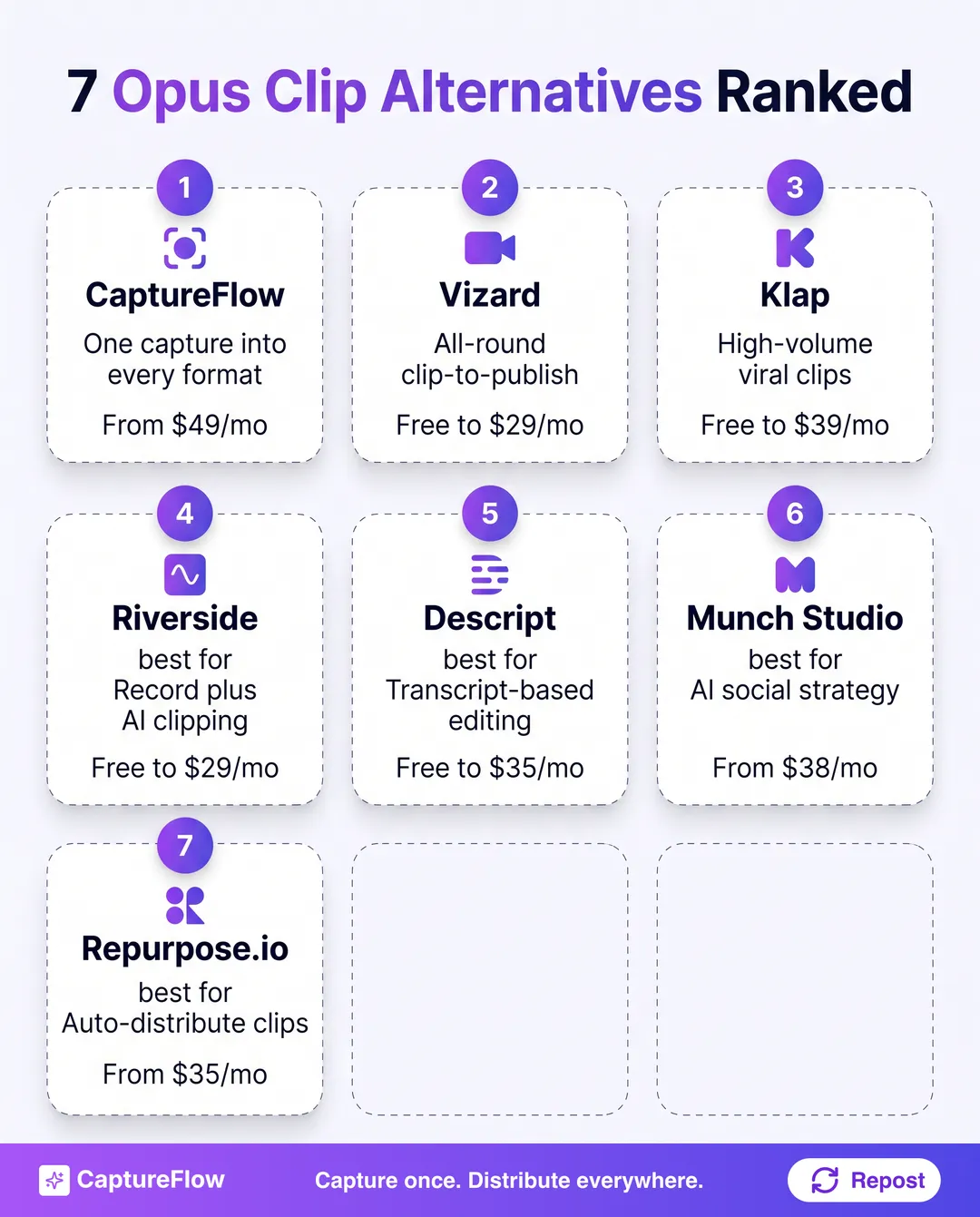 The full ranking at a glance. The table below has the detail.
| # | Tool | Best for | Input | Starts around |
|---|---|---|---|---|
| 1 | CaptureFlow | One capture into short and long-form video, plus every other format | Video, audio, docs, links | $49/mo |
| 2 | Vizard | An all-round clip-to-publish workflow | Long video | Free to $29/mo |
| 3 | Klap | Pure high-volume viral clip generation | Long video | Free to ~$39/mo (annual) |
| 4 | Riverside | Recording plus AI clipping in one tool | Live recordings | Free to $29/mo |
| 5 | Descript | Transcript-based precision editing | Video and audio | Free to $35/mo |
| 6 | Munch Studio | AI-run social strategy from a website or video | Website, video, Zoom calls | $38/mo |
| 7 | Repurpose.io | Auto-distributing clips you already have | Existing video and posts | $35/mo |
Prices checked July 2026 and rounded to a single-user starting plan. They move often and several tools price by annual credits, so confirm the current plan before you buy.
You can put any of these head-to-head with CaptureFlow on our comparison hub. Now the reasoning behind the order.
The 7 best Opus Clip alternatives, ranked
1. CaptureFlow: best for one capture into short and long-form video, plus every other format
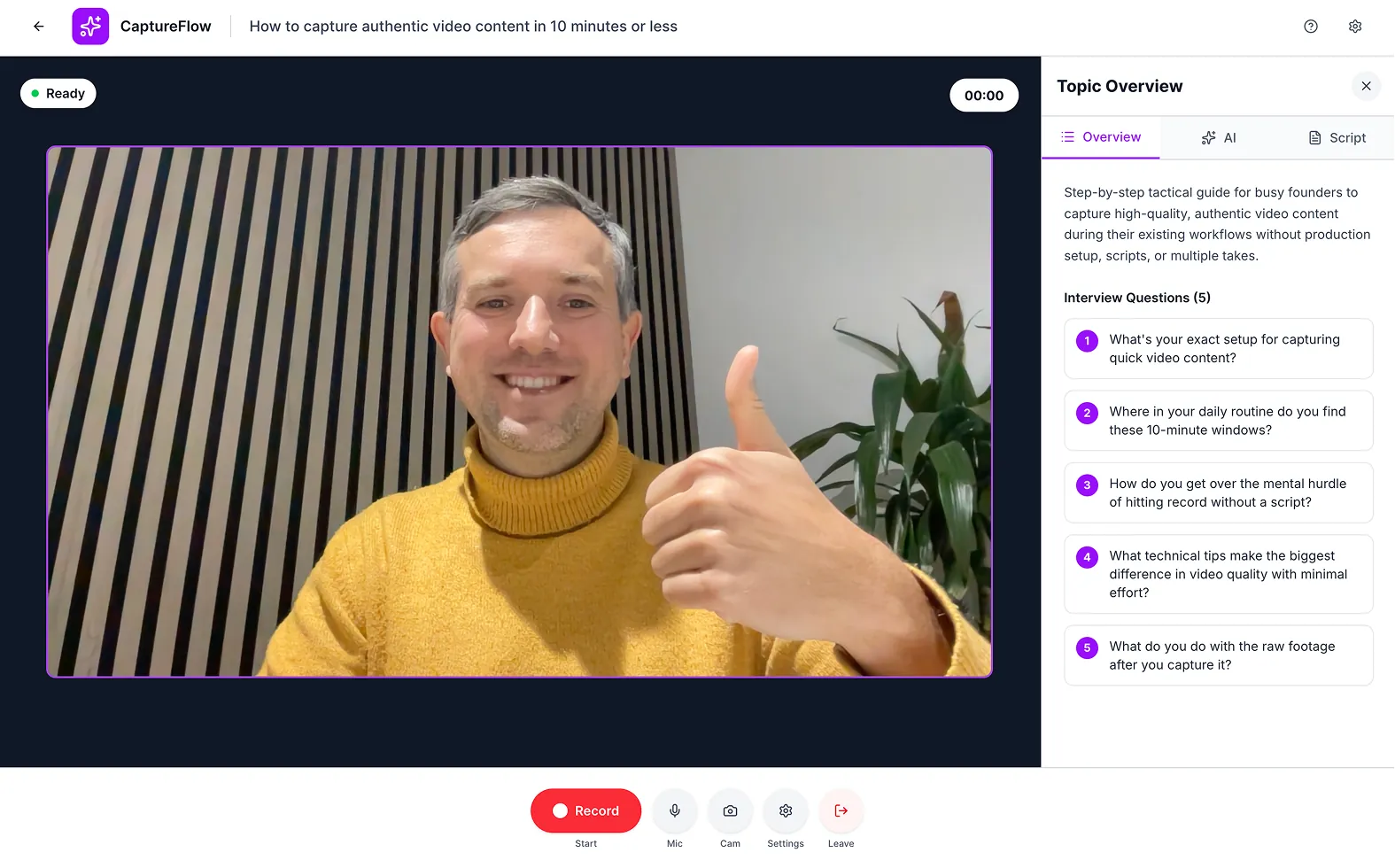 CaptureFlow's capture studio. The same recording becomes clips, posts, and a carousel.
The honest caveat first, same as it would be from anyone ranking their own product. If your only job is cutting one long video into vertical clips, a dedicated clipper like Vizard or Klap is more focused than we are. CaptureFlow is not a single-purpose clip tool.
What CaptureFlow does instead is take that same long recording and reshape it into everything a clip tool leaves on the table. CaptureFlow is an AI content agent that turns your expertise into weeks of on-brand content for every platform. You capture one idea in 5 minutes (a voice note, a video, a file, or a link), and CaptureFlow, trained on your voice and past posts, reshapes it into native content for each channel: a LinkedIn post, an X thread, a carousel, an infographic, a short video, and more.
That includes short-form clips for the platforms that want them, and it produces long-form video too, not just cut-downs. Because the raw material is something you already said, the output keeps your phrasing instead of sounding like a template, and cross-platform publishing schedules the whole set at once.
- Features: video, voice, file, and link capture, brand-voice training, multi-format output (posts, carousels, quote images, infographics, short and long-form video), native scheduling across every major platform.
- Pricing: $49/mo, or $34 on the founding plan. See current plans.
- Pros: the only tool here where one capture also becomes a native post, a carousel, and a thread, not just a clip.
- Cons: it is not a dedicated clipper, and it will not out-cut a specialist purely on clip volume per dollar.
The core trade-offA clip tool asks "what clips can I get from this video?" CaptureFlow asks what a whole week of content looks like from the same five minutes.
2. Vizard: best all-round clip-to-publish workflow
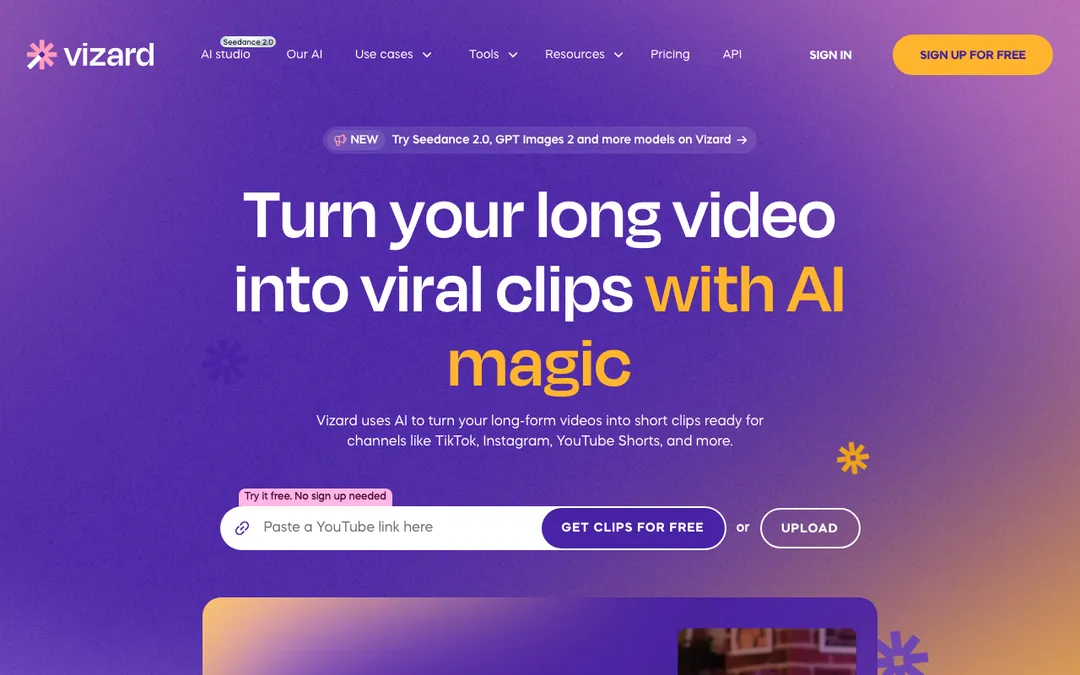 Vizard. Source: vizard.ai
Credit where it is due. Vizard is the most complete Opus-Clip-shaped workflow on this list, pairing AI highlight detection with a real text-based editor, B-roll insertion, brand templates, and direct scheduling to social accounts, all in one tool. If you want to go from a pasted YouTube link to a published clip without leaving the browser tab, it is a strong pick.
The trade-off is the credit system. Pricing runs on a 1-credit-per-uploaded-minute model, so a busy podcast eats through a plan fast, and the useful features, no watermark, 4K export, scheduling, sit behind the paid tiers.
- Best for: creators who want AI clipping and a full editor in one place.
- Where it wins: the most complete single-tool workflow, from upload to scheduled post.
- Where it does not: minute-based credits get expensive with long source video; no non-clip output formats.
- Price: free tier (60 credits/month, 720p, 3-day storage), Creator from $29/mo ($14.50/mo billed yearly), Business from $39/mo ($19.50/mo billed yearly). See current pricing.
3. Klap: best for pure high-volume viral clip generation
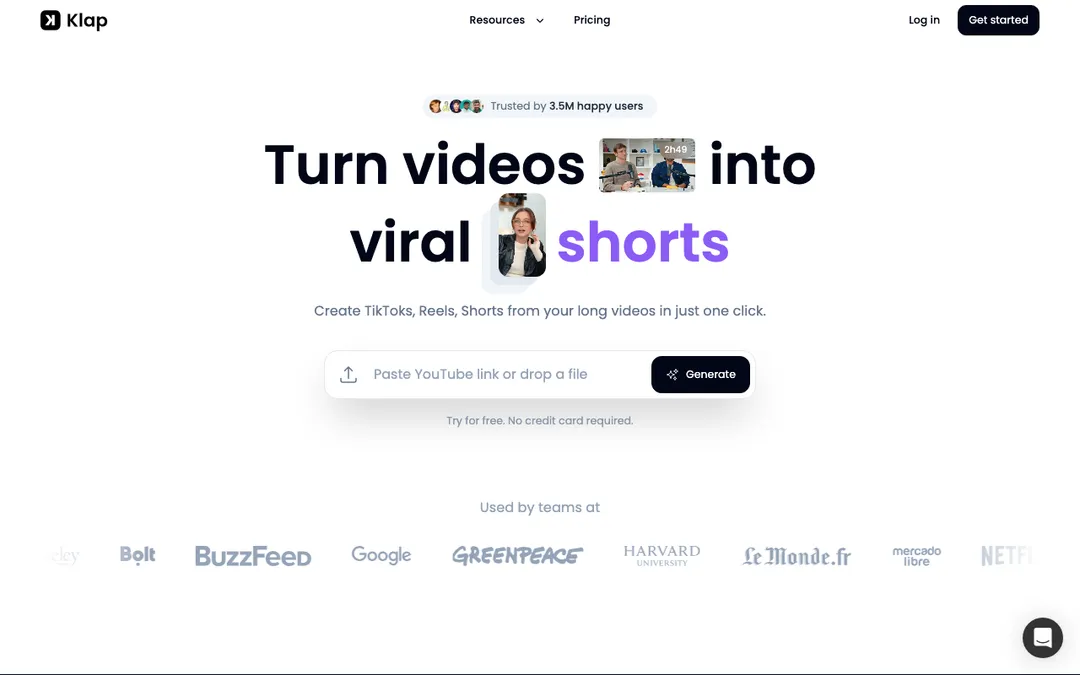 Klap. Source: klap.app
Klap does one thing and pushes hard on it. Paste a YouTube link or upload a file and it extracts the strongest topics, cuts multiple vertical clips, scores them for virality, and reframes the footage to keep the speaker centered. At 3.5 million creators and counting, it has real scale behind the claim.
The trade-off is scope, same as most single-purpose clippers: Klap clips, it does not write a LinkedIn post or build a carousel from the same footage, and the useful minute allowances sit on the paid plans.
- Best for: creators who want volume, many clips per upload, with minimal manual work.
- Where it wins: fast, high-throughput clip generation with virality scoring.
- Where it does not: clips only, no written or multi-format output.
- Price: free trial (1 video, no card), Standard from $14/mo billed yearly (100 clips/month), Pro from $39/mo billed yearly (300 clips/month), Pro+ from $94/mo billed yearly (1,000 clips/month). See current pricing.
4. Riverside: best if you also need to record
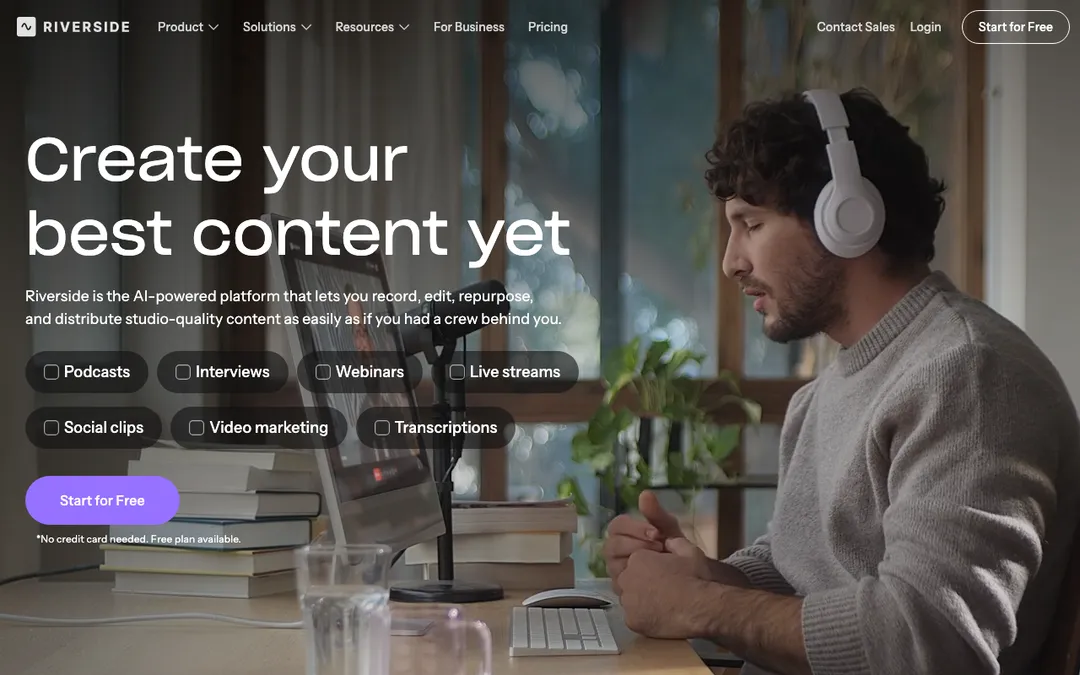 Riverside. Source: riverside.com
Riverside starts one step earlier than the rest of this list. It is a recording studio first, capturing local 4K video and separate tracks per participant, and its Magic Clips feature turns that recording straight into short-form clips without an export-then-upload round trip. For podcasters and interview shows, skipping that hop is a real time save.
The trade-off is that Riverside is built around the recording, so if your source video already exists elsewhere, footage from a phone, a webinar platform, a screen capture, you are paying for a recording studio you will not use to get to the clipping feature.
- Best for: podcasters and interviewers who record and clip in the same workflow.
- Where it wins: studio-quality recording plus AI clipping, no separate upload step.
- Where it does not: less useful if your video already exists outside Riverside; paid tiers gate the clip and export minutes.
- Price: free tier (2 hours one-off, 720p, watermark), Pro from $29/mo ($24/mo annual), Grow from $39/mo ($34/mo annual, adds scheduling). See current pricing.
5. Descript: best for transcript-based precision editing
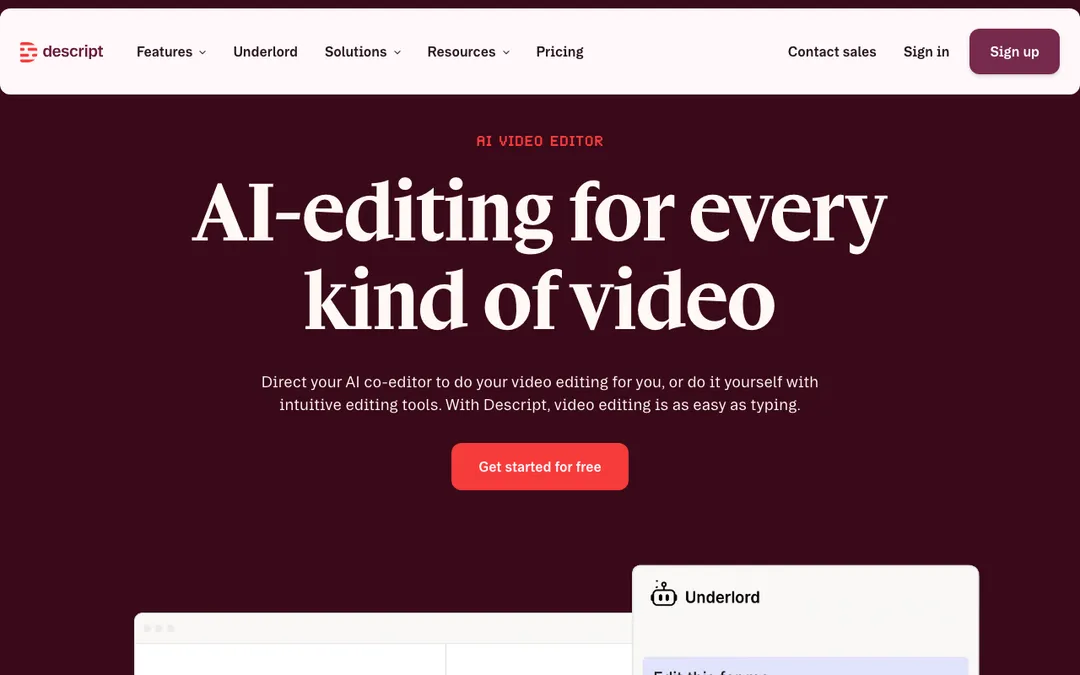 Descript. Source: descript.com
Descript approaches clipping from the editing side rather than the automation side. It transcribes your video, then lets you edit by editing the text, delete a sentence and the matching footage disappears, while its AI co-editor Underlord can find and cut clip-worthy moments on request. For anyone who wants to shape the cut, not just accept whatever the AI hands back, that control is the appeal.
The trade-off is that Descript asks more of you than a one-click clipper. It is a genuine editor, so getting from long video to finished clips takes longer than pasting a link into Vizard or Klap and waiting.
- Best for: creators who want hands-on control over the cut, not a fully automated pipeline.
- Where it wins: the most precise editing model here, plus a real AI co-editor.
- Where it does not: slower than a one-click clipper; the free and Hobbyist tiers cap media hours tightly.
- Price: free tier (1 media hour/month, 720p), Hobbyist from $24/mo ($16/mo annual), Creator from $35/mo ($24/mo annual, full Underlord access, 4K). See current pricing.
6. Munch Studio: best for AI-run social strategy from a website or video
 Munch Studio. Source: munchstudio.com
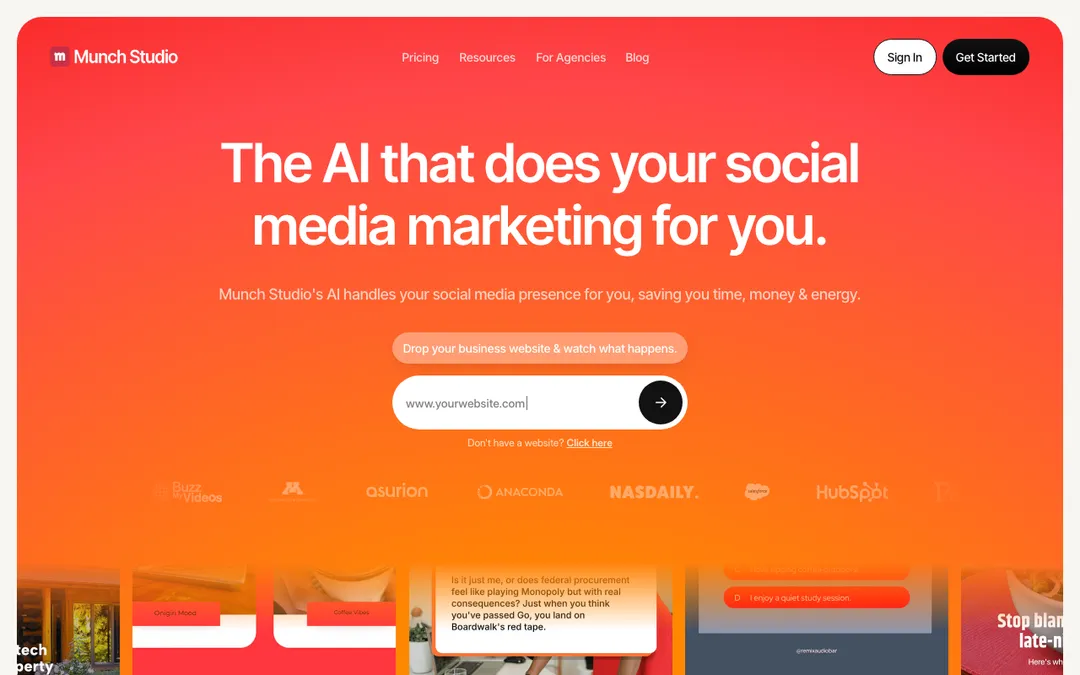
Munch started as a video-clipping tool and has since rebranded into something broader. Point Munch Studio at your website, existing videos, photos, or a Zoom recording, and it builds a content strategy and auto-generates image and video posts against it, still turning long-form footage into short clips along the way, but as one input among several rather than the whole product.
The honest framing is that Munch Studio optimizes for hands-off volume, a full stream of scheduled posts, over the precision a dedicated clipper gives you on any single video. If what you actually want is the sharpest possible cut of one recording, that is not the job it is built for anymore. See the full CaptureFlow vs Munch comparison.
- Best for: businesses that want an AI to run ongoing social output from existing assets, not just clip one video.
- Where it wins: genuinely hands-off, point it at a website or video and it keeps producing.
- Where it does not: less precise than a dedicated clipper for a single video; output is mostly image and video posts, not text formats.
- Price: Essential from $38/mo, Premium from $60/mo. See current pricing.
7. Repurpose.io: best for auto-distributing clips you already have
 Repurpose.io. Source: repurpose.io
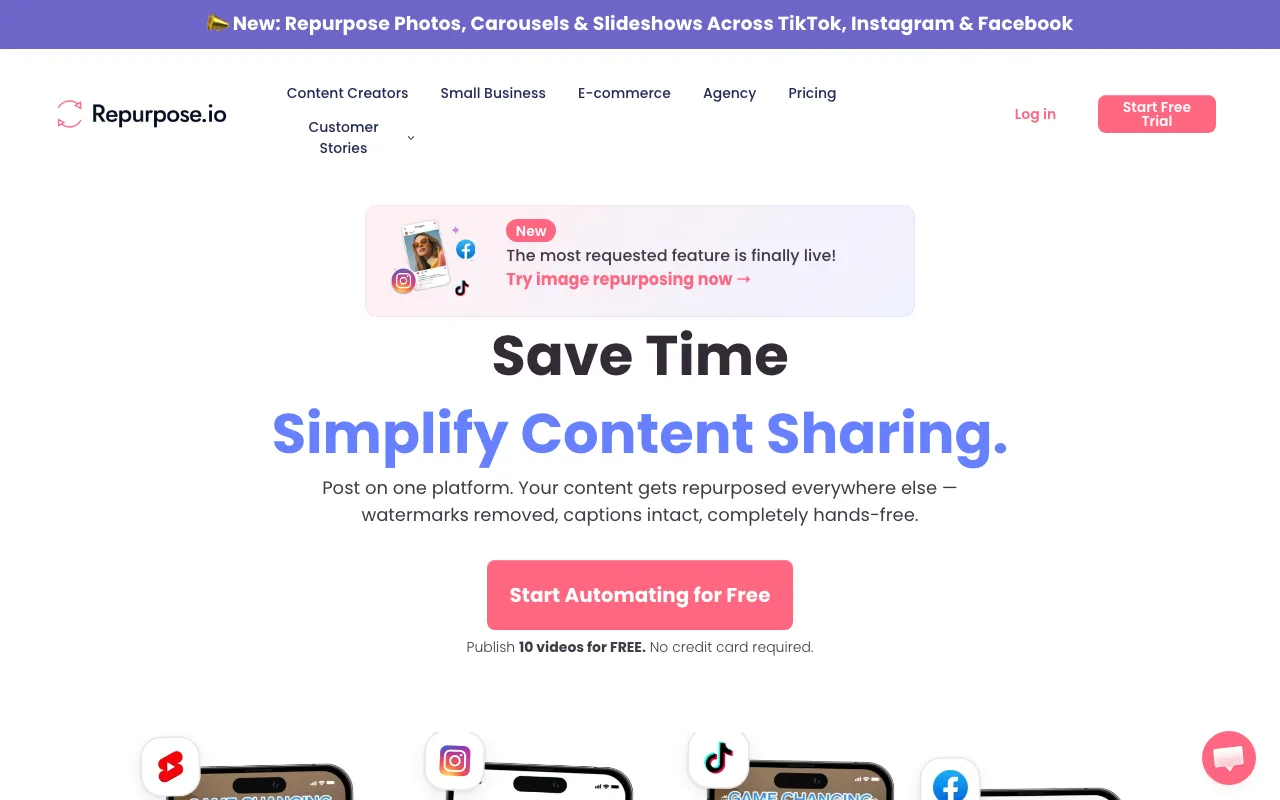
Repurpose.io solves a different half of the problem. It does not find or cut your clips, it takes clips or videos you already made, on TikTok, say, and automatically reposts them to Reels, Shorts, and every other channel, watermark-free, on autopilot. If you already run a clipper and just want the output everywhere without manual re-uploading, it is a strong finishing piece.
The trade-off is exactly that: it is plumbing, not a clipper. Pair it with Vizard, Klap, or Opus Clip itself if you still need the cutting step done first. Read the full CaptureFlow vs Repurpose.io breakdown.
- Best for: creators who already have clips and want them everywhere automatically.
- Where it wins: hands-off, autopilot cross-platform distribution.
- Where it does not: it does not create or select clips, only moves and reformats what exists.
- Price: Starter from $35/mo (3 accounts/network, 5,000 published videos/month), Pro from $79/mo (10 accounts/network, unlimited). See current pricing.
How to choose the right one for you
These tools are not really competing with each other. They are solving for different points in the same pipeline: record, cut, edit, distribute. The fastest way to waste a subscription is buying for a step you have already solved.
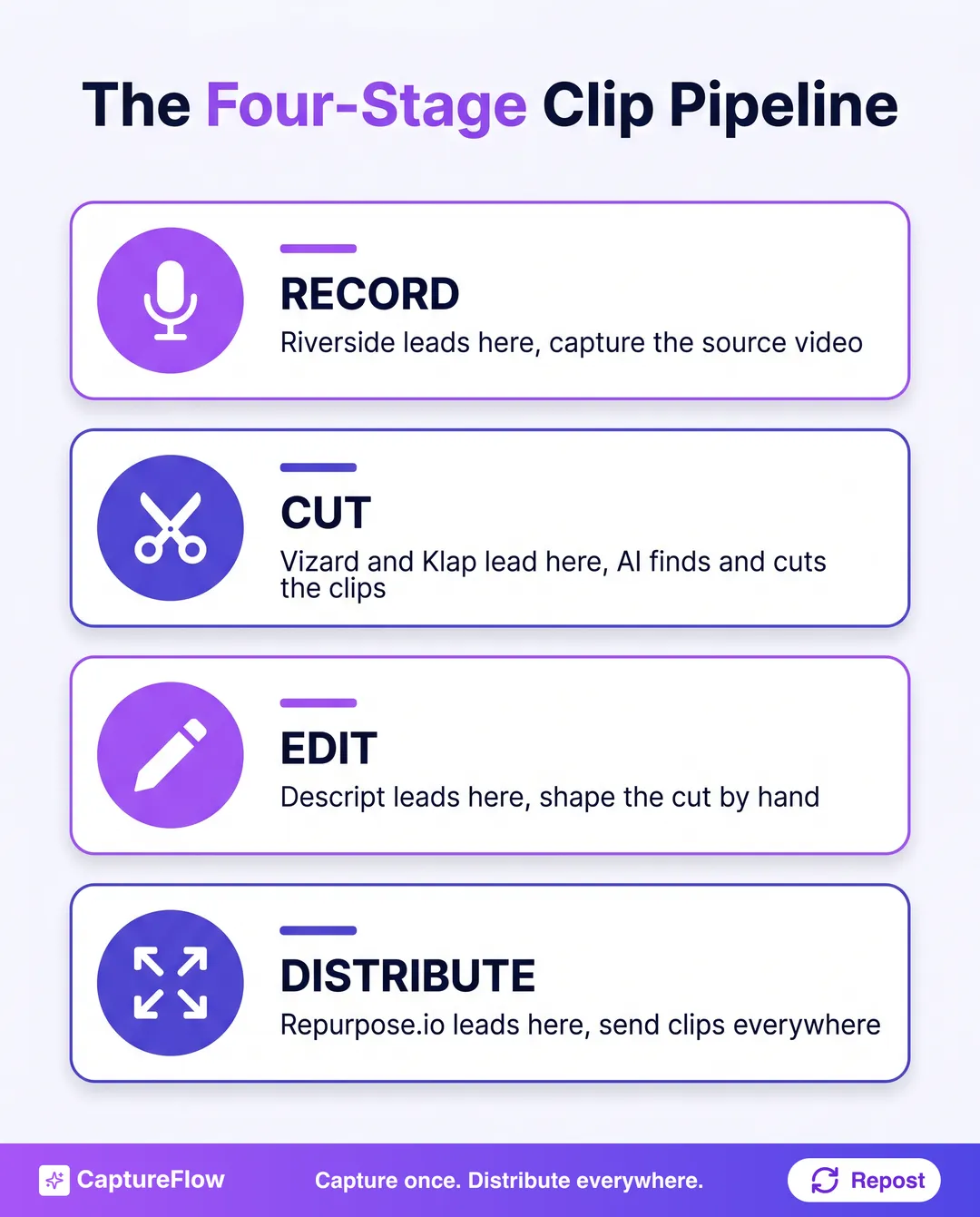 Most tools own one stage of the pipeline. CaptureFlow is built to span all four, plus formats no clipper touches.
- What stage are you missing? If you have no recording yet, start with Riverside. If you have raw video and want fast clips, Vizard or Klap. If you want to shape the cut yourself, Descript. If clips already exist and just need to travel, Repurpose.io.
- Do you need clips, or content? A specialist clipper is the right buy if short-form video clips are genuinely the only format you need. If the same recording should also become a LinkedIn post, a thread, and a carousel, you are buying a clipper to solve a bigger problem than it was built for.
- How much of your week can this eat? Stitching a recorder, a clipper, an editor, and a distribution tool together is four subscriptions, four logins, and four places your voice can drift. One content agent grounded in your material keeps that consistent.
Price tracks features fairly closely across this list. Here is roughly what each band actually buys you.
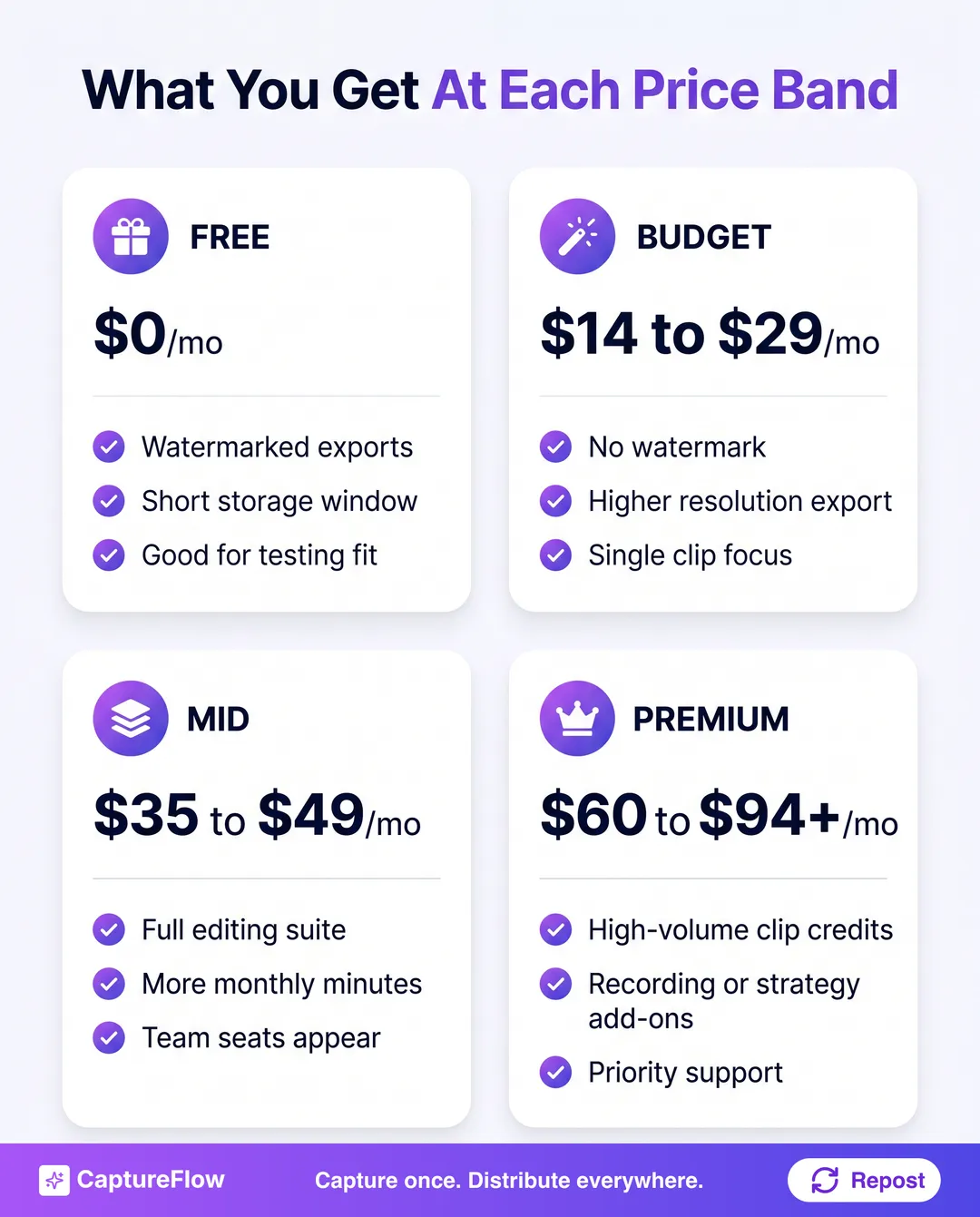 Free tiers are for testing fit. The real decision starts at the budget band.
If your honest answer to question two is "I want the clips, plus the post, plus the carousel, from the thing I already recorded," you have outgrown a clip tool. That is a different job, and stitching four specialists together to do it costs more, in money and in consistency, than one tool built to do it from the start.
For the step before clipping even starts, our guide on how to turn one video into 10 LinkedIn posts walks the full path from a single recording to a week of native content. If your raw material is more often a podcast than a video, how to repurpose a podcast covers that version of the same problem, and our broader content repurposing strategy guide covers the system behind both. If clips specifically are one piece of a wider toolkit search, our best AI content repurposing tools roundup ranks the audio and distribution side too.
The final take
If cutting one long video into the sharpest possible short clips is genuinely your whole job, buy the specialist. Vizard or Klap will out-clip anything else on this list, Riverside if you also need to record, Descript if you want to shape the cut by hand. Each is excellent at its one job, and a sharper specialist beats a weaker generalist every time.
But most founders who go looking for an Opus Clip alternative do not actually want more clips. They want the hour they spent recording to cover more than one channel. That is a different problem, and it is the one CaptureFlow is built to solve: one capture, reshaped into a short clip, a long-form video, a LinkedIn post, and a carousel, in your voice, published everywhere on schedule.
See how CaptureFlow works, or check current plans and turn your next recording into more than a stack of clips.
Frequently asked questions
What is the best Opus Clip alternative in 2026?+
It depends on the job. Vizard is the best all-round clip-to-publish workflow. Klap is best for pure high-volume viral clip generation. Riverside is best if you also need to record the video. CaptureFlow is best if you want one capture turned into short and long-form video plus every other format, not just clips.
Is there a free Opus Clip alternative?+
Yes. Vizard, Klap, Descript, and Riverside all ship a free tier with a monthly minute or credit cap and a watermark or storage limit. They are fine for testing whether AI clipping fits your workflow before you commit to a paid plan.
What is the difference between a clip tool and a content agent?+
A clip tool takes one long video and cuts it into several short videos. A content agent takes one capture, video, voice note, or file, and reshapes it into every format a platform actually rewards: a native post, a carousel, a clip, an infographic. Clip tools are a component. A content agent is the whole loop.
How much do Opus Clip alternatives cost in 2026?+
Most sit between $14 and $40 per month for a single-user starter plan, billed monthly, with a cheaper annual option. Recording-plus-clipping tools like Riverside and full content-strategy tools like Munch Studio run higher, from $29 to $60 per month. Prices move often, so confirm the current plan before you buy.
Chris is the founder and CEO of CaptureFlow, which he builds so founders can turn their expertise into content without hiring a team. After 10+ years building products and growing audiences from scratch, he writes about founder-led content, AI, and distribution from inside the problem he is solving: distributing consistent, on-brand content as a team of one.
Founder & CEO of CaptureFlow · 10+ years building products and audiences
One playbook a week from founders who actually create and distribute lots of content. No spam, unsubscribe anytime.
Keep reading
7 Best AI Content Repurposing Tools in 2026: Honestly Ranked
You already made the content. Repurposing tools mine what you have instead of making you start over. Here are the 7 best in 2026, ranked honestly.

How to Use AI Content Tools (Without Sounding Like a Bot)
Most people disappointed with AI content tools started with the tool instead of the problem. Here is the workflow that actually works: find the gap, match the tool, train it on your voice, and ship.

5 Best AI Tools to Turn Meeting Recordings Into Content
Your best ideas are already on a call recording somewhere. Here are the AI tools that turn that recording into posts, ranked by what each does best.