7 Best Content Workflow Tools for Agencies in 2026
The best content workflow tool for a social media agency managing B2B clients, ranked. What each one is best for, roughly what it costs, and where it breaks.


Managing content for one client is a to-do list. Managing it for twelve is a coordination problem, and the two feel nothing alike.
Somewhere around the fifth client, the spreadsheet stops working. A post gets approved in an email thread nobody can find. A client's "small tweak" arrives after the thing already went live. Two teammates schedule the same carousel to the same account. None of that is a talent problem. It's a workflow problem, and it's exactly what these tools exist to solve.
So which one should your agency actually use? That depends on where the work jams for you. A content workflow tool for an agency is the system that moves a client's content from idea to approved to distributed, across every client and channel, without anything falling through the cracks. Some tools nail approvals. Some nail scheduling at scale. And a few now handle the part everyone forgets: the posts do not exist yet, and someone has to make them.
Below are the 7 we'd actually put in front of an agency owner, ranked, with what each is genuinely best at and where it falls down. If you want the deeper how-to on wiring these into a repeatable system, we cover that in content workflow automation for agencies.
What agencies actually need from a content workflow tool
Before the rankings, the criteria. A tool for a solo creator and a tool for an agency are judged on different things.
- Per-client separation. Workspaces, brand kits, and calendars that do not bleed into each other. One wrong account and you have a client crisis.
- Approvals that clients will actually use. A share link the client can comment on beats a login they will never remember.
- Scheduling at real volume. Bulk queues, per-channel timing, and a calendar you can read across ten accounts at a glance.
- The content itself. The one most tools ignore. A schedule is only as good as what fills it, and for most agencies the drafting is the slow part.
B2B accounts raise the stakes on two of those. The content is usually text-led thought leadership, so a pretty visual planner buys you little, and the buyer is a real person with an opinion, so generic filler gets noticed and ignored. That pushes the hard part toward drafting something worth reading for each client, week after week, which is precisely the step a scheduler was never built to do.
Score every tool below against your own bottleneck, not against a feature list. The best tool is the one that fixes the step where your week actually stalls.
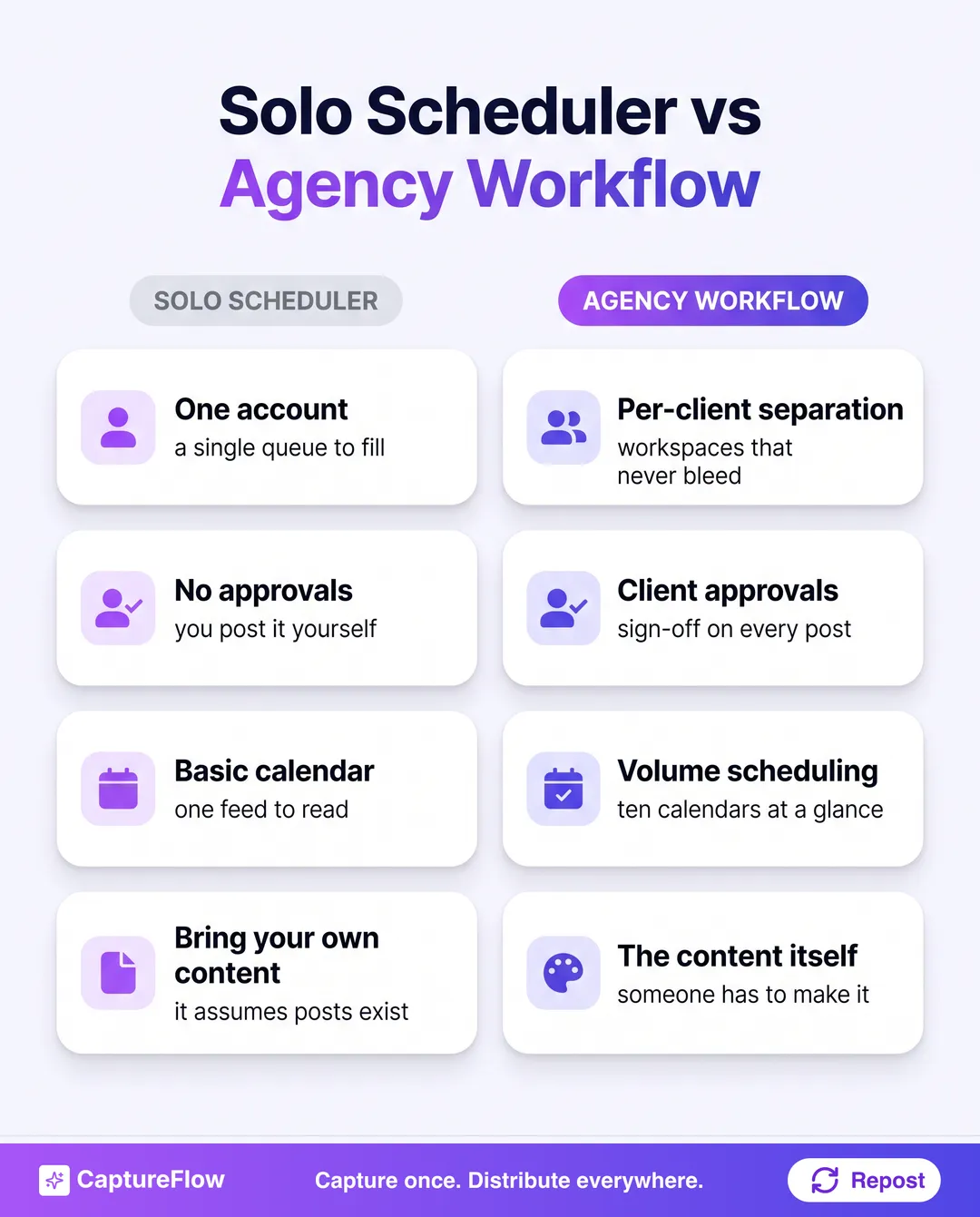 Judge every tool against the step where your week stalls, not a feature checklist.
The 7 best content workflow tools for agencies at a glance
| # | Tool | Best for | Starts around |
|---|---|---|---|
| 1 | CaptureFlow | Agencies whose bottleneck is creating client content | $49/mo |
| 2 | Loomly | Client approval workflows | ~$65/mo |
| 3 | Hootsuite | Large teams, monitoring, and a social inbox | ~$99/mo |
| 4 | SocialBee | Content categories and recycling across clients | ~$29/mo |
| 5 | Buffer | Simple, clean multi-client scheduling | Free to ~$6/channel |
| 6 | Later | Visual and Instagram-first clients | ~$25/mo |
| 7 | Publer | Value for a lean agency | Free to ~$5/mo |
Prices checked August 2026 and change often. Confirm the current plan, and price it at your real client and seat count.
1. CaptureFlow: best for agencies whose bottleneck is creating the content
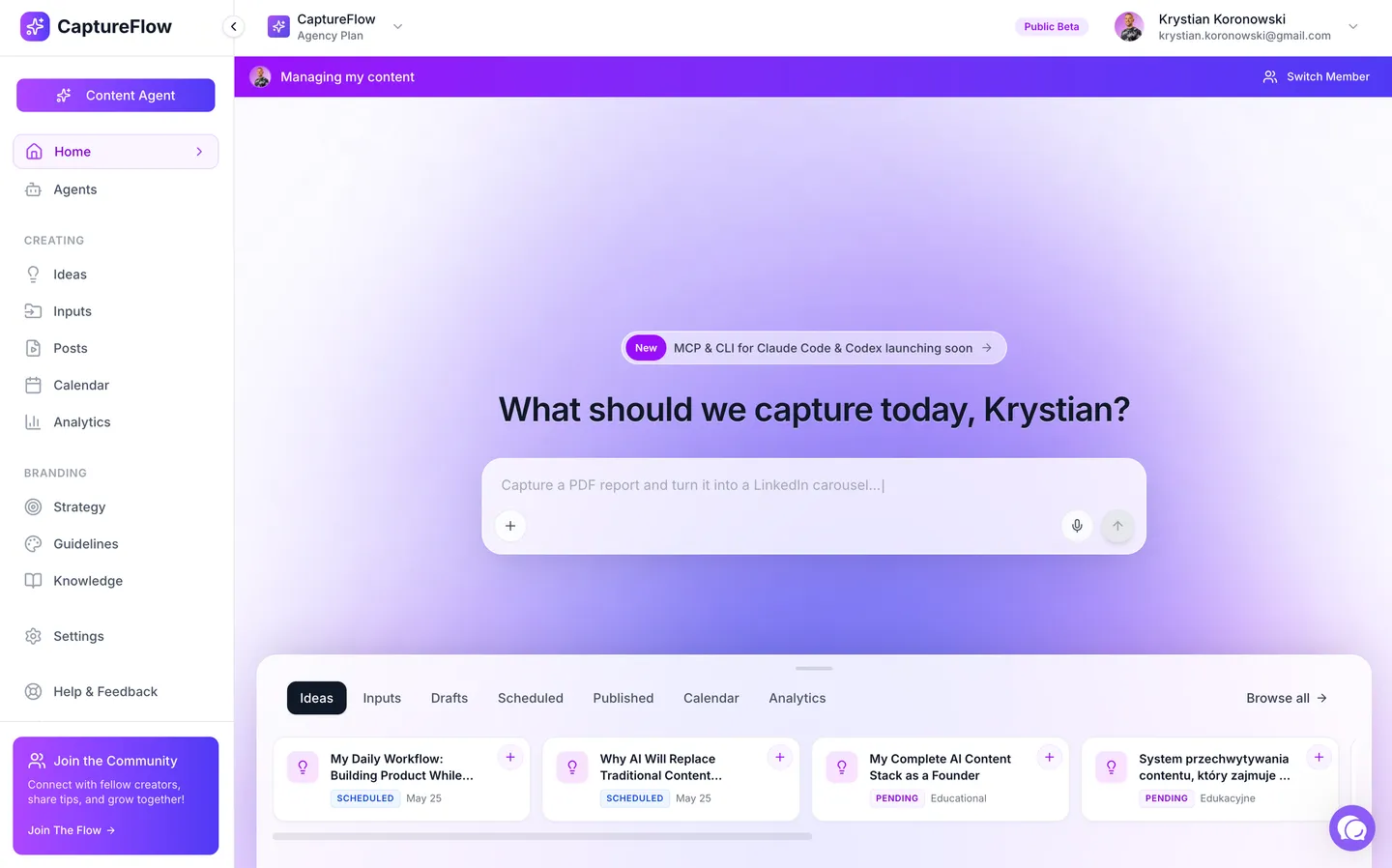 CaptureFlow. Source: captureflow.ai
Every tool on this list assumes the posts already exist. That assumption is where most agencies quietly bleed hours. Your account manager has a 30-minute call with a client, and now someone has to turn it into a month of posts. That is the slow part, not the scheduling.
CaptureFlow is an AI content agent that turns your expertise into weeks of on-brand content for every platform. For an agency, that expertise is the client's. You capture one input in minutes, a client voice note, a recorded strategy call, a link, and CaptureFlow, trained on that client's voice and past posts, drafts native content for each channel: a LinkedIn post, an X thread, a carousel, a short video, a quote image. You review, tweak, and distribute.
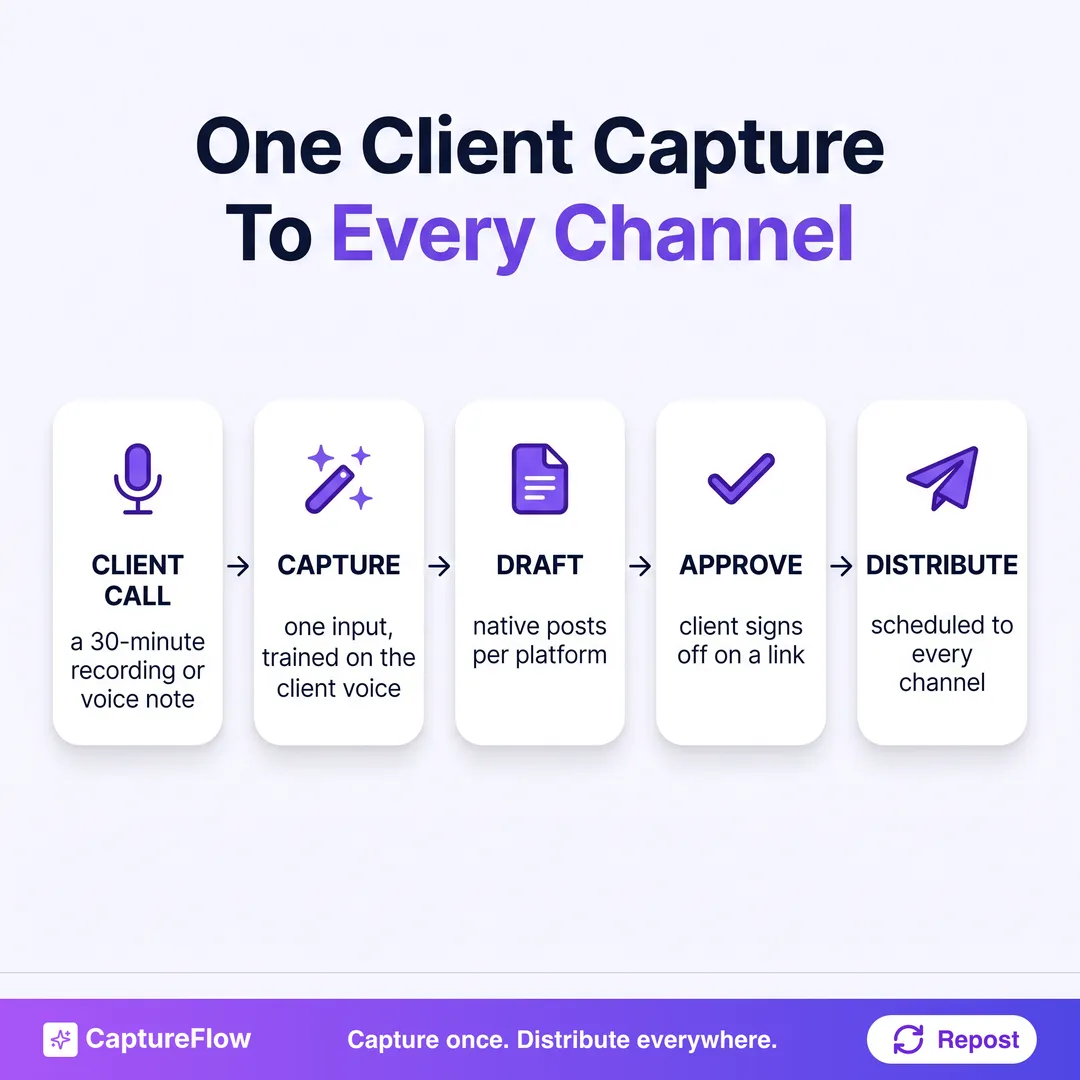 One client capture becomes native posts for every channel, before it ever reaches a scheduler.
Here's the honest part. If your only problem is coordinating approvals and queues, a dedicated scheduler like Loomly will out-specialize it on that one axis. CaptureFlow earns the top spot because it fixes the step upstream of all of them, the blank page per client, which is the one no scheduler touches. Many agencies run it alongside a scheduler, not instead of one.
- Best for: agencies whose real bottleneck is producing client content, not queuing it.
- Pros: turns one client capture into a week of native posts in each client's voice; distributes across every platform; kills the per-client blank page.
- Cons: it is a content agent plus distribution, not a per-post client-approvals suite; if approvals are your only pain, pair it with one.
- Price: $49/mo, or $34 on the founding plan. See how it works or the pricing.
2. Loomly: best for client approval workflows
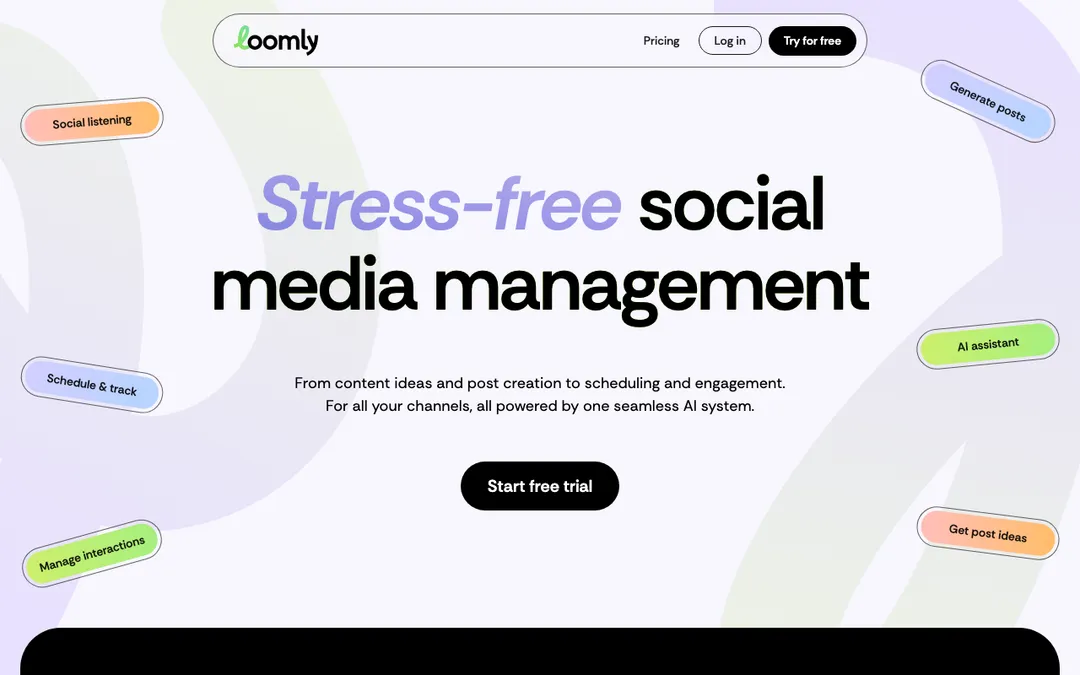 Loomly. Source: loomly.com
Loomly is the closest thing on this list to a purpose-built agency tool. Its whole shape is the approval loop: draft a post, send the client a link, collect comments, revise, get sign-off, schedule. Brand libraries keep each client's assets separate, and the calendar view is genuinely readable across accounts.
The honest framing is per-seat pricing. It adds up fast once every client contact and teammate needs a seat, and a lean agency ends up paying for collaboration features on accounts that only ever get one approver.
- Best for: agencies where clients sign off on every post before it goes live.
- Pros: best-in-class approvals, per-client brand libraries, a clean multi-account calendar.
- Cons: per-seat cost climbs with clients and teammates; it schedules what you give it, it does not help you create it.
- Price: around $65/mo ($49 billed yearly). See the CaptureFlow vs Loomly breakdown.
3. Hootsuite: best for large teams and a social inbox
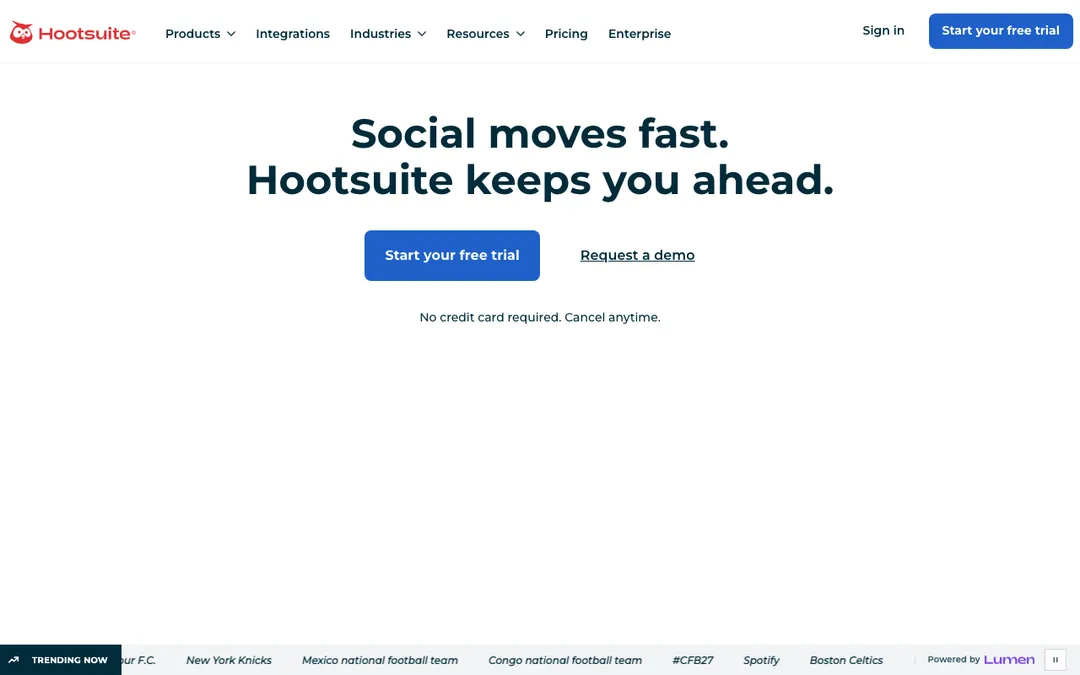 Hootsuite. Source: hootsuite.com
Hootsuite is the incumbent, and for a larger agency that reason still holds. You get monitoring, a unified social inbox for client DMs and mentions, team roles, and approvals, all under one roof. If your agency does community management as well as posting, the inbox alone can justify it.
It's also heavy and priced like an enterprise product. A three-person shop will pay for a lot of surface area it never opens.
- Best for: larger agencies that handle monitoring and engagement, not just publishing.
- Pros: mature inbox and monitoring, deep team roles, broad platform support.
- Cons: expensive, and the interface carries years of features you may not need.
- Price: around $99/mo and up. See the CaptureFlow vs Hootsuite breakdown.
4. SocialBee: best for content categories and recycling across clients
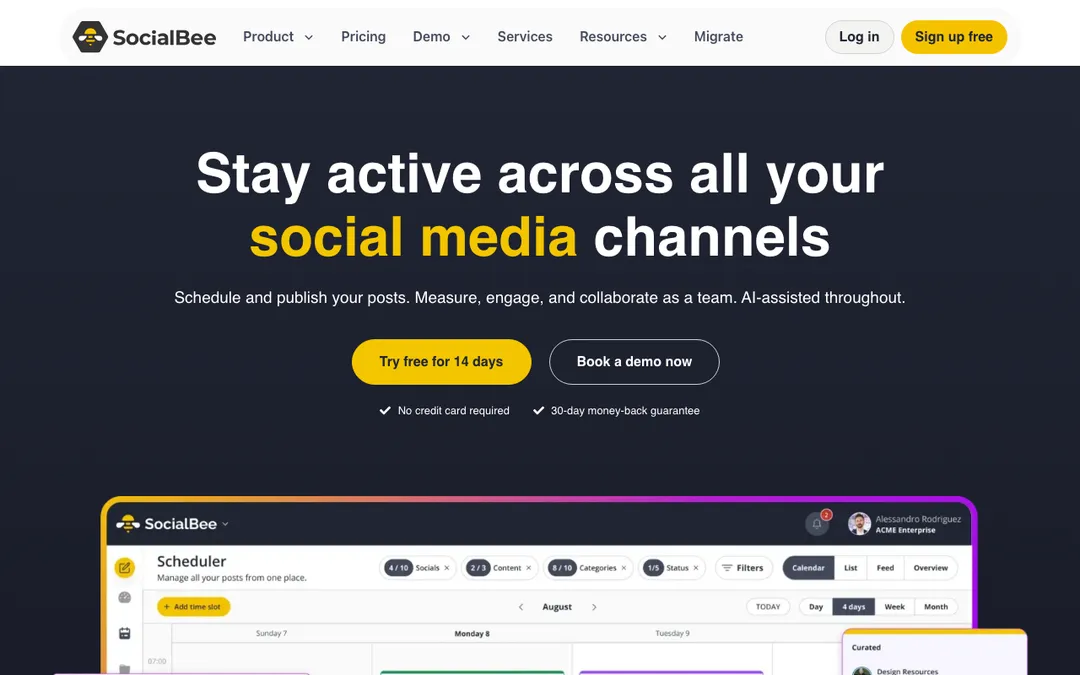 SocialBee. Source: socialbee.com
SocialBee's trick is categories. You bucket a client's content by theme, evergreen tips, case studies, promos, and it recycles from each bucket on a schedule you set. For an agency running always-on B2B accounts where the same proof points get reshared, that automatic recycling saves real setup time.
The tradeoff is upfront work. Categorizing everything is fiddly, and if a client's content is mostly timely rather than evergreen, the recycling advantage mostly disappears.
- Best for: agencies managing evergreen-heavy B2B accounts that benefit from recycling.
- Pros: category-based recycling, solid bulk import, fair pricing for the feature depth.
- Cons: setup is fiddly; recycling matters less for timely content.
- Price: around $29/mo. See the CaptureFlow vs SocialBee breakdown.
5. Buffer: best for simple, clean multi-client scheduling
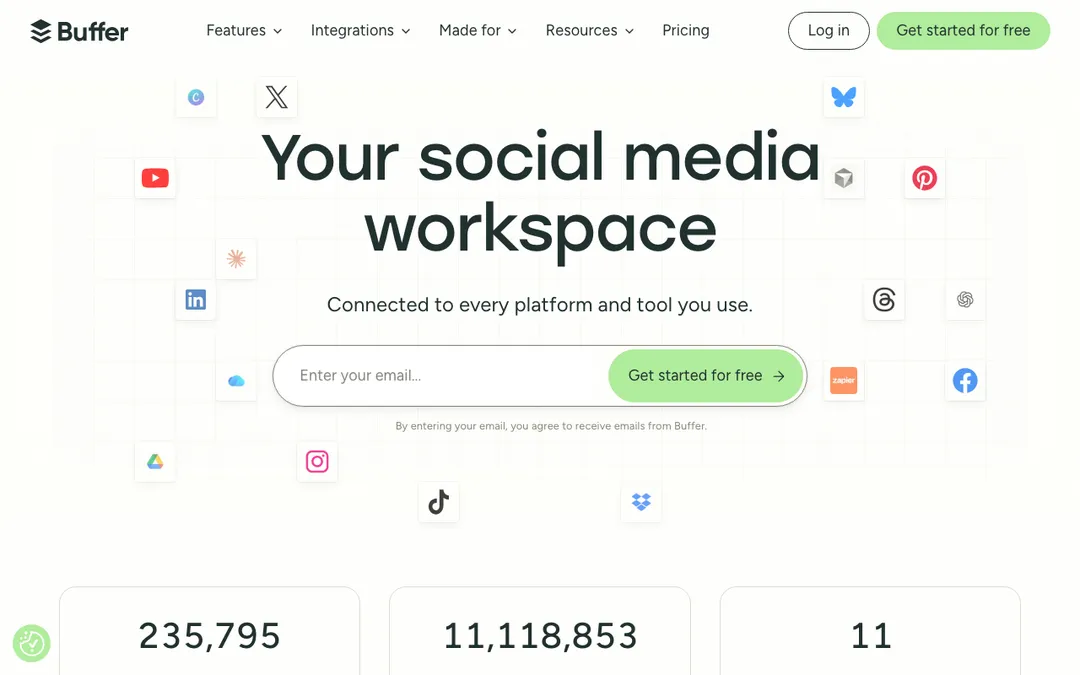 Buffer. Source: buffer.com
Sometimes the workflow tool that wins is the one nobody fights with. Buffer is clean, fast, and almost impossible to misuse. For a small agency that just needs reliable queues across a handful of client accounts, it does the job without a training session.
Where it thins out is exactly the agency-specific stuff: approvals are light, and the collaboration layer is basic compared with Loomly or Hootsuite. It is a scheduler that scales down beautifully and up only so far.
- Best for: small agencies that want dependable scheduling with zero friction.
- Pros: the simplest, cleanest queue on the list; genuinely pleasant to use daily.
- Cons: light on approvals and client-facing collaboration.
- Price: free tier, then around $6 per channel per month. See the CaptureFlow vs Buffer breakdown.
6. Later: best for visual and Instagram-first clients
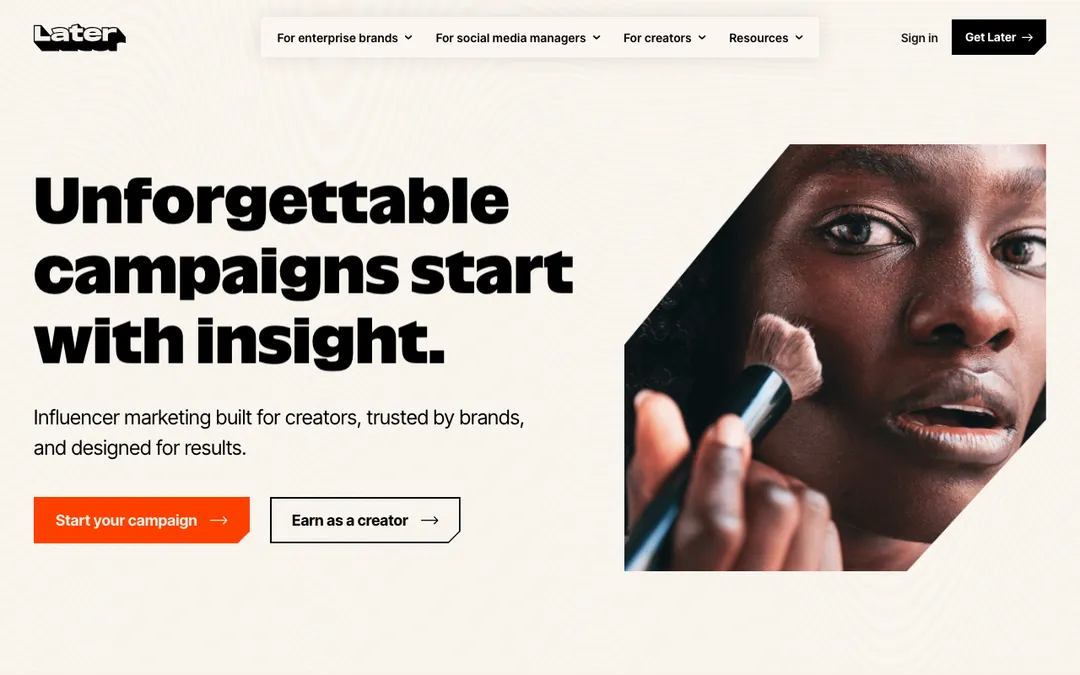 Later. Source: later.com
If your client roster leans visual, retail, hospitality, consumer brands living on Instagram and TikTok, Later is built for how those accounts actually plan. The visual calendar and grid preview let a client see the feed before it goes out, which heads off a lot of "can we move that one" requests.
For text-led B2B accounts, though, a visual-first tool is aimed at the wrong problem. LinkedIn thought leadership does not need a grid preview.
- Best for: agencies whose clients are visual and Instagram-led.
- Pros: best visual planning and grid preview; strong on IG, TikTok, Pinterest.
- Cons: the visual focus is wasted on text-first B2B content.
- Price: around $25/mo. See the CaptureFlow vs Later breakdown.
7. Publer: best value for a lean agency
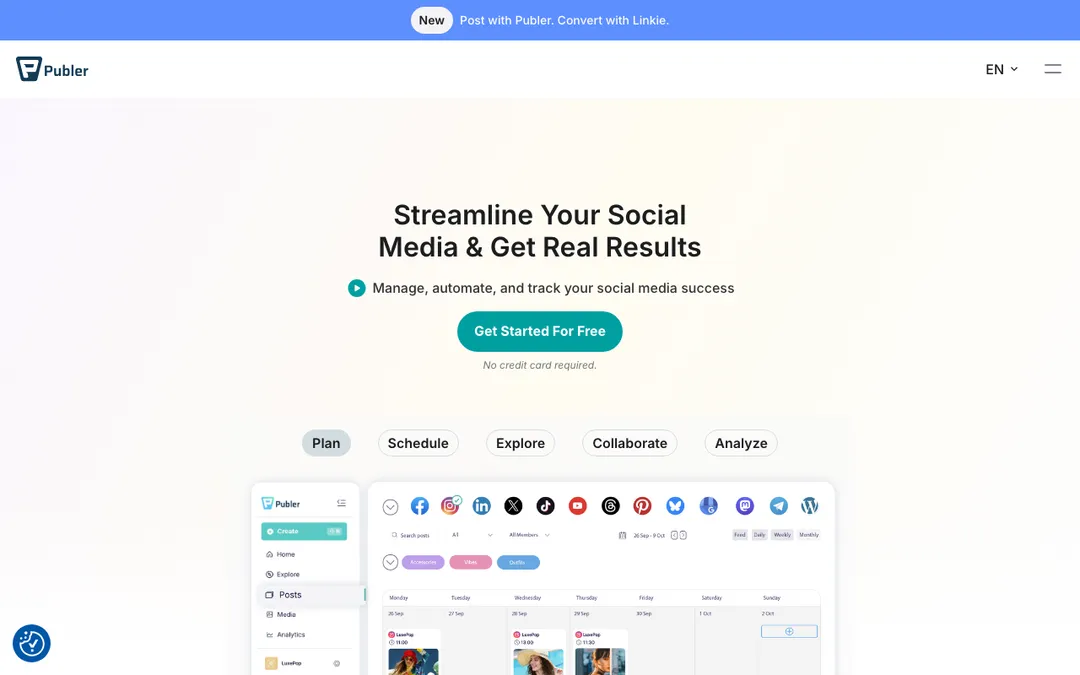 Publer. Source: publer.com
Publer packs a surprising amount into a low price: bulk scheduling, workspaces, basic analytics, and a generous free tier. For a bootstrapped agency watching every subscription, it delivers more features per dollar than anything else here.
The catch is depth. The approval flow and client-facing polish are not on Loomly's level, and at real scale you can feel where the corners were cut. But for the money, few tools argue with it.
- Best for: budget-conscious agencies that still want a deep feature set.
- Pros: excellent value, workspaces, bulk scheduling, a real free tier.
- Cons: approvals and client-facing polish trail the premium tools.
- Price: free tier, then around $5/mo per account. See the CaptureFlow vs Publer breakdown.
How to pick, based on where your week stalls
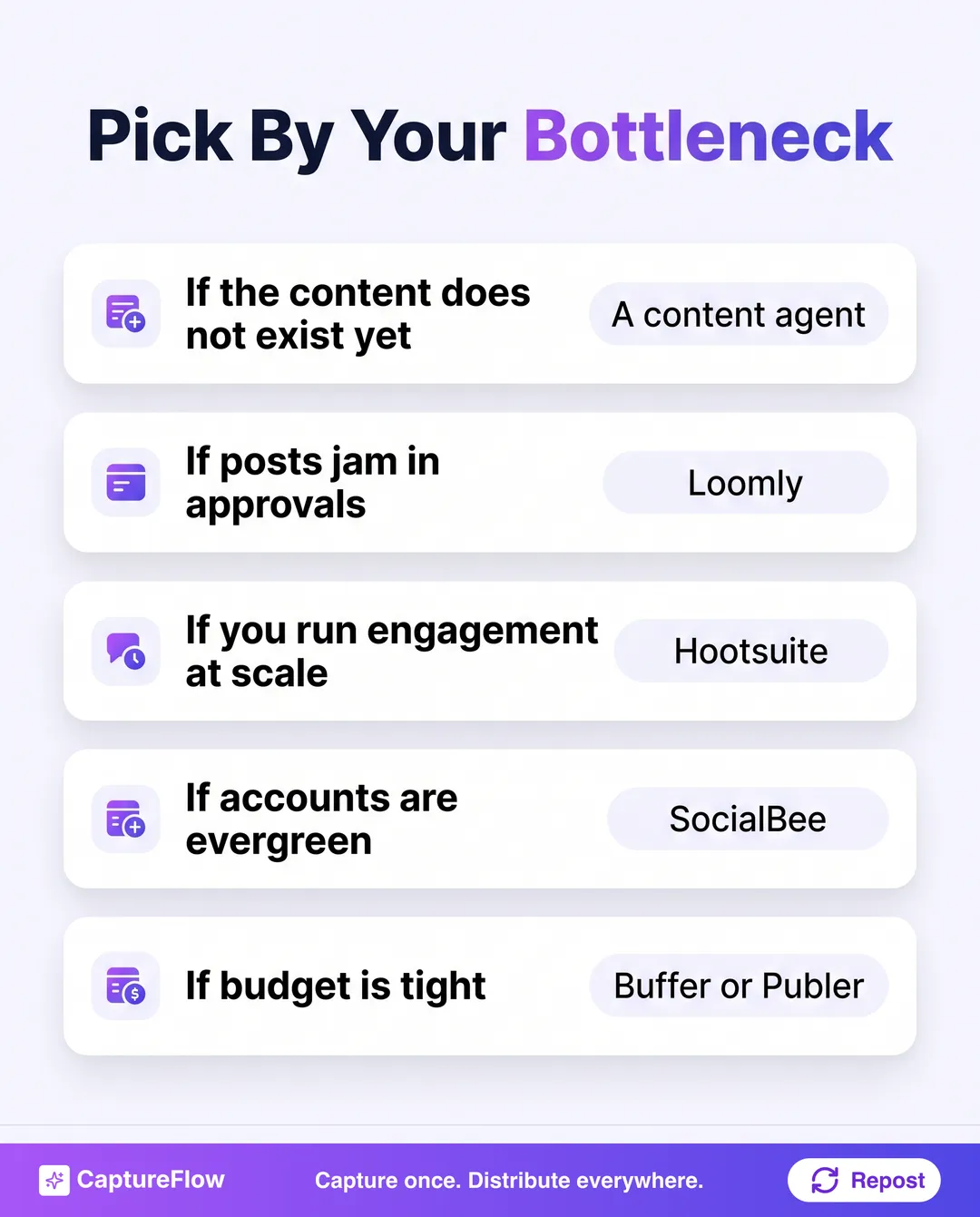 Start from the step that jams, then pick the tool built for it.
Stop shopping by feature list and start from your bottleneck.
If posts jam in approvals, Loomly. If you also run engagement and monitoring at scale, Hootsuite. If your accounts are evergreen and repetitive, SocialBee's recycling. If you just need clean, cheap scheduling, Buffer or Publer. If your clients live on Instagram, Later.
And if the real reason you are behind is that the content itself does not exist yet, no scheduler fixes that. That is the case for a content agent that drafts each client's posts from a short capture, then hands them to whichever scheduler you already like.
Run the seat-count test before you commit. Take your real number of clients and teammates, then price each tool at that headcount, not at the marketing tier. Per-seat and per-client add-ons are where a $29 tool quietly becomes a $300 one.
The agency workflow trapMost agencies buy a better queue when their actual problem is an empty one.
Three ways agency workflow tools quietly cost you
A tool decision looks like a feature comparison. In practice, the money leaks in three places nobody demos.
Buying for the feature list, not the bottleneck. It's easy to fall for the tool with the longest feature grid. But you only ever feel the one step that jams your week, and a tool can be brilliant everywhere except there. A shop drowning in production does not need a better approval flow. It needs the posts to exist. Match the tool to the jam, then ignore the rest of the grid.
Pricing at the demo tier, not your real headcount. The number on the pricing page is almost never your number. Add a seat per teammate, then a workspace or seat per client, and the friendly monthly figure doubles or triples. Loomly and Hootsuite in particular are priced for teams, so a five-client shop should price them at five clients before falling for the headline.
Buying a faster queue when the problem is an empty one. This is the big one, and it hides because every tool in the category is a scheduler, so scheduling feels like the thing to optimize. If your account managers spend Monday staring at blank docs for each client, a better calendar does nothing. The fix lives one step upstream, in how the content gets made. That is the whole reason a content agent sits at the top of this list.
None of these show up in a trial. They show up on the third invoice, or the third month of missed client posts. Price and pick for the step that actually hurts.
The honest final take
For a pure scheduling-and-approvals workflow, this is not a close call: Loomly is the specialist, and Hootsuite wins the big-team version of the same job. If that is your only pain, buy one of those and move on.
But most agency owners we talk to are not really stuck on scheduling. They are stuck on production, the slow, expensive work of turning each client's expertise into a steady stream of posts. That is why we rank CaptureFlow first: it removes the step every other tool assumes is already done, and it plays nicely with whatever scheduler you keep. For the tools whose primary job is the calendar, our best social media scheduling tools guide goes deeper, and if repurposing client long-form is your angle, so does best AI content repurposing tools.
The right move for most agencies is not one tool. It is a content agent for the creating and a scheduler for the queuing. See how CaptureFlow handles the half everyone else skips, map it to your setup on the for agencies page, or compare pricing.
Frequently asked questions
What is the best content workflow tool for a social media agency managing B2B clients?+
It depends on where the work jams. If clients need to approve every post, Loomly is built for that. If you run a large team with monitoring and an inbox, Hootsuite fits. If the real problem is that the content does not exist yet, CaptureFlow captures each client's expertise and drafts native posts you schedule, rather than a queue you still have to fill by hand.
How much do agency content workflow tools cost in 2026?+
Prices move constantly, so check the current plan before you buy. Entry tiers range from free (Buffer, Publer) to roughly $25 to $99 a month for team and agency plans (Later, SocialBee, Loomly, Hootsuite). Watch per-seat and per-client add-ons, which is where agency bills balloon.
Do agencies need a separate tool to create content, or just to schedule it?+
Most schedulers assume the content is already written. For a lean agency, the writing is the bottleneck, not the queue. Pairing a content agent that drafts client posts with a scheduler that distributes them removes the part that actually eats your week.
Chris is the founder and CEO of CaptureFlow, which he builds so founders can turn their expertise into content without hiring a team. After 10+ years building products and growing audiences from scratch, he writes about founder-led content, AI, and distribution from inside the problem he is solving: distributing consistent, on-brand content as a team of one.
Founder & CEO of CaptureFlow · 10+ years building products and audiences
One playbook a week from founders who actually create and distribute lots of content. No spam, unsubscribe anytime.
Keep reading
Employee Advocacy Tools vs Letting Employees Post on Their Own
Do you need an employee advocacy platform, or is letting employees post on their own better? The honest answer depends on your size, and mostly on adoption.

Employee Advocacy Software vs In-House Program
Should you buy an employee advocacy platform or build the program in-house? An honest build-versus-buy framework, the real trade-offs, and the one layer both options skip.

Employee Advocacy Content Ideas: What Your Team Should Post on LinkedIn
Your team is willing to post, they just do not know what to say. Here is the content employees should share on LinkedIn, and how to make it take 5 minutes.