9 Best Social Media Scheduling Tools in 2026: Honestly Ranked
The 9 best social media scheduling tools in 2026, ranked for founders. What each one is best for, roughly what it costs, and the one thing most schedulers miss.


Your scheduler is a great mailbox. It just cannot write the letters.
Every tool in this guide does the same core job well: you hand it finished posts, it queues them, and it publishes to each platform at the right time so you are not glued to your phone at 9am. That is genuinely useful. It is also only half the work.
The half no scheduler does is the hard half: turning an idea, a talk, or a recording into the actual posts. You still stare at the blank calendar and fill every slot by hand. So this guide ranks the 9 best social media scheduling tools in 2026 by who they are actually for, and it is honest about the step they all skip.
I run CaptureFlow, so I have a stake here. CaptureFlow is an AI content agent that turns your expertise into weeks of on-brand content for every platform. I have also used most of these tools for years, and I will be straight about where each one wins, including where they beat us. Pick by your team size and your platform mix, not by whose feature list is longest.
What is a social media scheduling tool?
A social media scheduling tool lets you write posts once, queue them, and have them auto-publish to your connected accounts on a set date and time. Instead of posting live eight times a day, you batch a week in one sitting and the tool drips it out at the cadence each platform rewards, which our guide to how often to post on social media breaks down platform by platform.
The good ones add a shared calendar, best-time suggestions, basic analytics, and a way for a team to draft and approve posts together. The category is mature, which means most tools are competent at the queue itself. They differ on team features, platform depth, and price, not on whether the scheduling works.
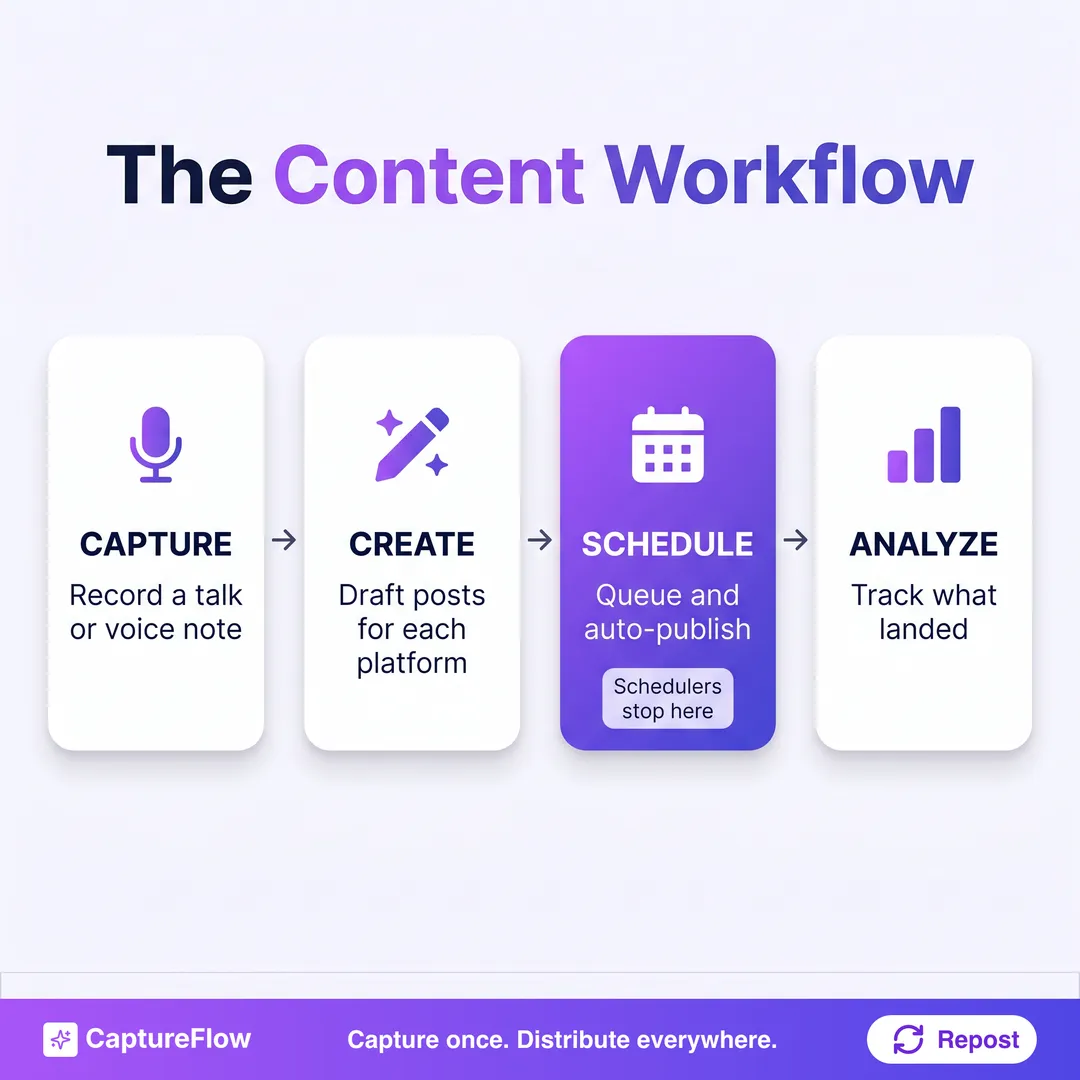 The full content workflow has four steps. A scheduler owns exactly one of them.
That highlighted step is the whole point. Capture, create, and analyze are on you. The scheduler shows up for step three and hands the rest back.
What most social media schedulers miss
Here is the uncomfortable truth about the whole category. A scheduler assumes the content already exists. It is a queue, and a queue is empty until you fill it. The bottleneck for almost every founder is not "how do I publish this," it is "what do I even post, in my voice, five times a week, without it becoming a second job."
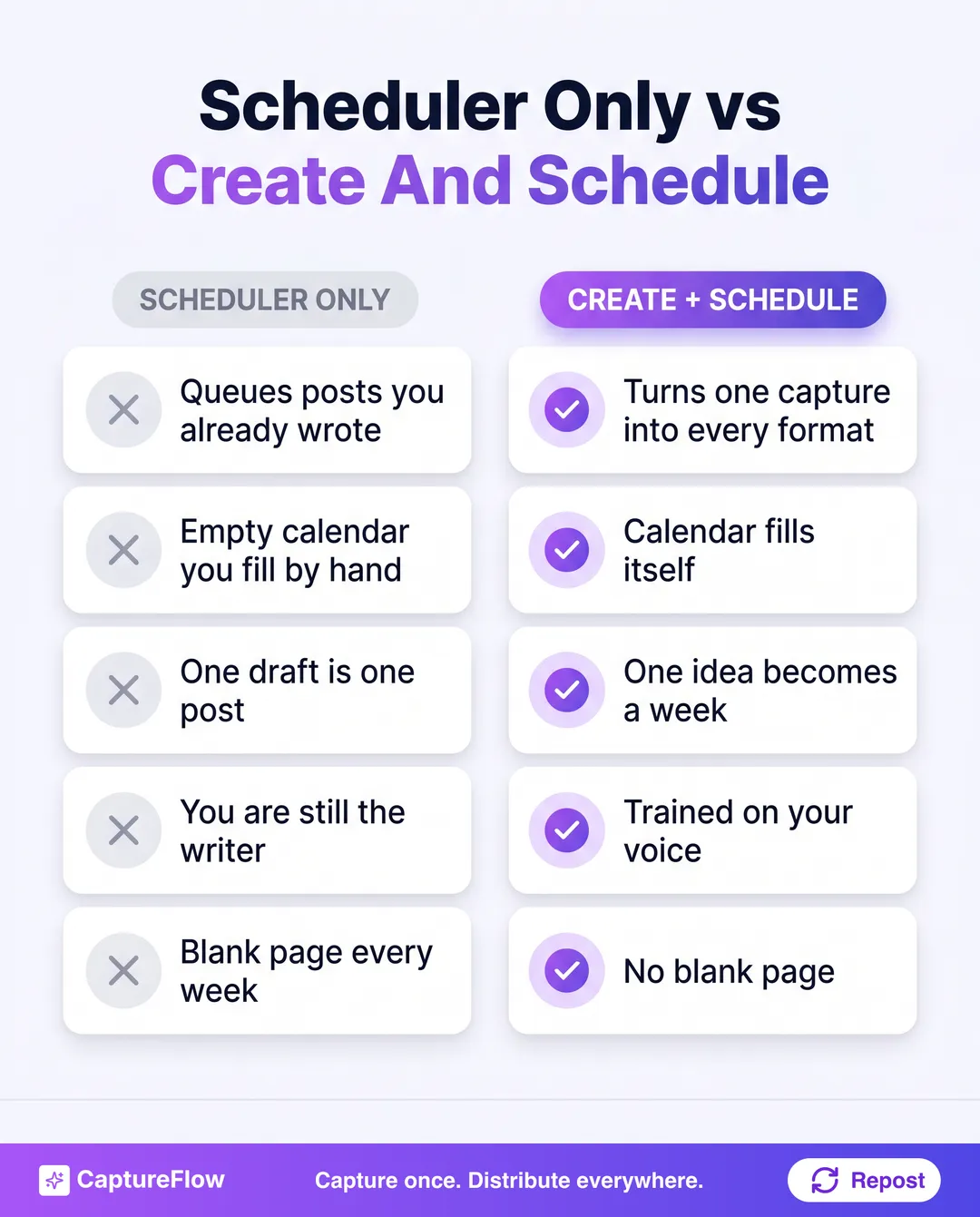 A scheduler starts with a full calendar you already built. A content engine starts with one thing you said.
This is not a knock on schedulers. Publishing at the right time across eight platforms is a real problem worth solving, and these tools solve it. It is a scope point. If your content is already written, a great scheduler is all you need, and you should buy the best one for your situation from the list below.
The tell is your own calendar. If it is full and you just need it to go out on time, buy a scheduler. If it is empty and filling it is the thing you dread, a scheduler will not fix that. You are missing the create step, not the schedule step.
The 9 best social media scheduling tools in 2026 at a glance
Here is the field, ranked by who each one actually fits. Not "which is best overall," but "which is the best pick for your team size, your platforms, and your budget." Prices are approximate for a single user in 2026 and change often.
| # | Tool | Best for | Platforms | Starts around |
|---|---|---|---|---|
| 1 | CaptureFlow | Creating and scheduling in one place | LinkedIn, X, IG, TikTok, YouTube, FB, Threads, Pinterest | $49/mo |
| 2 | Buffer | Simple, clean solo scheduling | All majors | Free to $6/channel |
| 3 | Hootsuite | Large teams and a social inbox | All majors | ~$99/mo |
| 4 | Later | Visual and Instagram-first planning | IG, TikTok, Pinterest, FB, X, LinkedIn | ~$25/mo |
| 5 | Publer | Value and features per dollar | All majors | Free to ~$5/mo |
| 6 | SocialBee | Content categories and recycling | All majors | ~$29/mo |
| 7 | Loomly | Agencies and approval workflows | All majors | ~$65/mo |
| 8 | FeedHive | AI-assisted scheduling | All majors | ~$16/mo |
| 9 | Postiz | Open-source and self-hosting | All majors | Free self-host to ~$29/mo |
See the full field in the compare hub, and if your main channel is LinkedIn or you repurpose a lot, pair this with our best AI LinkedIn content tools and best AI content repurposing tools guides.
1. CaptureFlow: best for creating and scheduling in one place
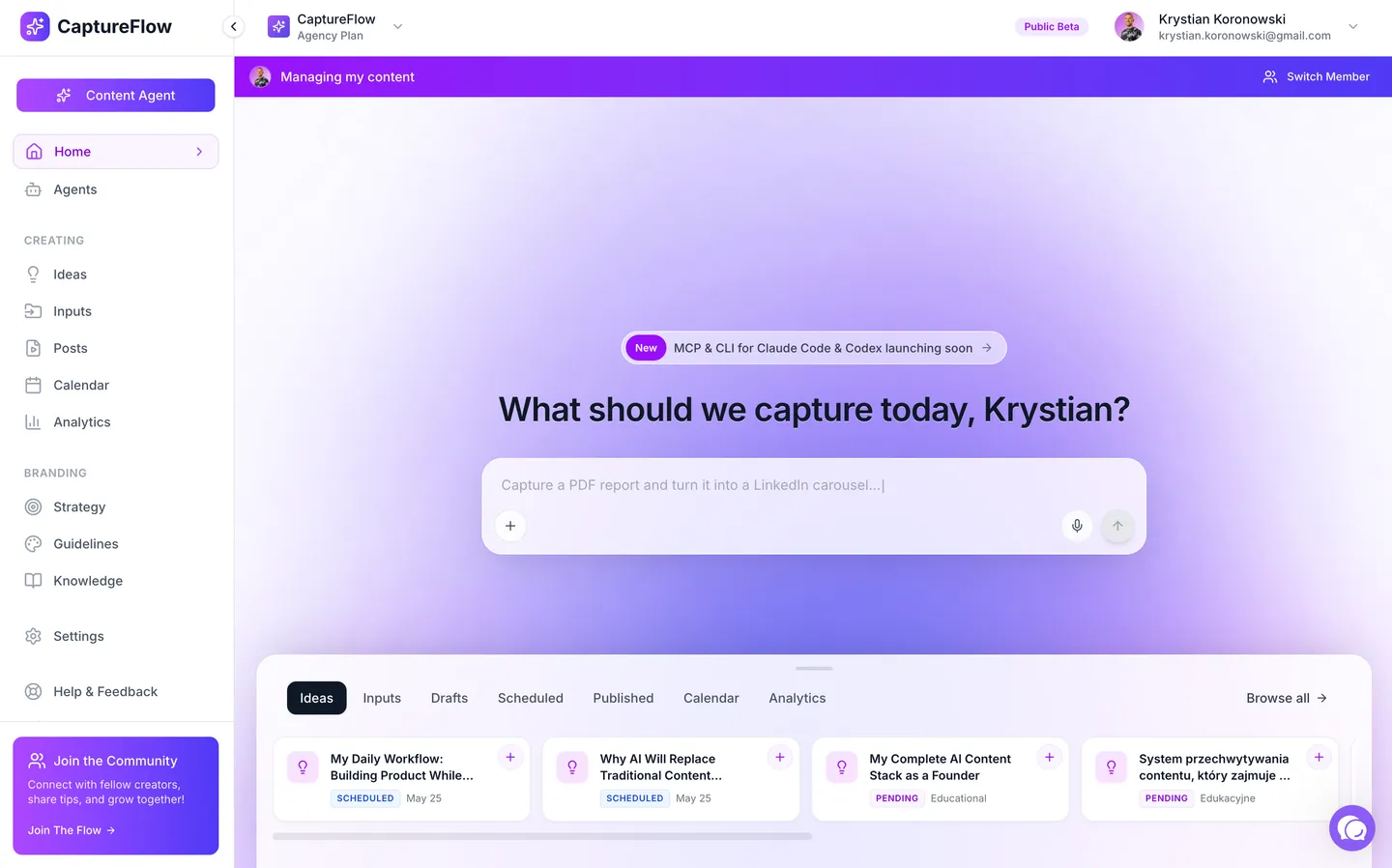 CaptureFlow: describe what to capture and the agent drafts and schedules content for every platform.
The honest caveat first. If you already write all your content somewhere else and just want a clean queue, a dedicated scheduler like Buffer is simpler and cheaper than we are. CaptureFlow is not a fifteen-year-old scheduler with every niche integration.
What CaptureFlow does that a pure scheduler does not is fill the calendar for you. You record a 5-minute voice note, upload a call, or drop a link, and a content agent trained on your voice turns it into a LinkedIn post, an X thread, a carousel, a short video, and more, each native to its platform. Then cross-platform publishing schedules the whole set.
That is the difference between a queue you fill by hand and a calendar that fills itself. Because it is built capture-first, the raw material is something you already said, so the output sounds like you instead of a template.
- Best for: founders who want to create the content and schedule it in one place.
- Where it wins: one capture becomes native posts for every platform, then schedules them.
- Where it does not: it is not a bare-bones queue for content you already wrote elsewhere.
- Price: $49/mo, or $34 on the founding plan.
The core differenceEvery other tool here schedules an empty calendar you still have to fill. The leverage is a calendar that fills itself from one thing you recorded, in your voice.
2. Buffer: best for simple, clean scheduling
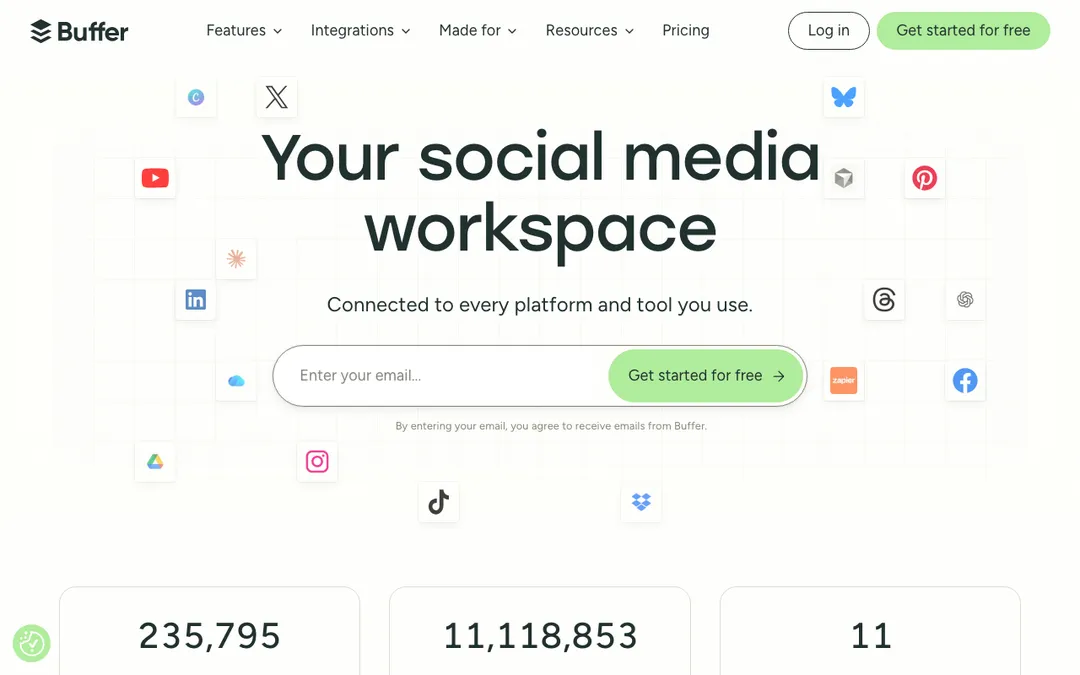 Buffer. Source: buffer.com
Credit where it is due. Buffer is the cleanest, most beginner-friendly scheduler on this list. The interface is calm, the free plan is genuinely useful, and setting up a queue takes minutes. For a solo founder who just wants posts to go out reliably, it is hard to beat.
The trade-off is depth. Analytics and engagement features are thin on the lower plans, and like every tool here, it starts with an empty calendar. It queues beautifully, it just will not help you decide what to say.
- Best for: solo founders and small teams who want simple, reliable scheduling.
- Where it wins: the cleanest UX and a real free plan.
- Where it does not: deep analytics, team workflows, and any help creating the content.
- Price: free tier, then around $6 per channel per month. See the CaptureFlow vs Buffer breakdown.
3. Hootsuite: best for large teams and a social inbox
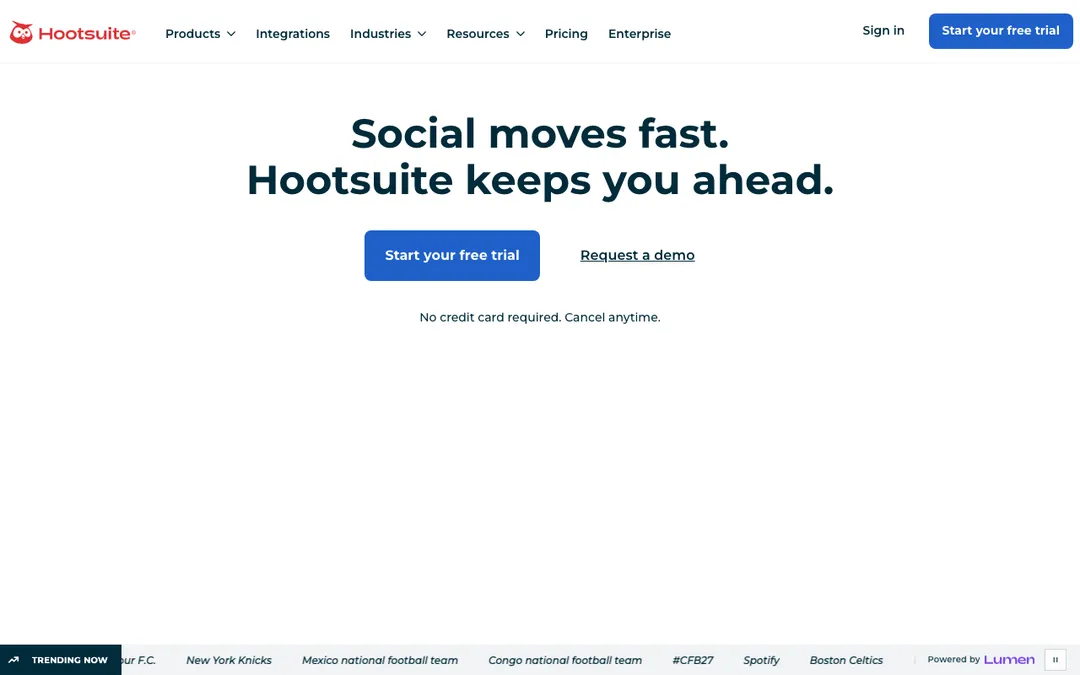 Hootsuite. Source: hootsuite.com
Hootsuite is the enterprise incumbent, and it earns that for a reason. For a large team that needs a shared social inbox, monitoring, approvals, and role management, it is the most complete platform here. If ten people touch your social accounts, this is built for that.
The honest framing is that all of that power is overkill, and overpriced, for a solo founder or small team. The interface carries years of features, the price starts high, and most people use a fraction of it. Right tool, wrong size for most readers.
- Best for: large teams and brands that need monitoring, an inbox, and approvals.
- Where it wins: the deepest team, inbox, and enterprise features.
- Where it does not: solo simplicity and price, it is heavy and expensive.
- Price: around $99/mo and up. See the CaptureFlow vs Hootsuite breakdown.
4. Later: best for visual and Instagram-first planning
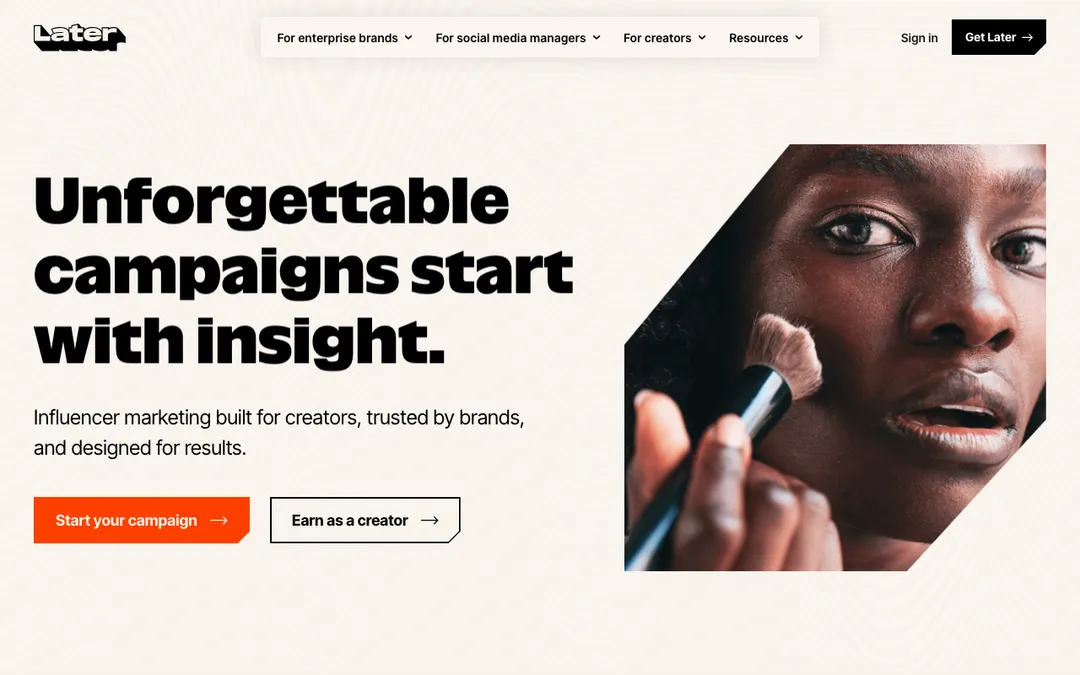 Later. Source: later.com
Later is built for people who think in images. Its visual, drag-and-drop calendar and Instagram tools, including link-in-bio, are the best on this list for a visual-first brand. If Instagram, TikTok, and Pinterest are your world, it feels made for you.
The trade-off is the same focus that makes it good. It is visual and Instagram-first, so it is a weaker fit for text-heavy channels like LinkedIn and X, where the post is words, not a grid tile.
- Best for: creators and brands whose content is visual and Instagram-led.
- Where it wins: the best visual planner and link-in-bio tooling.
- Where it does not: text-first LinkedIn and X workflows.
- Price: around $25/mo. See the CaptureFlow vs Later breakdown.
5. Publer: best for value and features per dollar
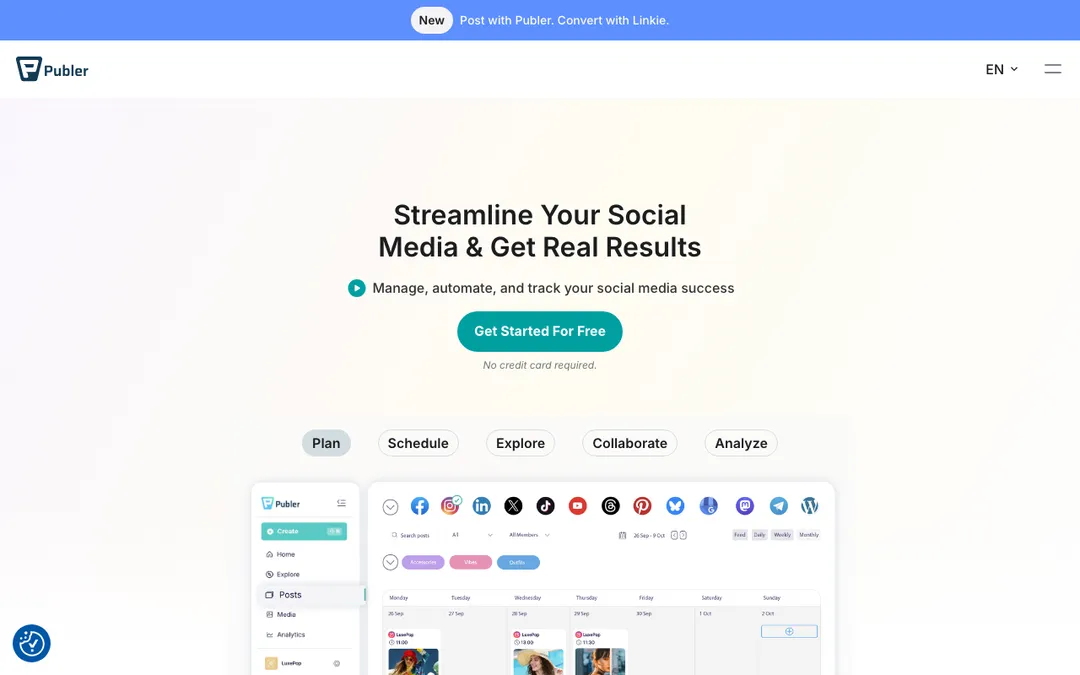 Publer. Source: publer.com
Publer is the value pick, and it is not close. You get bulk scheduling, recycling, watermarks, signatures, and AI assist at a price that undercuts almost everyone, plus a generous free plan. For features per dollar, it is the standout.
The honest note is that fitting that much into one tool makes the interface dense, and being an all-rounder means it is not the single best at any one thing. But for a founder who wants a lot of scheduling power without a big bill, it is excellent.
- Best for: budget-conscious founders who still want a deep feature set.
- Where it wins: the best features-per-dollar, with a real free plan.
- Where it does not: a minimal interface, and it still will not write your posts.
- Price: free tier, then around $5/mo per account. See the CaptureFlow vs Publer breakdown.
6. SocialBee: best for content categories and recycling
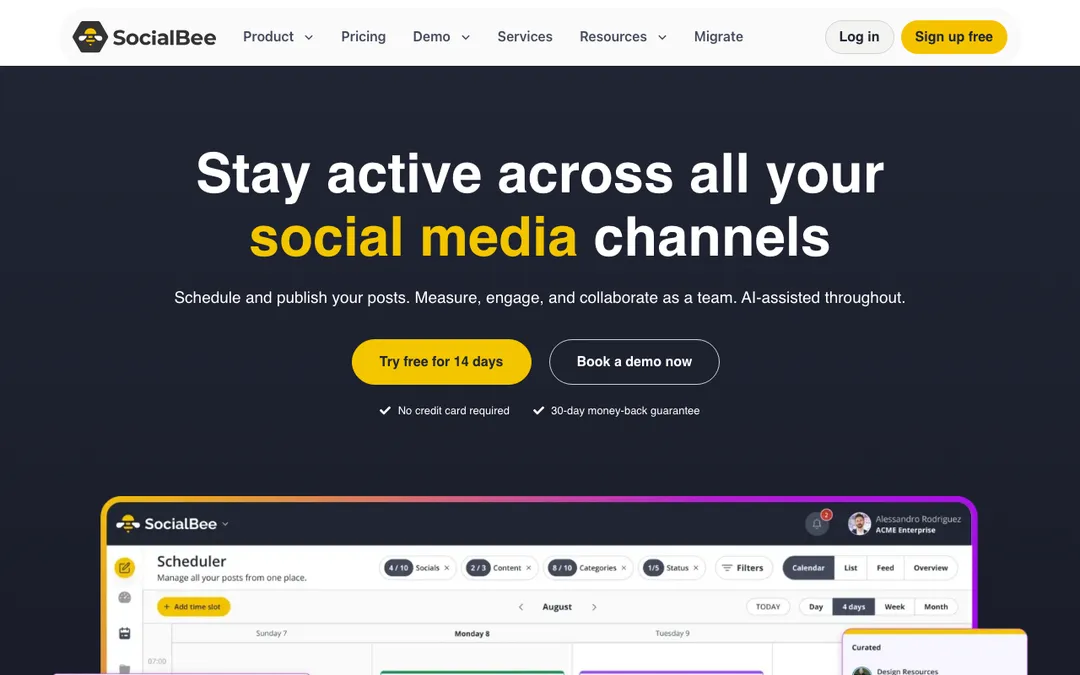 SocialBee. Source: socialbee.com
SocialBee is built around a genuinely smart idea. You sort posts into content categories and it recycles your evergreen content on a schedule, so your queue never runs dry. For staying consistent without constant new writing, that recycling engine is the best here.
The trade-off is a real setup cost. Categories and recycling rules take time to configure, and the interface feels more utilitarian than modern. But once it is dialed in, it keeps you posting with less weekly effort than most.
- Best for: founders who want evergreen content recycled on autopilot.
- Where it wins: category-based queues and the best evergreen recycling.
- Where it does not: quick setup and polish, there is a learning curve.
- Price: around $29/mo. See the CaptureFlow vs SocialBee breakdown.
7. Loomly: best for agencies and approval workflows
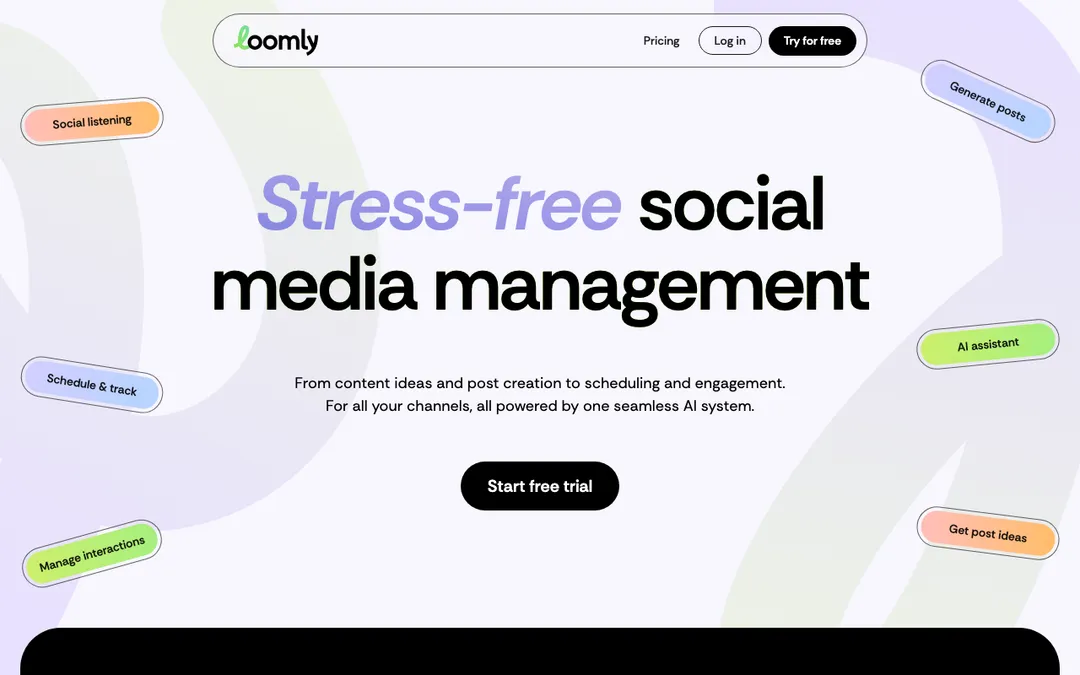 Loomly. Source: loomly.com
Loomly is made for teams that pass work back and forth. Its approval workflows, post ideas, and brand asset library are the best on this list for agencies and clients. If every post needs a review before it ships, this is the smoothest way to run that.
The honest framing is that per-seat pricing adds up, there is no true infinite bulk scheduling, and a solo founder pays for collaboration features they will never open. It is a team tool first, a scheduler second. If you run an agency specifically, our roundup of the best content workflow tools for agencies ranks these by client workflow rather than solo value.
- Best for: agencies and teams that need structured approvals per post.
- Where it wins: the best approval and collaboration workflows.
- Where it does not: solo value, it is priced and built for teams.
- Price: around $65/mo ($49 billed yearly). See the CaptureFlow vs Loomly breakdown.
8. FeedHive: best for AI-assisted scheduling
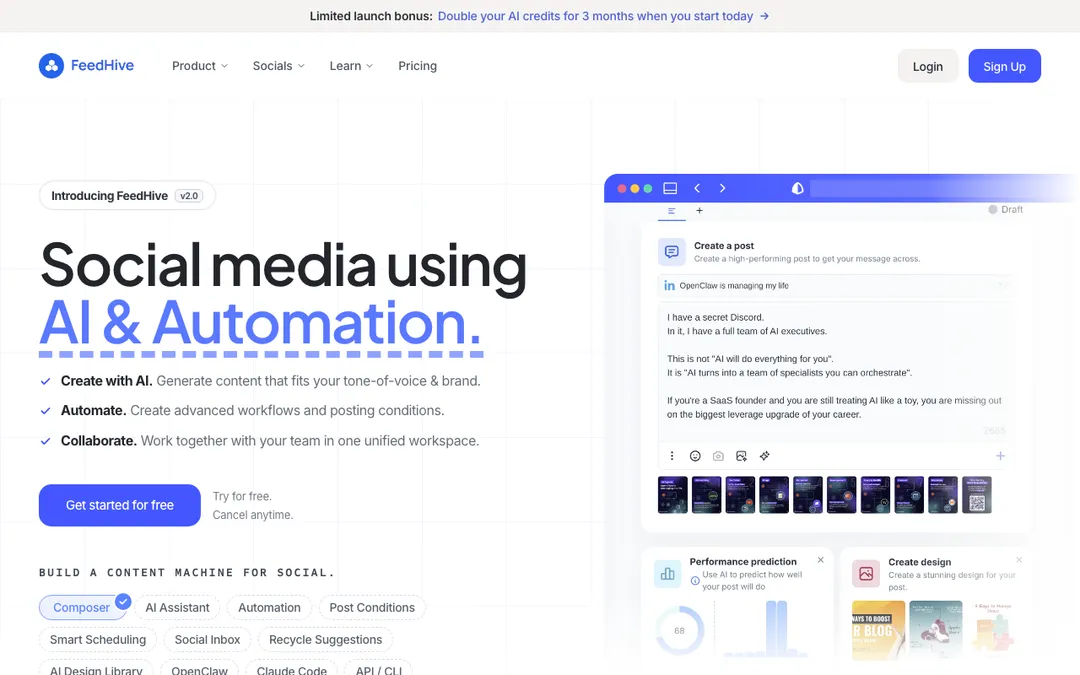 FeedHive. Source: feedhive.io
FeedHive is the most modern-feeling scheduler here. It layers AI writing assist, best-time predictions, conditional posting, and recycling on top of a clean queue. For a founder who wants smart automation without enterprise weight, it is a strong, current pick.
The trade-off is maturity and reach. It is newer and smaller than the incumbents, with fewer integrations, and its AI assist helps polish posts rather than generating a full week of content from one input the way an engine does.
- Best for: solo founders who want AI-assisted, automation-heavy scheduling.
- Where it wins: best-time AI predictions, conditional posting, and recycling.
- Where it does not: breadth of integrations and true content creation.
- Price: around $16/mo, priced in euros. See the CaptureFlow vs FeedHive breakdown.
9. Postiz: best for open-source and self-hosting
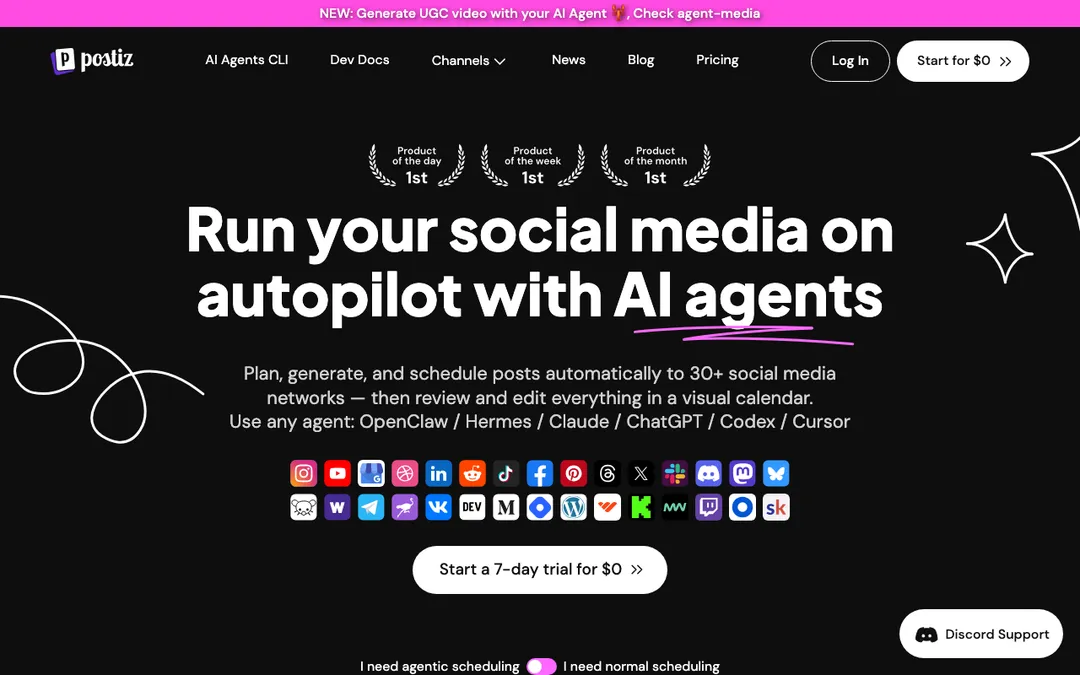 Postiz. Source: postiz.com
Postiz is the pick for people who want to own their stack. It is open-source and self-hostable, so you can run your own scheduler with no vendor lock-in and full control of your data. For developers and privacy-minded founders, that is genuinely rare and valuable.
The honest note is that self-hosting is a real commitment. You host it, you update it, you fix it, and the polish is a step behind the mature SaaS tools. The hosted plan removes the maintenance but then you are paying for a younger product.
- Best for: developers who want an open-source scheduler they control.
- Where it wins: open-source, self-hostable, no lock-in.
- Where it does not: hands-off polish, you host and maintain it.
- Price: free to self-host, hosted from around $29/mo. See the CaptureFlow vs Postiz breakdown.
How to choose the right one for you
Schedulers do not really compete on the scheduling. They compete on team size, platform mix, and budget. The fastest way to overpay is to buy an agency tool as a solo founder, or a visual tool for a text-first channel. Ask three questions.
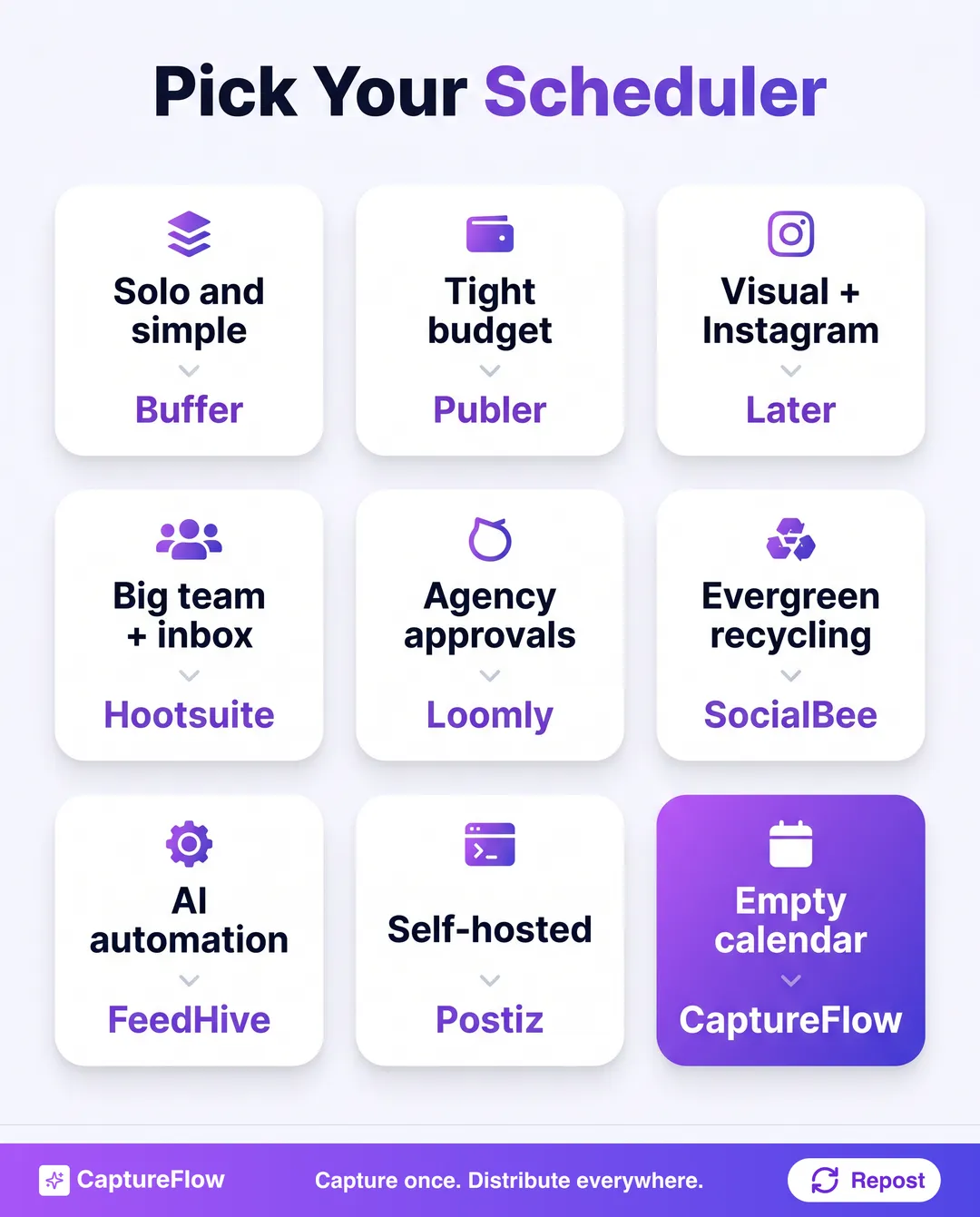 Match the tool to your situation, not to the longest feature list.
- How big is my team? Solo points to Buffer, Publer, or FeedHive. An agency with approvals points to Loomly. A large brand with an inbox points to Hootsuite.
- What are my main platforms? Visual and Instagram-led points to Later. A text-first LinkedIn and X mix is served fine by most, so decide on price and team features instead.
- Is my calendar full or empty? If it is full and you just need it published on time, buy the best scheduler above. If filling it is the part you dread, you do not have a scheduling problem.
If your honest answer to question three is "the empty calendar is exactly what I dread," a better queue will not help. You are missing the create step. Stitching a writing tool onto a scheduler costs more than one engine and leaves your voice inconsistent across both.
The honest final take
If your content is already written and you just need it out on time, buy the scheduler that fits your size and stack: Buffer for simple solo posting, Publer for value, Later for visual brands, Hootsuite for big teams, Loomly for agencies, SocialBee for recycling, FeedHive for AI automation, or Postiz if you want to self-host. Each is a good scheduler, and I would rather you pick the right one than the loudest one.
But most founders do not have a full calendar. They have an idea, a recording, and a week to fill on five platforms. That is where a scheduler stops and a content engine starts.
The reframe is simple. A scheduler asks "when do you want this to go out?" A content engine asks "what do you want to say?" and then turns one capture into every format, in your voice, and schedules the whole set. That is capture once, distribute everywhere, and it is why the writing and the scheduling stop being two separate jobs and two separate tools.
That is what CaptureFlow is built to do. See how the content engine works, or start a free trial and turn your next recording into a week of scheduled content for every platform.
Frequently asked questions
What is the best social media scheduling tool in 2026?+
It depends on your setup. Buffer is best for simple solo scheduling, Hootsuite for large teams, Later for visual and Instagram-first planning, and Publer for value. CaptureFlow is best if you want to create the content and schedule it in one place, not just queue posts you already wrote.
What is the difference between a scheduler and a content engine?+
A scheduler queues and auto-publishes posts you already made. A content engine creates the posts from a single input first, then schedules them. Schedulers own the last mile of distribution, a content engine owns the whole workflow from idea to published.
Is there a free social media scheduling tool?+
Yes. Buffer and Publer both have genuinely usable free plans for a few channels, and Postiz is open-source and free if you self-host it. Free plans usually cap channels, scheduled posts, or analytics.
Do I still need a scheduler if I use a content engine?+
No. A content engine like CaptureFlow schedules natively across every platform, so it replaces the scheduler rather than sitting next to it. You only need a standalone scheduler if you create content somewhere else and just want a queue.
Chris is the founder and CEO of CaptureFlow, which he builds so founders can turn their expertise into content without hiring a team. After 10+ years building products and growing audiences from scratch, he writes about founder-led content, AI, and distribution from inside the problem he is solving: distributing consistent, on-brand content as a team of one.
Founder & CEO of CaptureFlow · 10+ years building products and audiences
One playbook a week from founders who actually create and distribute lots of content. No spam, unsubscribe anytime.
Keep reading

How Often to Post on Social Media in 2026 (Data-Backed)
A per-platform posting cadence cheat sheet for 2026, backed by platform-official guidance and research firms, plus the reason consistency beats volume and a workflow to actually hit the numbers.

LinkedIn Marketing for B2B Companies
For B2B, LinkedIn is not one channel among many. It is the channel. Here is how B2B companies actually win on it: the stack, the pillars, and the cadence.

How to Turn Meeting Recordings Into Content
Your best ideas get said out loud in meetings, then vanish. Here is how to turn a single recording into a week of social posts, in about 5 minutes.