How to Use AI Content Tools (Without Sounding Like a Bot)
Learn how to use AI content tools effectively, train them on your voice, and build a repeatable workflow that scales output without sounding generic.


Most people who are disappointed with AI content tools made the same mistake: they started with the tool instead of the problem. They signed up, typed a prompt, got a generic draft, and concluded the technology was not ready. The technology is ready. The workflow is not.
Most content marketers now use AI tools daily, but far fewer track AI-specific KPIs. That gap tells you everything. Adoption is not the problem. Knowing what you are actually trying to accomplish with these tools is.
AI content tools are software that helps you draft, repurpose, and distribute content faster, and the effective ones amplify your expertise instead of replacing it. The teams getting real leverage from AI-assisted workflows are not using AI to write for them. They are using it to remove the friction between what they know and what gets published.
This guide walks through the exact sequence that works: identify the workflow gap, match the right tool category to it, train the tool on your voice, and build a system that runs without you having to think about it every week.
The teams outperforming with AI content tools use them as augmentation, not replacement. Human-guided, research-backed content consistently beats pure AI output.
Step 1: Identify the Workflow Gap Before You Pick a Tool
The single most common AI content mistake is tool-first thinking. You hear about a new platform, sign up, and try to retrofit it into your existing process. It rarely works because you are solving for the tool's features, not your actual constraint.
Start here instead: where does your content process break down?
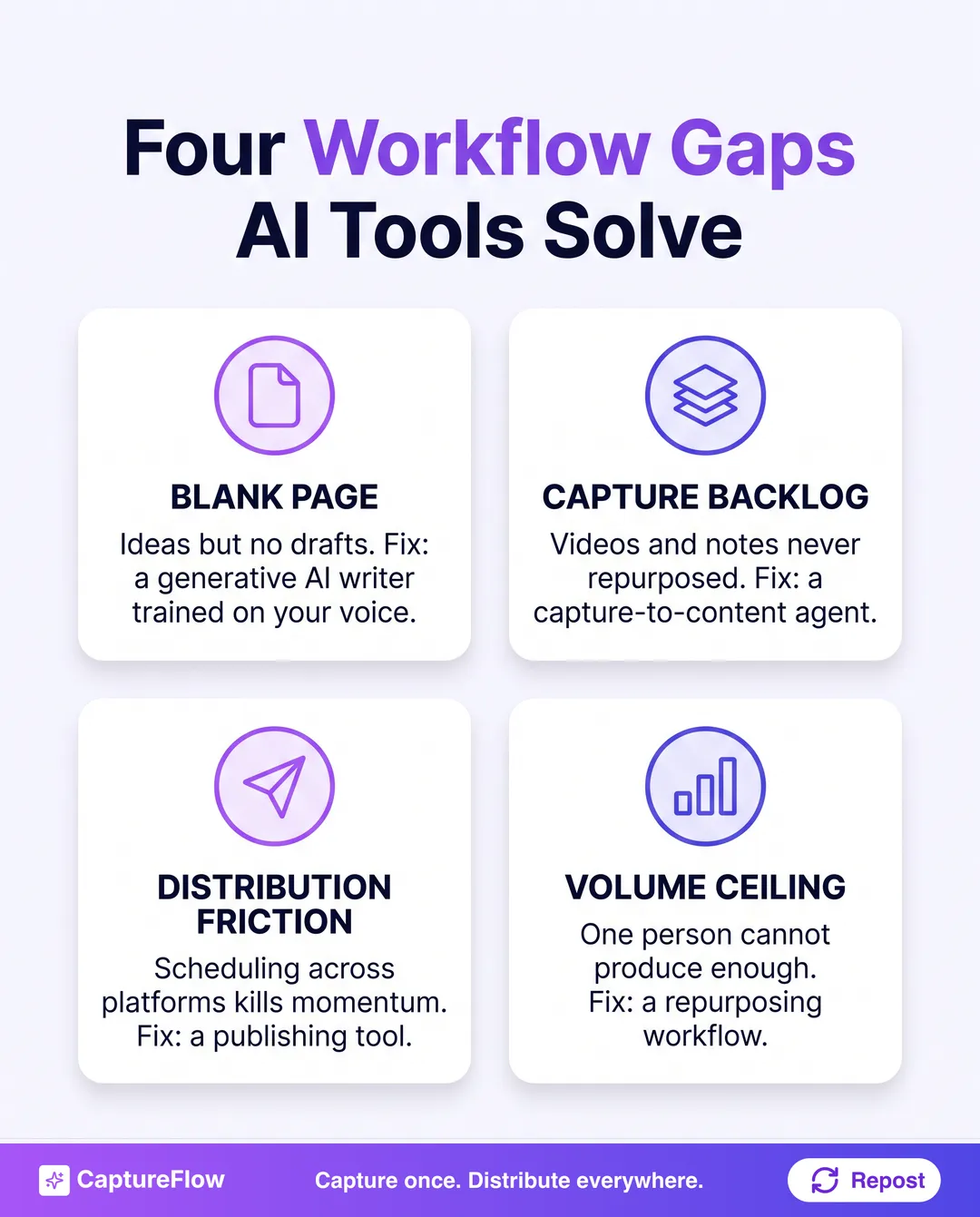
The four workflow gaps AI tools actually solve
| Gap | Symptom | Right tool category |
|---|---|---|
| Blank page | You have ideas but cannot start drafts | Generative AI writer (trained on your voice) |
| Capture backlog | You create content (videos, calls, notes) but never repurpose it | Capture-to-content agent |
| Distribution friction | You write posts but scheduling across platforms kills momentum | Multi-platform publishing tool |
| Volume ceiling | One person cannot produce enough content for the audience | Repurposing and atomization workflow |
Most founders and small teams are stuck on the capture backlog and volume ceiling at the same time. They have recordings, meeting notes, and ideas sitting unused because converting them to publishable content takes too long. That is the gap to solve first. A clear content strategy starts by naming that constraint, not by shopping for features.
Do not try to solve all four at once. Pick the gap costing you the most output right now. That is your starting point.
Step 2: Match the Tool Category to the Job
Once you know your gap, you can evaluate tools against clear criteria rather than a feature list. Here is how the main categories break down and what each one is actually good for. If you want to see how one platform maps to these jobs, compare CaptureFlow against the alternatives.
Generative AI writers
Tools in this category generate text from prompts. They are best for overcoming the blank page: drafting outlines, writing first versions of posts, generating headline variations, or producing copy from a brief.
The catch is voice. A generative AI writer with no context about your brand will produce generic output that reads like every other AI-generated post in your feed. The fix is training: feed it your past posts, your brand guidelines, and examples of writing you want to match. The more context you give it, the less editing you do on the back end.
Best for: founders and marketers who know what they want to say but spend too long getting it onto the page.
Capture-to-content agents
This category converts existing content (recordings, podcasts, meeting transcripts, voice notes, PDFs) into publish-ready posts. The workflow is: you speak or upload, the agent extracts the sharpest ideas, and drafts native content for each platform.
According to HubSpot, over 42% of marketers now use AI extensively for content creation, and another 38% use it occasionally. Repurposing is one of the fastest-growing use cases because it multiplies output without multiplying effort. One 20-minute recording can produce two weeks of posts.
This is the category CaptureFlow sits in. CaptureFlow is an AI content agent that turns your expertise into weeks of on-brand content for every platform. You capture one idea in minutes (a voice note, a video, a file, or a link), and it reshapes that into native content for each channel. See how the capture-to-content workflow works end to end.
Best for: founders, executives, and subject-matter experts who generate expertise constantly but rarely turn it into content.
Multi-platform publishing and scheduling tools
These handle distribution: formatting posts natively for each platform, scheduling at optimal times, and managing approval workflows. They do not create content. They move it.
The mistake is buying a scheduling tool when you have a creation problem. If you do not have a consistent stream of content ready to publish, a scheduler just adds another inbox to ignore.
Best for: teams that already produce content consistently and need to remove the operational overhead of cross-platform distribution.
Repurposing and atomization tools
These take a long-form piece (a blog post, a webinar, a podcast episode) and break it into shorter-form assets: social clips, quote images, carousels, infographics. The value is format diversification without starting from scratch.
For a deeper breakdown of which tools do each of these jobs best, see 7 Best AI Content Tools for Marketing Teams and 9 Best AI Content Tools for Founders.
Step 3: Train the Tool on Your Voice
This is the step most people skip, and it is why their AI content sounds generic. An AI tool with no brand context will write in the average voice of everything it was trained on. That average voice belongs to no one.
Training is not complicated. It is a matter of giving the tool enough signal to work from.
What to feed it
- Past posts and content: pull 20 to 30 examples of writing you are proud of. These are the baseline. The AI learns your sentence length, your level of formality, the phrases you use, and the ones you never use.
- Brand voice document: write down your rules explicitly. What words do you avoid? What tone do you use? What is the one thing your content always does (leads with a problem, ends with a specific CTA, uses second-person address)?
- Audience language: the phrases your customers use in their own words. Pull these from sales calls, support tickets, reviews, or LinkedIn comments. Content that echoes your audience's language resonates more than content that sounds polished but foreign.
- Content you hate: examples of the writing you want to avoid. This negative signal is underrated. Showing the AI what you do not want is as useful as showing it what you do.
The test before you publish
Run this check before any AI-drafted content goes live:
- Read it aloud. Does it sound like you, or does it sound like a press release?
- Remove any sentence that starts with "In today's fast-paced world" or equivalent filler.
- Check for hedging: "potentially," "might," "could be." Replace with direct statements.
- Confirm the specific claim or insight in each paragraph. If a paragraph has no specific point, cut it.
If you cannot tell whether a human or an AI wrote it, the AI did not have enough context. Add more training material and run it again.
The output quality from a well-trained AI tool is not "pretty good for AI." It is close to your best work, produced in a fraction of the time.
Step 4: Build a Repeatable Capture System
The biggest hidden cost in content is not writing. It is the decision of what to write about. Teams that rely on inspiration for topics will always be inconsistent. Teams that build a capture system never run out of material.
A capture system is a habit of collecting raw material as you work. Not ideas. Raw material: opinions you form in meetings, questions customers ask on calls, frameworks you explain to prospects, observations you make reading the news. This is your expertise, captured in real time before it evaporates.
How to set up a capture habit
The system does not need to be complex. It needs to be frictionless.
- Voice notes: the fastest capture method. A 90-second voice note after a customer call captures more useful content than an hour of brainstorming later.
- Meeting recordings: if you are already recording sales calls, demos, or team standups, you are sitting on a library of content. The AI tool processes the transcript and surfaces the insights worth publishing.
- URL drops: when you read something that triggers a strong reaction (agreement or disagreement), drop the link into your content system with a one-sentence note on your take. That reaction is the content.
- File uploads: decks, proposals, and reports you already created contain expertise you have never distributed publicly. Upload them and let the AI extract the publishable angles.
The capture-to-publish workflow
The sequence that works for most founders and small teams:
- Capture raw material throughout the week (voice notes, recordings, links, files).
- Batch-process captures once or twice per week: the AI tool drafts posts from each capture.
- Review and edit drafts in one sitting (30 to 45 minutes covers a full week of content).
- Schedule posts for the week ahead.
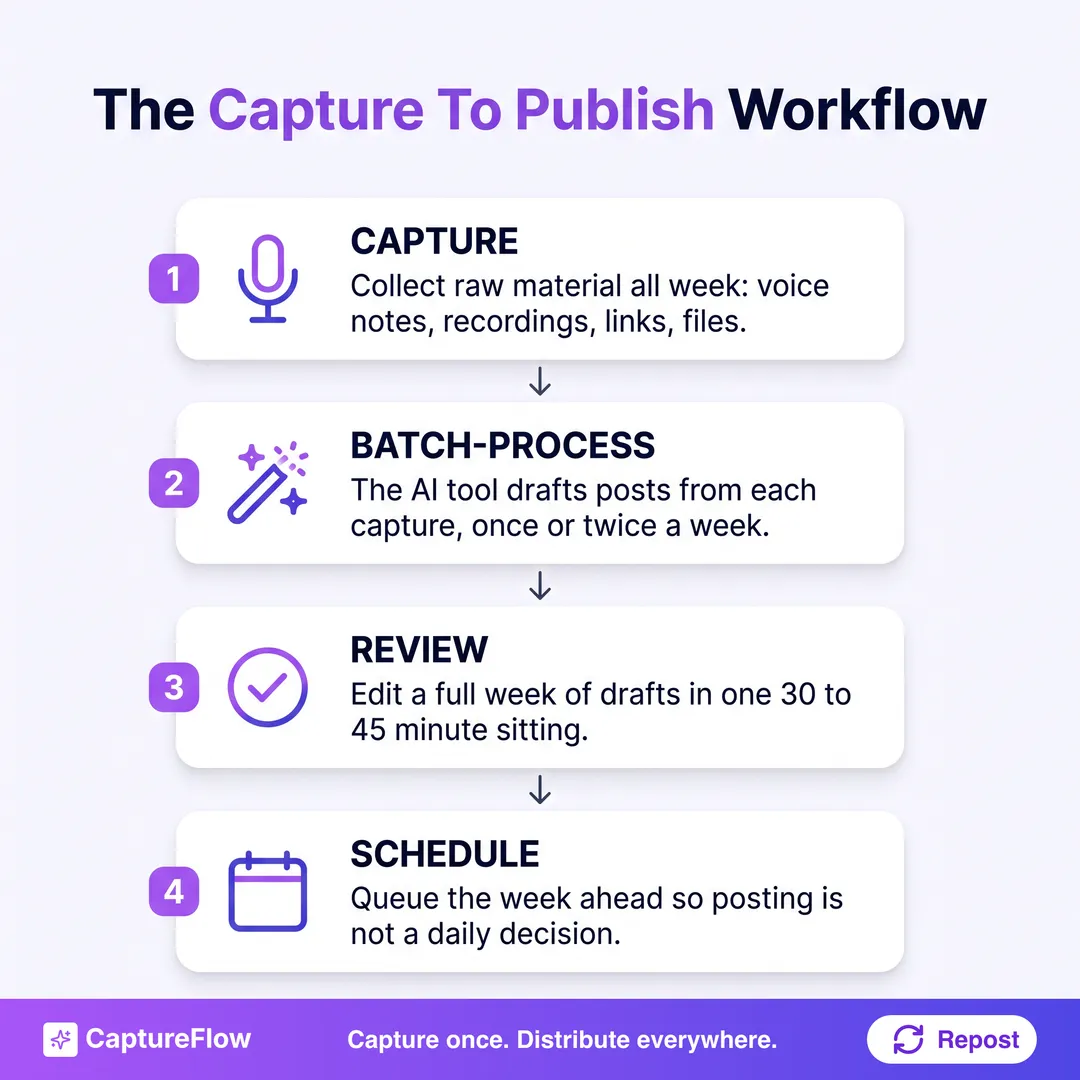
This is the system that turns "I do not have time to post" into a week of content produced in under an hour. The AI handles the conversion. You handle the judgment calls.
The real bottleneck is not writing speed. It is capture frequency. The more raw material you feed the system, the more your output compounds over time.
Step 5: Distribute Natively Across Platforms
One of the most common distribution mistakes is writing one post and copying it across every platform unchanged. The same content that performs on LinkedIn will underperform on X and look out of place on Instagram. Each platform has its own format, character limits, tone expectations, and audience behavior.
Native distribution means adapting content to each platform rather than broadcasting the same thing everywhere.
Platform-specific formatting rules
| Platform | What works | What to avoid |
|---|---|---|
| Long-form text posts, carousels, a strong opening hook, line breaks | Dense paragraphs, no white space, sales-heavy language | |
| X | Short punchy takes, threads for longer ideas, replies and quotes | Repasting LinkedIn posts verbatim |
| Visual-first: carousels, quote images, short captions | Text-heavy posts without a strong visual | |
| TikTok and YouTube Shorts | Talking-head clips, fast pacing, a direct opening | Long intros, slow build-ups |
A well-configured AI content tool handles this formatting layer automatically. You produce the idea once; the tool formats it natively for each channel. That is the distribution leverage that makes "capture once, distribute everywhere" a real workflow rather than a slogan.
Scheduling and consistency
Consistency matters more than frequency. Posting three times per week, every week, compounds faster than posting daily for two weeks and then going quiet for a month. The LinkedIn algorithm rewards accounts that post consistently, not accounts that post constantly.
Build your schedule around what you can sustain. Batch your drafts weekly. Schedule everything in advance so distribution is not a daily decision.
Step 6: Measure What Actually Matters
Here is the measurement gap that defines AI content in 2026: most content marketers use AI tools daily, but only a fraction track AI-specific KPIs. Most teams measure vanity metrics (impressions, likes) rather than the outputs that connect to business outcomes.
The organizations that close this gap see materially better content ROI. That is not a marginal improvement. It is the difference between a content program that pays for itself and one that is always fighting for budget.
The metrics that matter
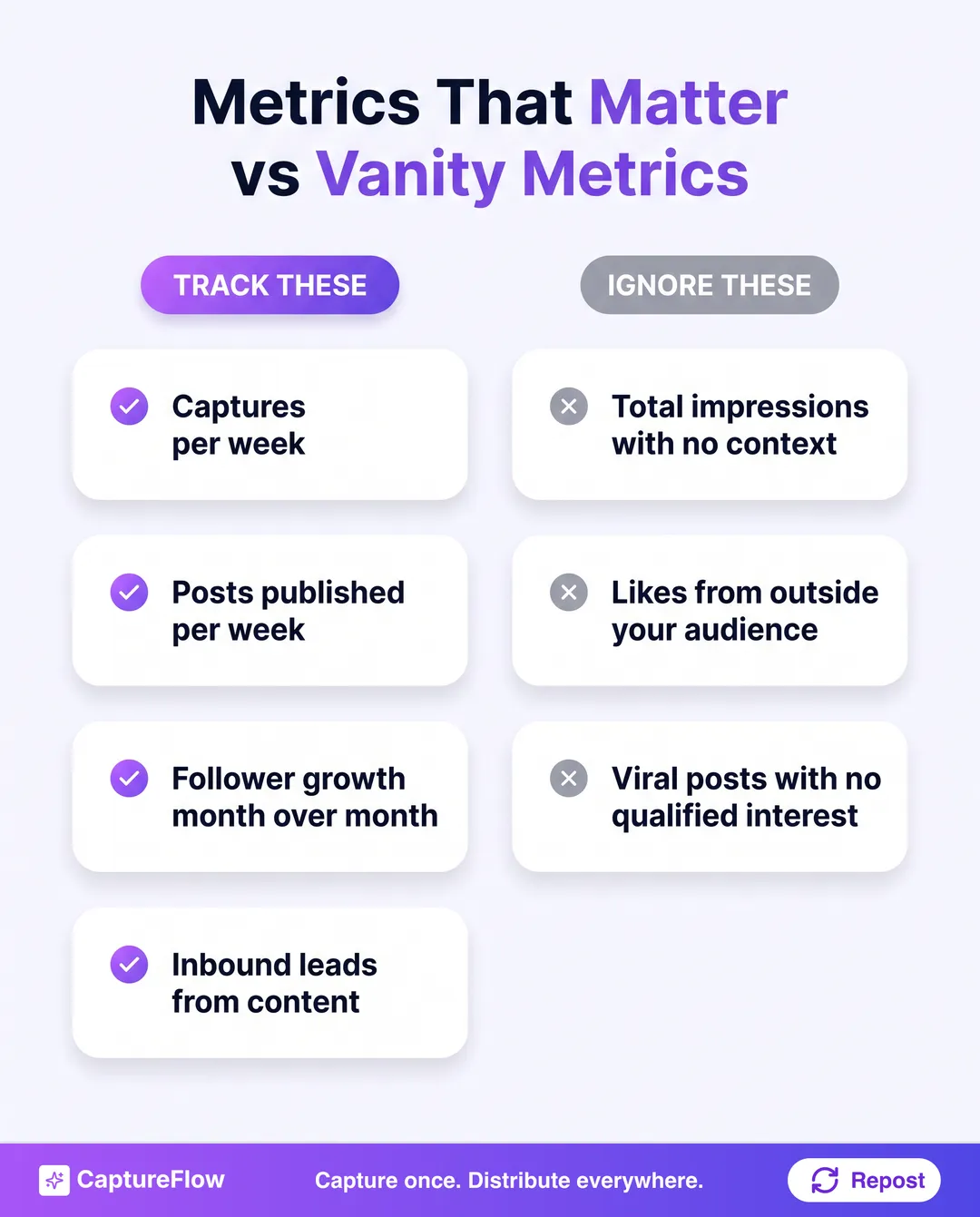
Track these in two layers.
Output metrics (are you actually using the system?):
- Number of captures per week.
- Number of posts published per week.
- Time from capture to published post.
Outcome metrics (is the content doing anything?):
- Follower growth rate, month over month.
- Inbound leads attributed to content.
- Engagement rate per post, not total impressions.
- Profile views and connection requests from your target audience.
What to ignore: total impressions without context, likes from people outside your target audience, and viral posts that did not drive any qualified interest.
The 90-day review
At 90 days, run a simple audit:
- Which five posts generated the most meaningful engagement (comments, DMs, inbound leads)?
- What did those posts have in common (format, topic, tone, length)?
- What types of captures generated the best content?
Feed those answers back into your system. The AI tool gets better as you give it more signal. Your capture habits improve as you understand which raw material converts. The system compounds.
The real measure of an AI content tool is not how much content it produces. It is whether the content produces anything for your business.
The Most Common Mistakes (and How to Avoid Them)
Even with the right tool and the right workflow, a few predictable mistakes will kill your results. Here are the ones that show up most often.
Treating AI output as final
AI drafts are a starting point, not a finished product. The teams seeing the best results use a hybrid approach: AI for speed and structure, humans for judgment and tone. Hybrid workflows consistently outproduce purely manual processes, and they beat the quality of purely automated ones.
Review every draft before it publishes. The edit does not need to be extensive. It needs to be intentional.
Automating everything at once
The instinct to automate every step of the content workflow immediately is understandable but counterproductive. Start with the one constraint costing you the most output. Get that working before adding the next layer. Teams that try to automate capture, creation, distribution, and analytics all at once end up with a complex system that nobody uses.
Buying the AI claim instead of the fit
Every tool in this space claims to use AI. The relevant question is not whether it uses AI. It is whether the AI was trained on behavior that matches your use case. A tool built for e-commerce content will produce different output than one built for B2B thought leadership, regardless of what the homepage says.
Ask for a live demo on your own content. If a vendor will not show you unpolished output on real material, that tells you something.
Ignoring voice training
Covered in Step 3, but worth repeating: the single biggest lever for AI content quality is the amount of brand context you give the tool. A generic prompt produces generic output. A tool trained on 30 of your best posts, your voice document, and your audience language produces content that sounds like you wrote it on a good day.
The fix for most AI content disappointments is not a different tool. It is more training data for the tool you already have.
Start With One Capture This Week
You do not need a perfect system on day one. You need one capture.
Record a 90-second voice note after your next customer call. Upload the transcript from your last team meeting. Drop the link to an article you disagreed with and write one sentence on why. That is the raw material. The system builds from there.
The teams producing consistent, on-brand content with AI tools are not doing something technically complicated. They built a capture habit, picked a tool that converts captures into drafts, trained it on their voice, and showed up every week to review and publish. That is the whole system.
Your expertise is already the content. The AI tool is what gets it out of your head and onto every platform your audience uses. If you want that whole loop in one place, see how CaptureFlow fits your flow.
Sources
- HubSpot: AI tools for B2B marketing. Over 42% of marketers use AI extensively for content creation, another 38% occasionally.
- LinkedIn Marketing. Platform guidance on consistent posting and reach.
Frequently asked questions
What is the best way to use AI content tools?+
Start with the workflow gap, not the tool. Decide whether you need help with blank-page drafting, content capture, repurposing, or distribution, then choose the tool category that solves that specific bottleneck.
How do you make AI content sound like your brand?+
Train it on your past posts, brand voice rules, audience language, and examples of content you do not want. The more clear signal you give the tool, the less generic the output becomes and the less editing you need later.
Should AI content tools replace human writers?+
No. They work best as augmentation. AI should handle speed, structure, and repurposing, while humans handle judgment, voice, and final editorial decisions.
What kind of content should you feed an AI tool?+
Start with 20 to 30 strong examples of your own writing, plus brand guidelines, audience language from calls or comments, and negative examples of what to avoid. That mix teaches tone, structure, and preferences.
How do you measure success with AI content tools?+
Track output metrics like captures per week, posts published, and time from capture to publish, then outcome metrics like follower growth, inbound leads, and engagement from the right audience.
Chris is the founder and CEO of CaptureFlow, which he builds so founders can turn their expertise into content without hiring a team. After 10+ years building products and growing audiences from scratch, he writes about founder-led content, AI, and distribution from inside the problem he is solving: distributing consistent, on-brand content as a team of one.
Founder & CEO of CaptureFlow · 10+ years building products and audiences
One playbook a week from founders who actually create and distribute lots of content. No spam, unsubscribe anytime.
Keep reading

AI Content Creation: The Complete Guide for Founders
Anyone can generate content with AI now. That is exactly the problem. Here is how founders create content with AI that still sounds like them.

9 Best AI Content Tools for Founders in 2026: Honestly Ranked
You do not have a marketing team. You have a company to run and a feed to fill. Here are the 9 best AI content tools for founders in 2026, ranked honestly by the job.

How to Scale Content With AI Without Losing Your Brand Voice
The fastest way to make your brand sound like everyone else is to scale content with generic AI. Here is how a team scales output and keeps one voice.